


Cannot set font-weight of web-extension's setting

I am using Firefox 57.0b3 with some web-extensions on windows 7. After install the web-extension, namely tree style tab, I found the tab title in sidebar and the settings in add-on manager of this extension using bold font. It should using normal font as default.
Finally, I found firefox use the font setting of 'active window title bar' as default for the setting page and sidebar. After set font weight of 'active window title bar' from bold to normal in control panel, every thing back to normal.
Wšykne wótegrona (2)
Attached images are screenshots of some web-extensions using bold font.
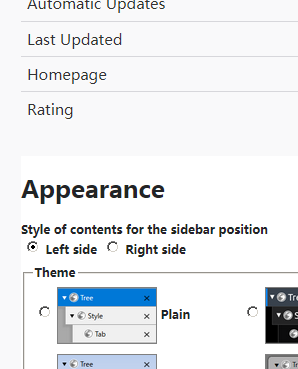
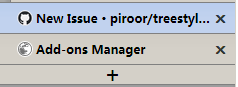
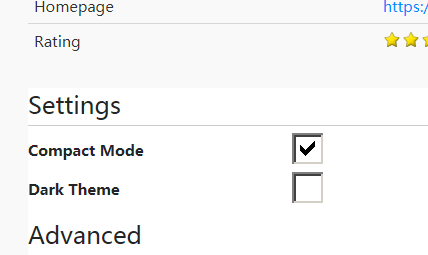
After some discuss in https://github.com/piroor/treestyletab/issues/1379, It seems this is the design behavior.
quote from the discuss: "caption" system font is applied as the default font in addon contents. https://dxr.mozilla.org/mozilla-central/source/browser/components/extensions/extension.css?q=file%3Aextension.css&redirect_type=single#13