


Not Able to See Add Exception Button

Hi ,
in Latest firefox version - 55.0.3 (64-bit), i am not able to see "Add Exception" button so how can i add exception
Please help me to resolve this error, it's coming for google also
Thanks
Wšykne wótegrona (8)
hi, you should never set an exception for a well-known site like google, but address the source of the problem - likely something on your system/network is intercepting encrypted connections.
first please make sure that the date, time & timezone are set correctly set correctly on your system. if this doesn't solve the issue (or it is already set properly), a solution depends on the individual circumstances:
- what is the error code shown when you click on advanced on that error page?
- please also give us more information about the error by clicking on the error code, copying the text to the clipboard and then pasting it here into a reply in the forum.
thank you!
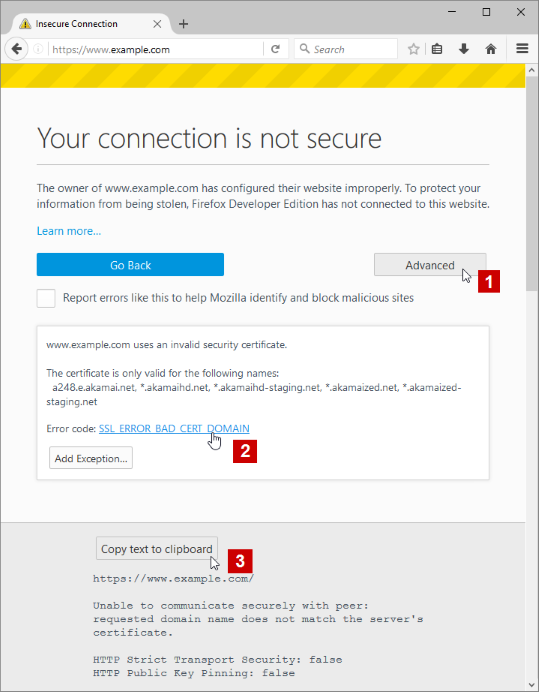
my system time zone and every thing is set correctly, and the same google is working fine from chrome so i hope there is no issue with network as well.Please check screen shot related to error code
Thanks
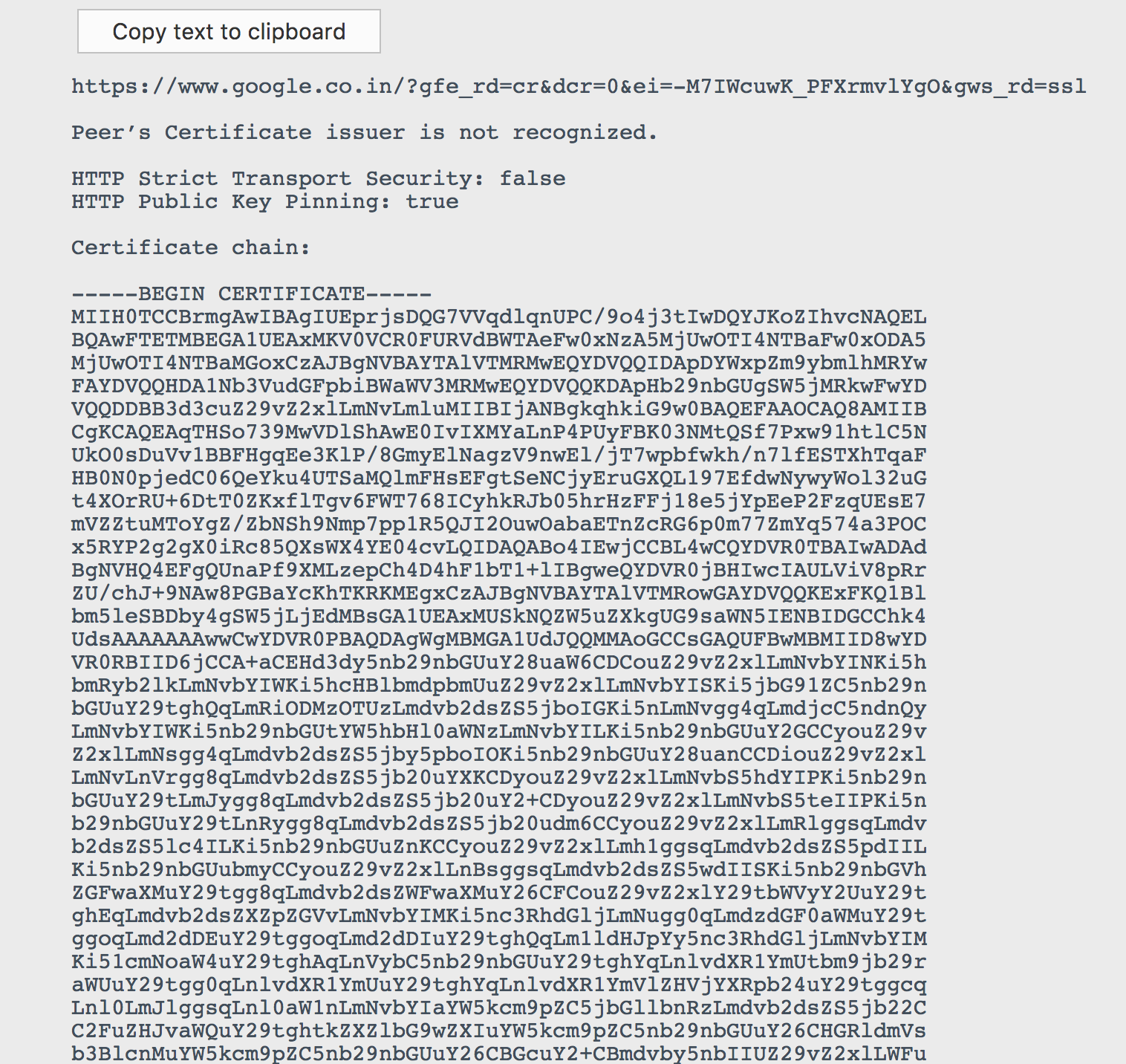
please copy/paste the error in text form. (transcribing the information from the picture would be a hassle)
https://www.google.co.in/?gfe_rd=cr&dcr=0&ei=TtDIWeCFL-zFXoeRttgF&gws_rd=ssl
Peer’s Certificate issuer is not recognized.
XXXXXXXXXXXXXXXXXXXX certificate from my company
Wót prasad126 změnjony
thanks, the certificate seems to come from
Issuer 	CN = <redacted>
Subject 	CN = WEBGATEWAY
... which is obviously not the genuine certificate authority that google is using. are you within a corporate environment?
Wót philipp změnjony
yes, so how to add this certificate
it's certificate given by corporate company
can you try to import it similar to how jscher has described it here?: https://support.mozilla.org/en-US/questions/1068675#answer-745280