


the font in mozilla firefox is weird

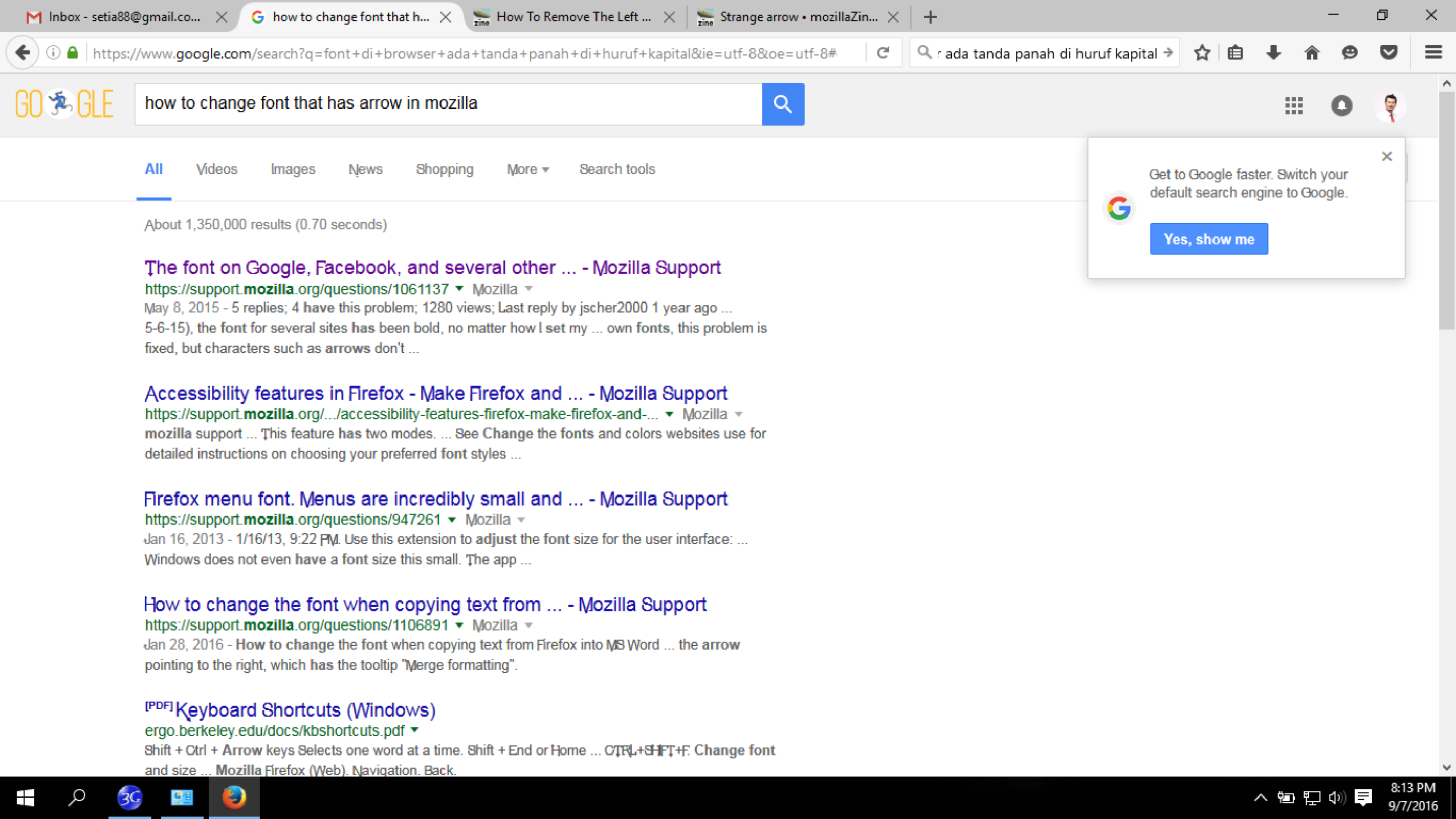
I have a problem with the font in mozilla firefox. I attached the weird things.
Wšykne wótegrona (2)
Hi,
Undoubtedly you will already have tried this, but just in case you haven't:
3-bar menu > Options > Content > Fonts and colors
And I found this article for you: http://mzl.la/1xKrygz
Let is know how you are getting on !
Hi again,
This may have nothing to do with your problem, but just in case:
have you tried Firefox's zoom feature? It will let you enlarge, reduce or reset the size of a webpage or any other content displayed on your screen. The zoom feature affects all displayed content.
- To enlarge the size of the displayed content, press both keys Ctrl and + at the same time.
- To reduce the size of the displayed content, press Ctrl and - at the same time.
- To reset the size back to default, press Ctrl and 0 at the same time.
You can also use the NoSquint add-on to simultaneously change the default zoom level for all websites. After setting your global zoom level, you can still fine-tune the zoom on individual sites.
Using NoSquint:
- After installing NoSquint, make sure that the Add-on Bar is displayed on your Firefox:
- Right-click on the new tab button ("+") or
- Right-click in the blank area of the tab bar to the right of it.
- Choose „Add-on Bar” from the shortcut menu.
- Click on the % value shown on the Add-on Bar to call up the Site Settings, then click the Global Settings button, then the Zooming tab.
- You can experiment with sizes larger than 125%, but it is not recommended to go higher than 150% unless you have a large high-resolution monitor.
If there are particular sites that still present a problem, feel free to post their URLs.