


Thunderbird not downloading emails from Outlook.com

I recently re-installed Thunderbird and tried configuring it for use with Outlook.com using IMAP. I configured everything as in the instructions. It works fine for a few messages, on my main account then it simply stops and starts giving me error 9 messages. Any other accounts are seem to be fine in both receiving and sending emails. The main account also seems to be able to send mail, even though it gives me an error message when I try to send, but the mail is sent through and received.
I'm not sure if the is due to the large amount of email on the server ( a little over 8K) of if there is something else going on. I tried re-configuring, and re-installing it but nothing seems to fix it. I know there are emails that are not getting downloaded by checking the same accounts on Live Mail and webmail.
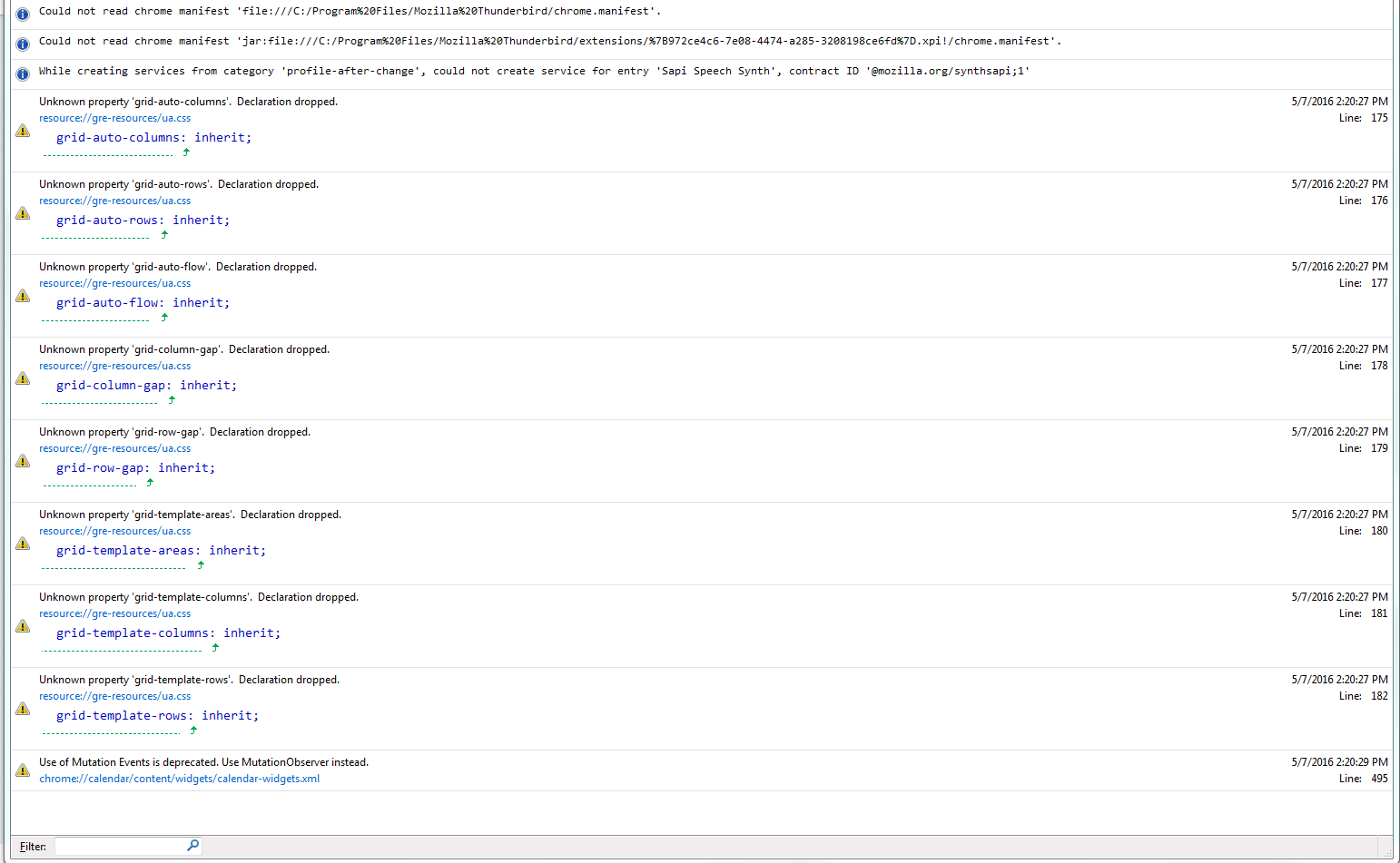
I'm running Win 7. On this new install, I have no plug-ins or add-ons installed.Also, when I check the error console I get the following messages which I included a snapshot of, since I could not figure out a way to print the console log.
I was wondering if anyone has any suggestions that could help me get Thunderbird up and running on that main account. Thanks in advance.
Wšykne wótegrona (2)
There's a report here about 'error 9': http://www.neowin.net/news/microsoft-trying-to-fix-issues-with-outlookcoms-new-imap-support Says that Outlook are 'looking into it'. But that was in 2013, I'd expect it to be fixed now. You have your account set up as IMAP?
Yes, it's set as IMAP and I followed all the instructions on how to do it. Not sure if I should try to manually set it up instead of taking the automatic option.