


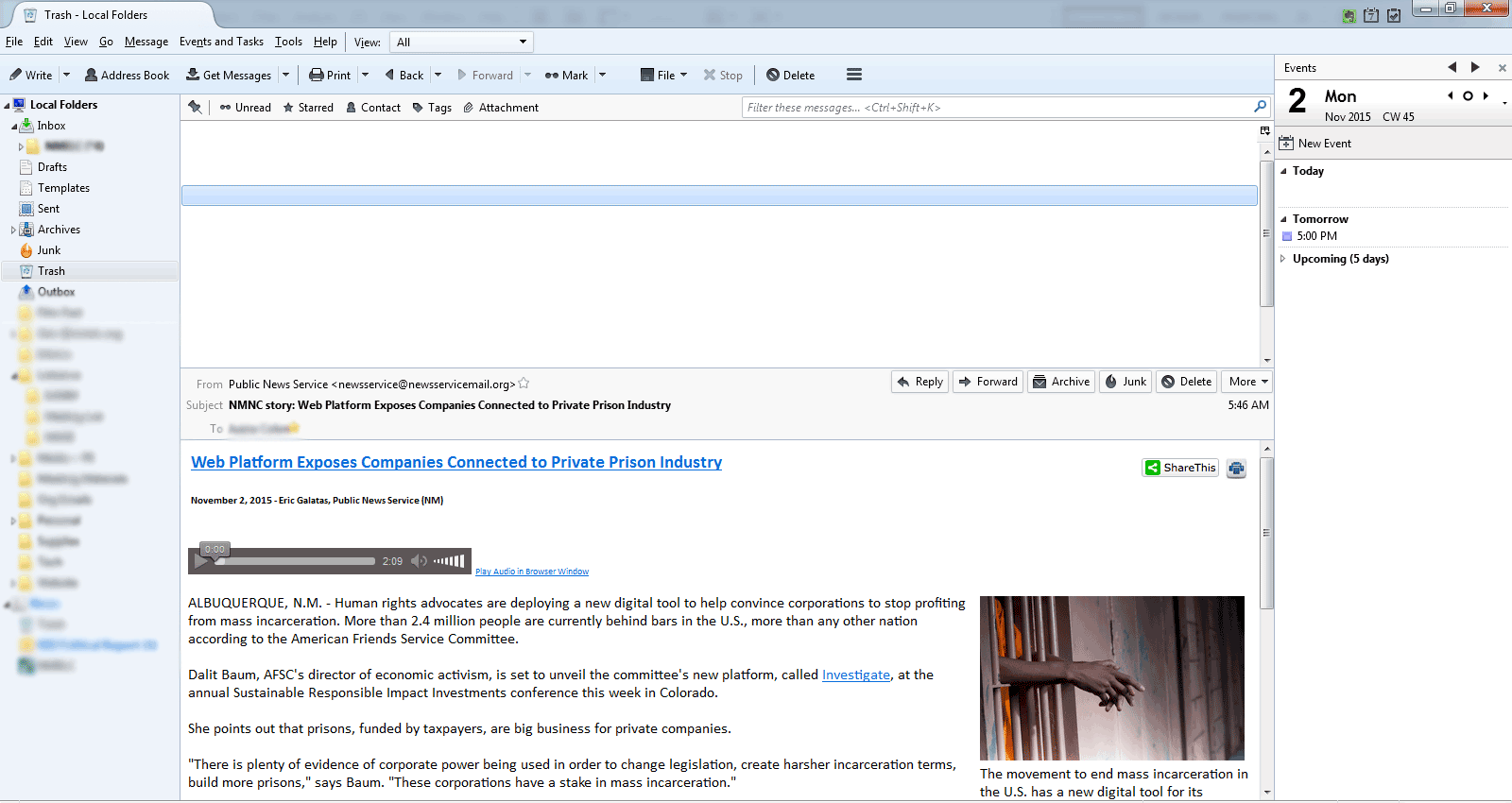
Why does it look like my folder has no email, but if I select it above i can see it in the preview pane?

Two of my folders look like they are empty, but if I click around, the emails are there, you just can't see the sender, date, subject above the preview pane. If i click and "invisible" email, I can see the whole email in the preview pane.
My trash folder was doing this for a while, and now another folder is doing the same thing.
Thanks.
Wubrane rozwězanje
select the folder to show the 'invisible list' Click on the far right icon which shows you available 'column headers' and select 'reset columns to default'. see image below as an aid.
Toś to wótegrono w konteksće cytaś 👍 2Wšykne wótegrona (3)
Right click the problem folder and select Properties. Then Repair Folder.
That didn't help. It did make all the emails new again, but I still can't see them.
Wubrane rozwězanje
select the folder to show the 'invisible list' Click on the far right icon which shows you available 'column headers' and select 'reset columns to default'. see image below as an aid.
