


How to fix this problem? Secure Connection Failed, SSL received a record with an incorrect Message Authentication Code. (Error code: ssl_error_bad_mac_read)

Secure Connection Failed SSL received a record with an incorrect Message Authentication Code. (Error code: ssl_error_bad_mac_read)
I have been receiving this error message recently when I tried to access school elearning websites and other school related websites, I have also tried on internet explorer and it shows page cannot be displayed. I have been trying the available solutions to solve it but none of them work. Is there alternative solutions available? Please advise. Thanks.
Ausgewählte Lösung
That link works fine for me. I'm not seeing any error message.
What are the connection settings?
- Tools > Options > Advanced > Network : Connection > Settings
- https://support.mozilla.org/kb/Options+window+-+Advanced+panel
If you do not need to use a proxy to connect to internet then try to select "No Proxy" if "Use the system proxy settings" or one of the others do not work properly.
See "Firefox connection settings":
Diese Antwort im Kontext lesen 👍 4
Alle Antworten (6)
Can you post a link to a publicly accessible page that doesn't require authentication (signing on)?
Can you reach this page via a normal http connection in case the server isn't set up properly?
You may have to use "Forget About This Site" to make Firefox use a http connection.
You can try to test if there is a problem with TLS by temporarily disabling TLS.
You can set the security.tls.version.min and security.tls.version.max prefs to 0 to disable TLS (0 means SSL3).
You may need to close and restart Firefox after changing these prefs.
security.tls.version.min = 0
security.tls.version.max = 0
- http://kb.mozillazine.org/security.tls.version.*
0 means SSL 3.0, 1 means TLS 1.0, 2 means TLS 1.1, etc.
Note that this is only meant as a quick test and you should reset the two prefs afterward.
Thank you for your advice, I've tried temporarily disabling TLS and restart Firefox but it didn't work.
Sorry, but may I ask you what do you mean by:
"Can you post a link to a publicly accessible page that doesn't require authentication (signing on)?
Can you reach this page via a normal http connection in case the server isn't set up properly?"
That is about the address (URL) of the website that you try to visit.
Then we can see if the problem occurs for us as well or only a problem on your side.
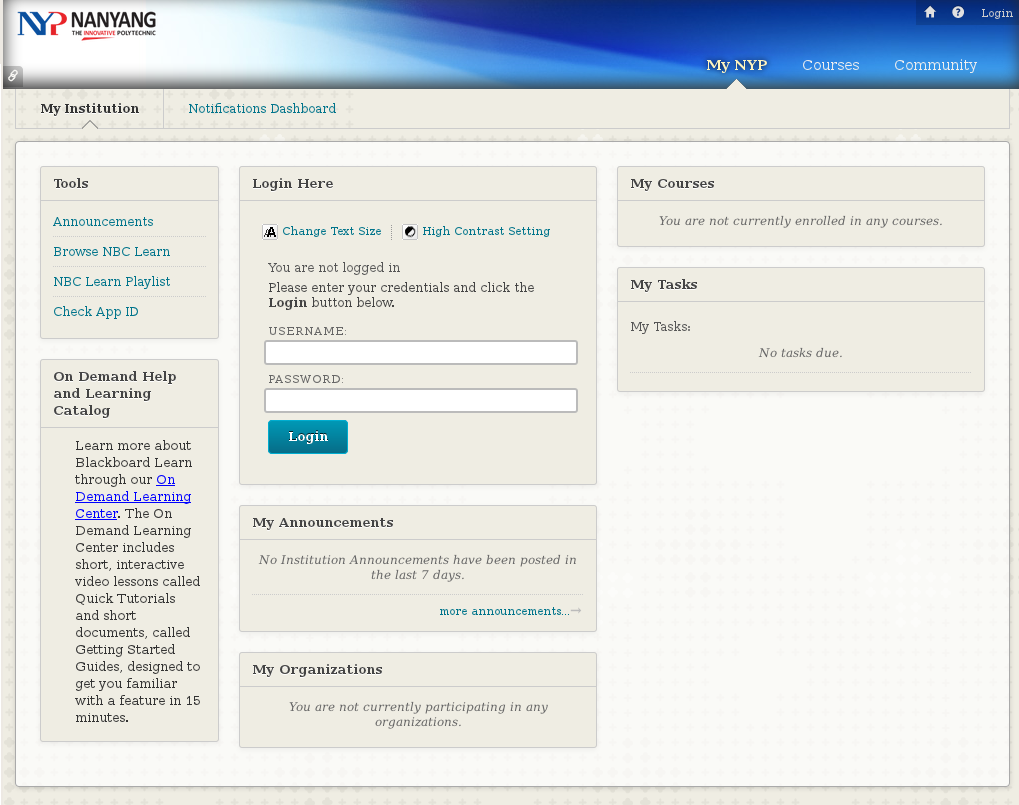
This is the link: https://learn.nyp.edu.sg/webapps/portal/frameset.jsp
I have also tried using another computer at home to access the link with Firefox but the same error message appeared.
Ausgewählte Lösung
That link works fine for me. I'm not seeing any error message.
What are the connection settings?
- Tools > Options > Advanced > Network : Connection > Settings
- https://support.mozilla.org/kb/Options+window+-+Advanced+panel
If you do not need to use a proxy to connect to internet then try to select "No Proxy" if "Use the system proxy settings" or one of the others do not work properly.
See "Firefox connection settings":
It works after I disabled IPv6 in Firefox. Thank you for your help :)