Windows 10 reached EOS (end of support) on October 14, 2025. If you are on Windows 10, see this article.

Hilfe durchsuchen

Vorsicht vor Support-Betrug: Wir fordern Sie niemals auf, eine Telefonnummer anzurufen, eine SMS an eine Telefonnummer zu senden oder persönliche Daten preiszugeben. Bitte melden Sie verdächtige Aktivitäten über die Funktion „Missbrauch melden“.

Weitere Informationen

Can't search single words with address bar

  • 2 Antworten
  • 27 haben dieses Problem
  • 174 Aufrufe
  • Letzte Antwort von cor-el
  • Archiviert

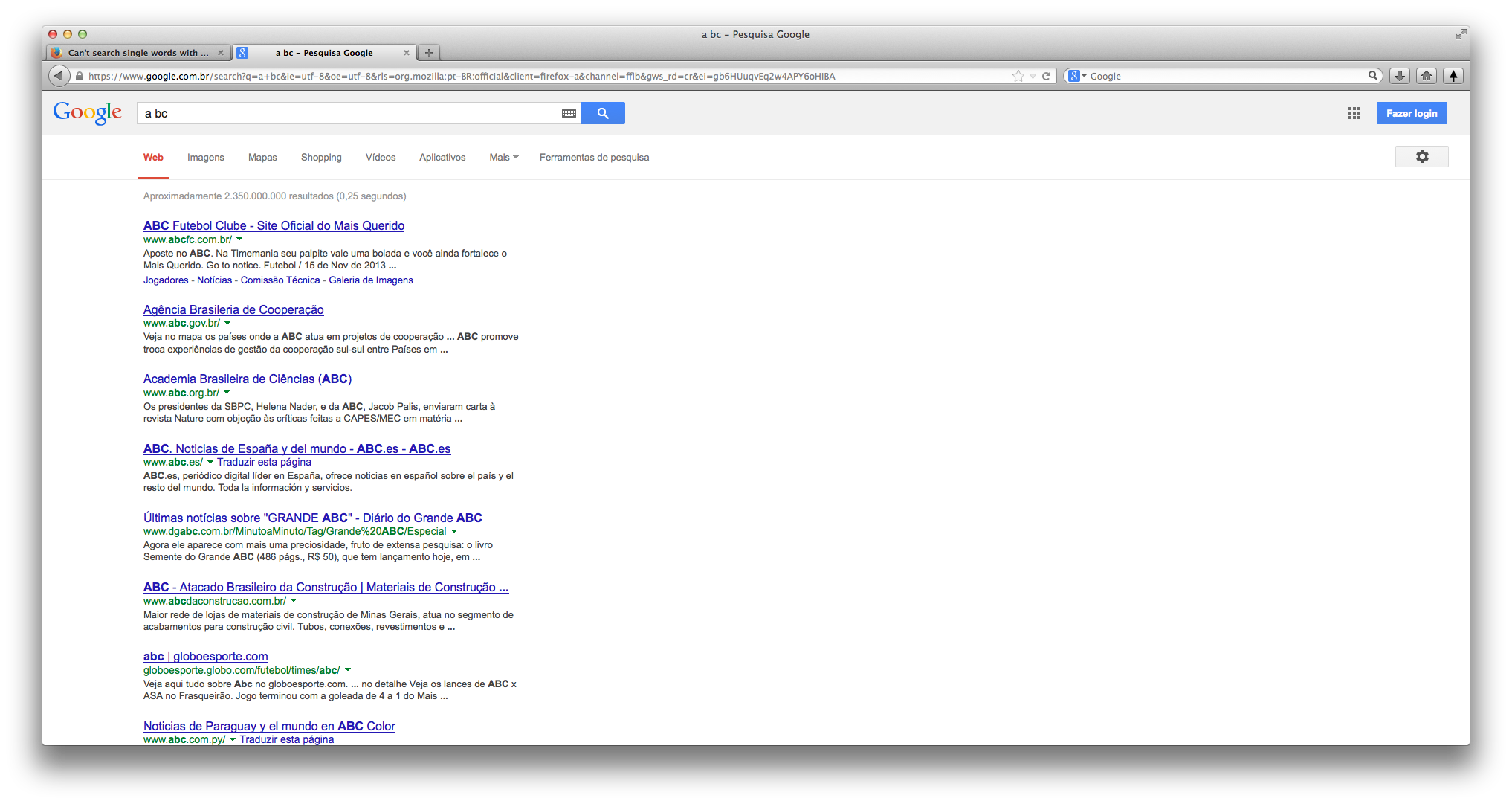
When I try to search 2 or more words directly from the address bar, it will show Google Search results, wich is what I want. But when I try to search a single-word query directly from the address bar, Firefox thinks it's a URL and doesn't search it on Google.

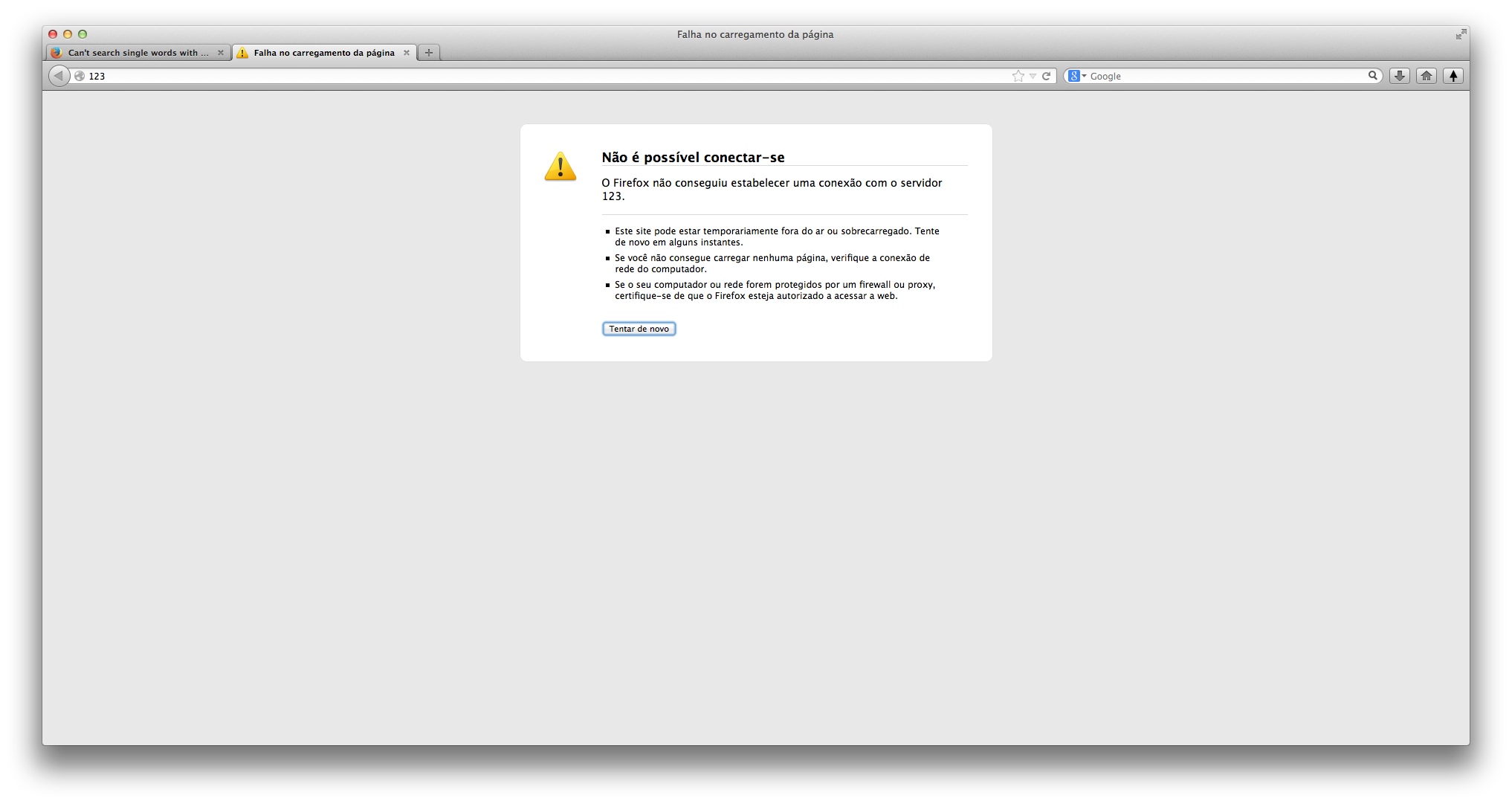
Example: when I press enter after typing 1 2 3 it will search on Google, but when typing 1 it will try to connect to a website wich address is "1"

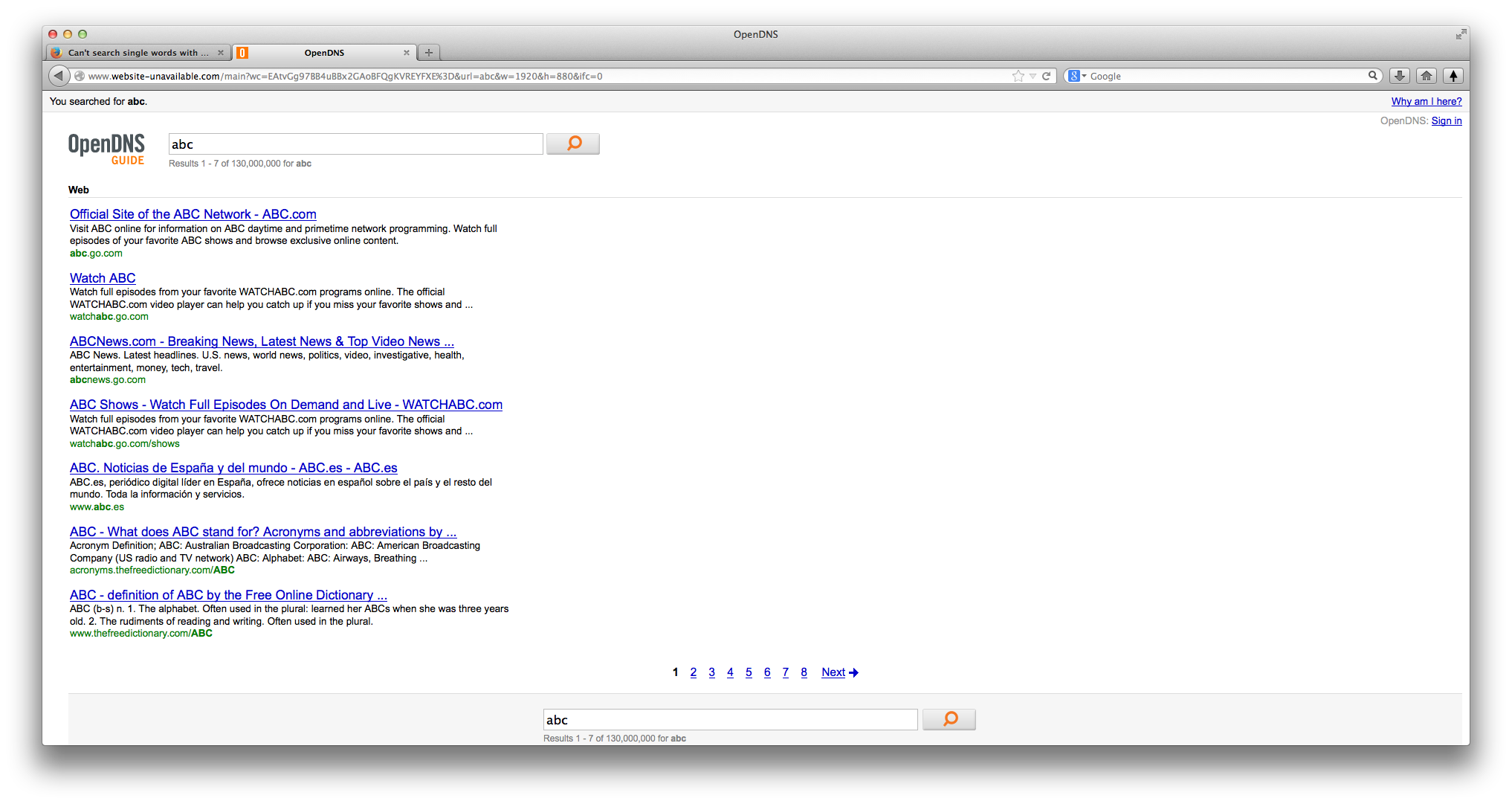
With numbers it will show a Firefox "Unable to Connect" error and when trying to search a single word with letters it will go to OpenDNS Guide (I'm using OpenDNS).

I have already tried to change keyword.URL, to disable browser.fixup.alternate.enabled, to reset search engines, but it hasn't worked. It only happens in Firefox. When doing the same in Chrome, Safari and Opera it will search on Google.

When I try to search 2 or more words directly from the address bar, it will show Google Search results, wich is what I want. But when I try to search a single-word query directly from the address bar, Firefox thinks it's a URL and doesn't search it on Google. Example: when I press enter after typing 1 2 3 it will search on Google, but when typing 1 it will try to connect to a website wich address is "1" With numbers it will show a Firefox "Unable to Connect" error and when trying to search a single word with letters it will go to OpenDNS Guide (I'm using OpenDNS). I have already tried to change keyword.URL, to disable browser.fixup.alternate.enabled, to reset search engines, but it hasn't worked. It only happens in Firefox. When doing the same in Chrome, Safari and Opera it will search on Google.

Alle Antworten (2)

You can use a (one letter) keyword search to ensure that Firefox does a search and doesn't threat the word as an URL.

You can either do that for existing search engines via the Manage Search Engines window or create a keyword bookmark.