


Certain text displays incorrect characters

Certain text displays incorrect characters, if i zoom out the text changes, and it can be read, but it not always works.... the same page vizualized in IE has no problems.
examples from another user http://i147.photobucket.com/albums/r290/itsonlyinsane/Picture%20hosting/Textdisplayerror.jpg http://i147.photobucket.com/albums/r290/itsonlyinsane/Picture%20hosting/textdisplayerror2.jpg http://i147.photobucket.com/albums/r290/itsonlyinsane/Picture%20hosting/Textdisplayerror3.jpg http://i147.photobucket.com/albums/r290/itsonlyinsane/Picture%20hosting/Textdisplayerror4.jpg
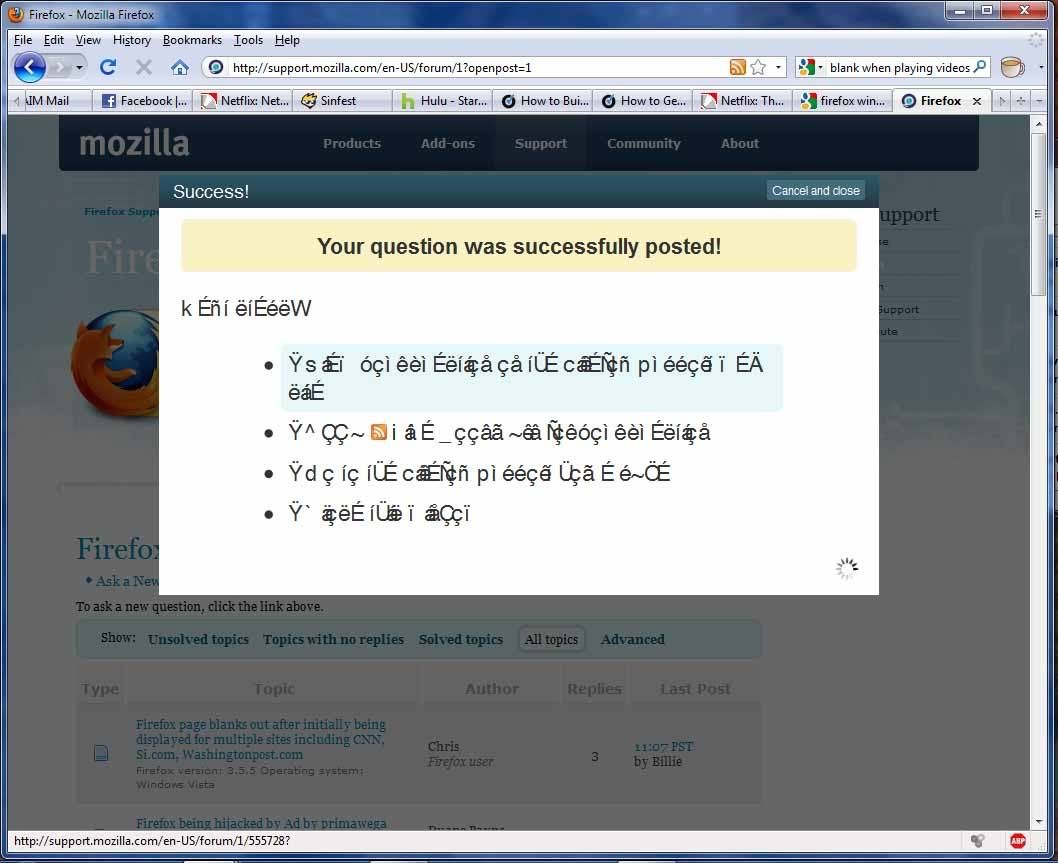

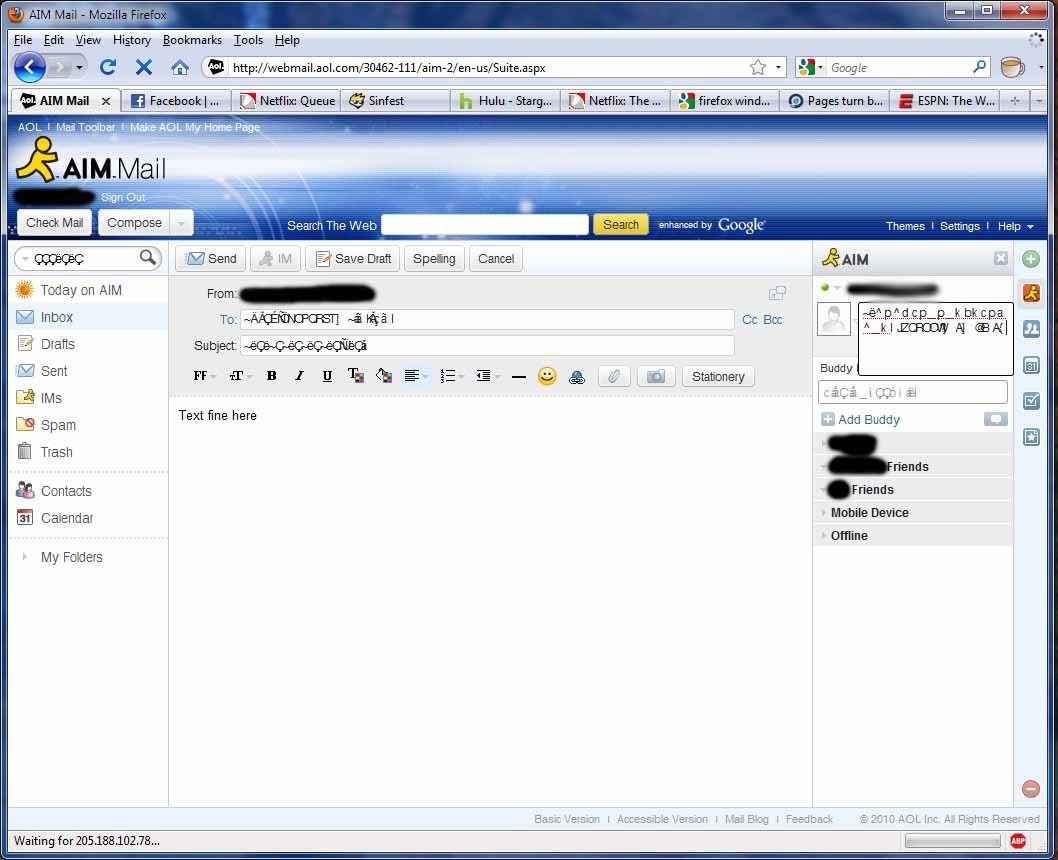
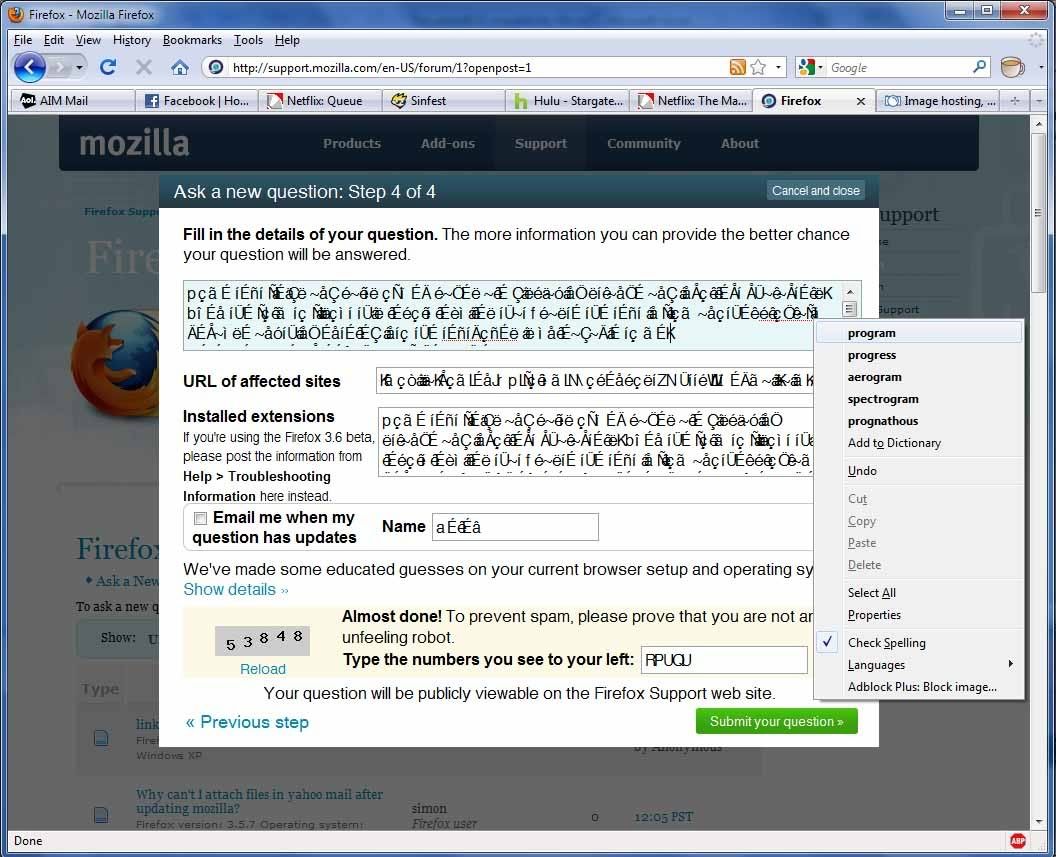
URL of affected sites
Alle Antworten (3)
This issue can be caused by the bitmap version of the Helvetica or Geneva font or another (bitmap) font that can't be displayed by Firefox in that font size. Firefox can't display that font in the specified size and displays gibberish instead. You can test that by zooming out (View > Zoom > Zoom Out, Ctrl -) to make the text smaller.
Uninstall (remove) all variants of that not working font to make Firefox use another font or find a True type version of that font that doesn't have the problem.
I have the same problem. How do I uninstall the non-working fonts?
i had to check them all and i found out it was a corrupted Helvetica font
after that everything went back to normal.
you have to go to fonts folder... in windows Control Panel\Appearance and Personalization\Fonts and manually erase it.
hope it works out.