


Where is Config Editor

Where is Config Editor
Ausgewählte Lösung
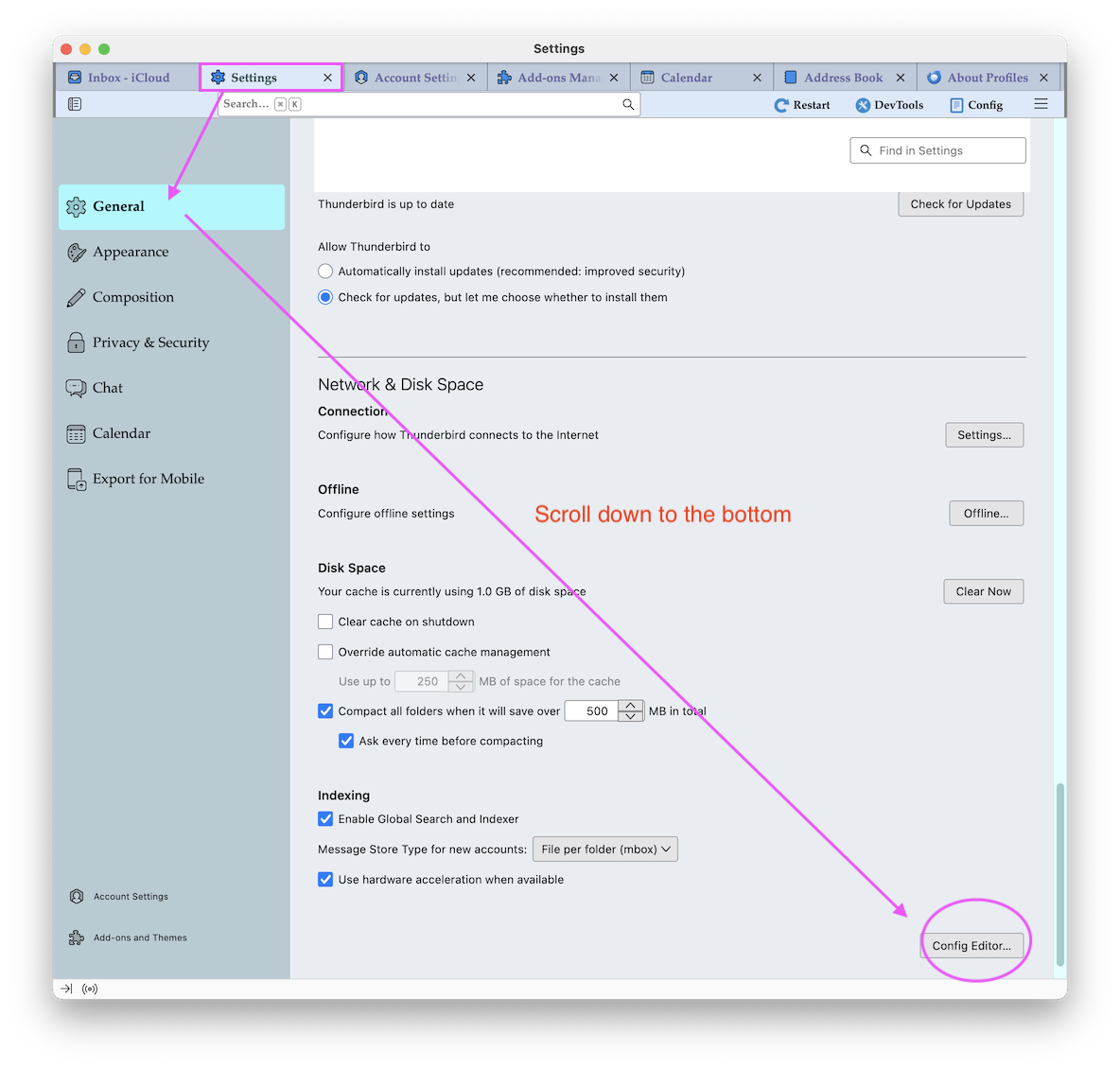
You didn't tell which Thunderbird version you are using. Anyhow, the Config Editor button is available in all Thunderbird versions. Here is a screen shot (see image) with the Config Editor button in my Thunderbird 151 version. If you are too lazy to go down all the way you can download the "Config Button" add-on https://services.addons.thunderbird.net/En-us/thunderbird/addon/config-button/ and install it via your Add-ons Manager. The "Config" button will then be displayed in Thunderbird toolbar.
Alle Antworten (7)
Click on the App ("Hambuger") button ≡ in the upper right corner > Settings > General and scroll to the bottom where you find the Config Editor
Config Editor does not appear in this version of Thunderbird.
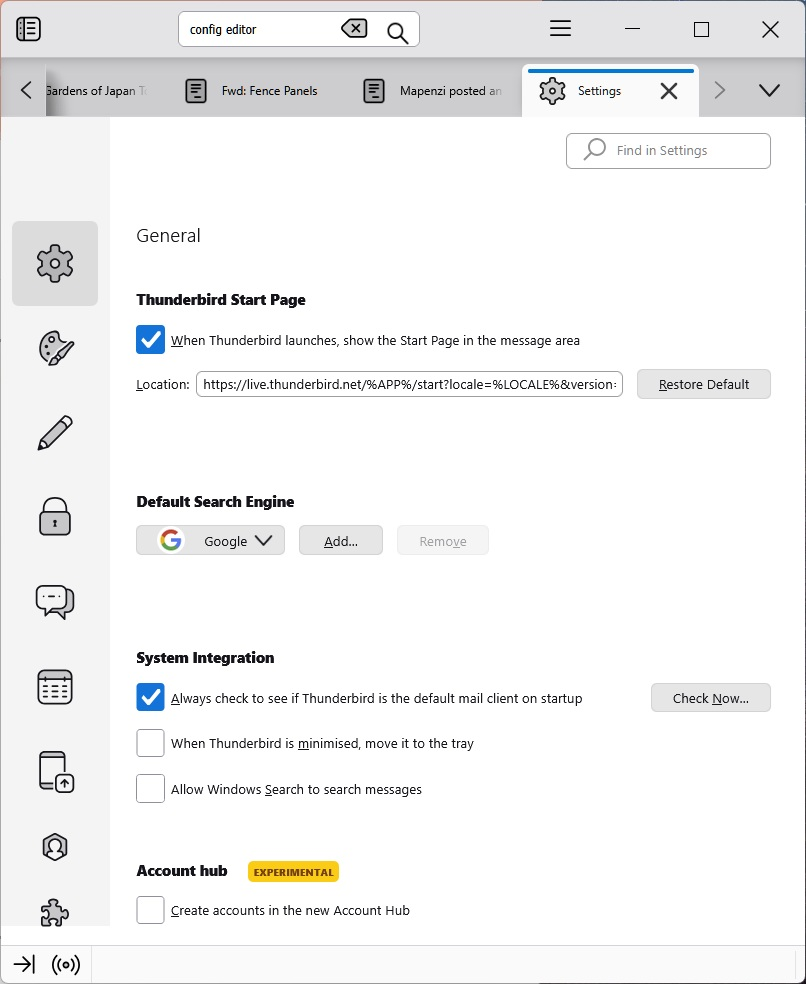
Config Editor does not appear in Settings>General in this version of Thunderbird.
Config Editor does not appear in Settings>General this version 140.11.0esr (64-bit) of Thunderbird.
Ausgewählte Lösung
You didn't tell which Thunderbird version you are using. Anyhow, the Config Editor button is available in all Thunderbird versions. Here is a screen shot (see image) with the Config Editor button in my Thunderbird 151 version. If you are too lazy to go down all the way you can download the "Config Button" add-on https://services.addons.thunderbird.net/En-us/thunderbird/addon/config-button/ and install it via your Add-ons Manager. The "Config" button will then be displayed in Thunderbird toolbar.
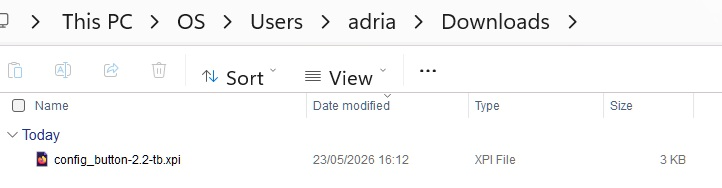
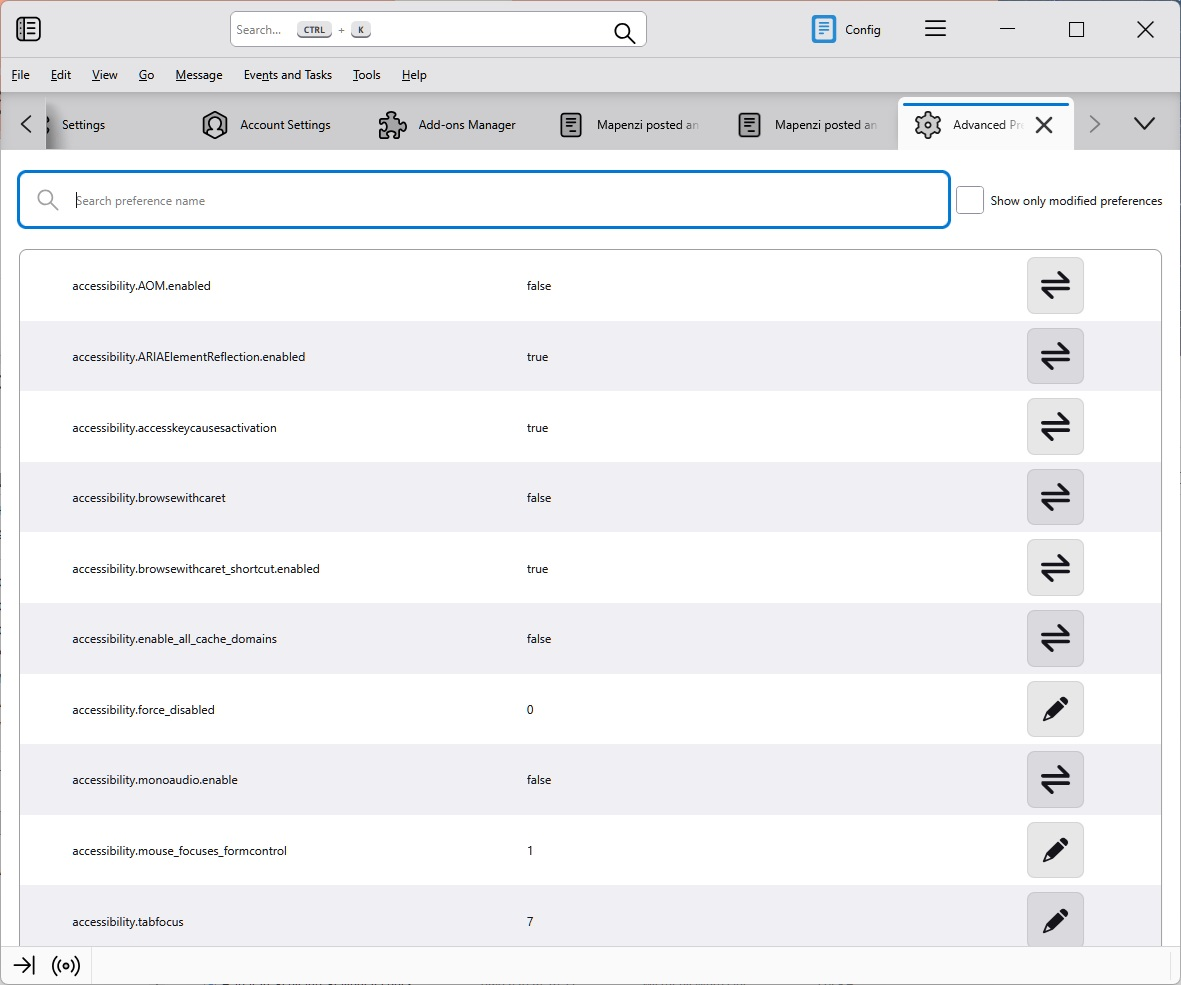
Mapenzi, thanks for your reply. I have downloaded and installed the install exe, and the Config Editor appears in the Menu Bar as you explained. The Config Editor still does not appear in Settings>General. In my previous response I showed an image of that page, and, although the scroll-bar didn't show in the image, I had scrolled down to the bottom. Anyway, from my point of view, I now have access to the Editor, so many thanks. Best regards Adrian Fisher

When I follow all the instructions, I get a page that says FORBIDDEN. What do I do now?