


Problem displaying unified folders: I don't see all the accounts. help"!

Hi, I've been using Thunderbird latest version for a few days. Too much I have a problem that is bothering me. I have 20 accounts and if I choose Unified Folders, on the six of Tunderbird I see only a part of the Accounts and precisely 14. To solve my problem I also used the "Unified Folder Debugging" add-on but it didn't solve the problem. Why do I have this problem? I would like to use Unified Folders but I can't do it because I don't have any Accounts. Thanks for some info.
Alle Antworten (5)
If you right click on a unified folder, click properties, and then click choose, do you then see all the accounts?
I don't know if I understand you well. If I right-click on a unified folder, I don't see PROPERTIES (Proprietà). I attach a pic.
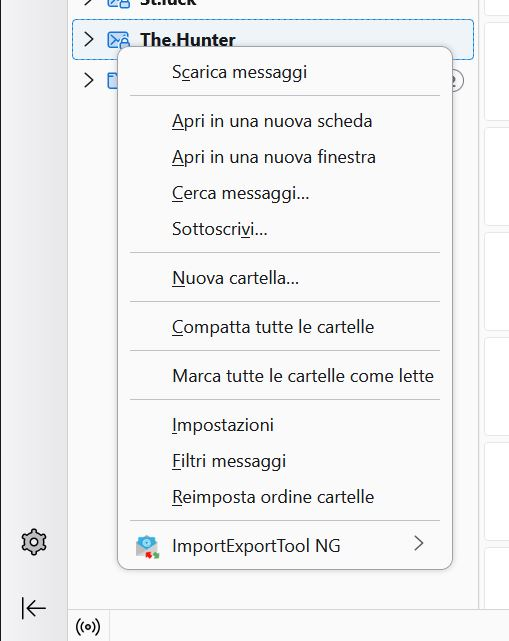
It appears you did a screenshot from All Folders, not Unified Folders. once you turn on unified folders, click the 'Inbox' folder, rightclick and then select properties and then click 'choose'
Now I understand, I thank you. YES, I see all my 20 accounts. In that panel I see an "Aggiorna" button. Now have I to click on "Aggiorna" (Update)?
Geändert am von FoxAdriano M
Yes, click update to save the new settings. I'm glad all is working. :) You are very welcome,