


In version 149 no start pages are displayed that were set via registry entries.

Hi,
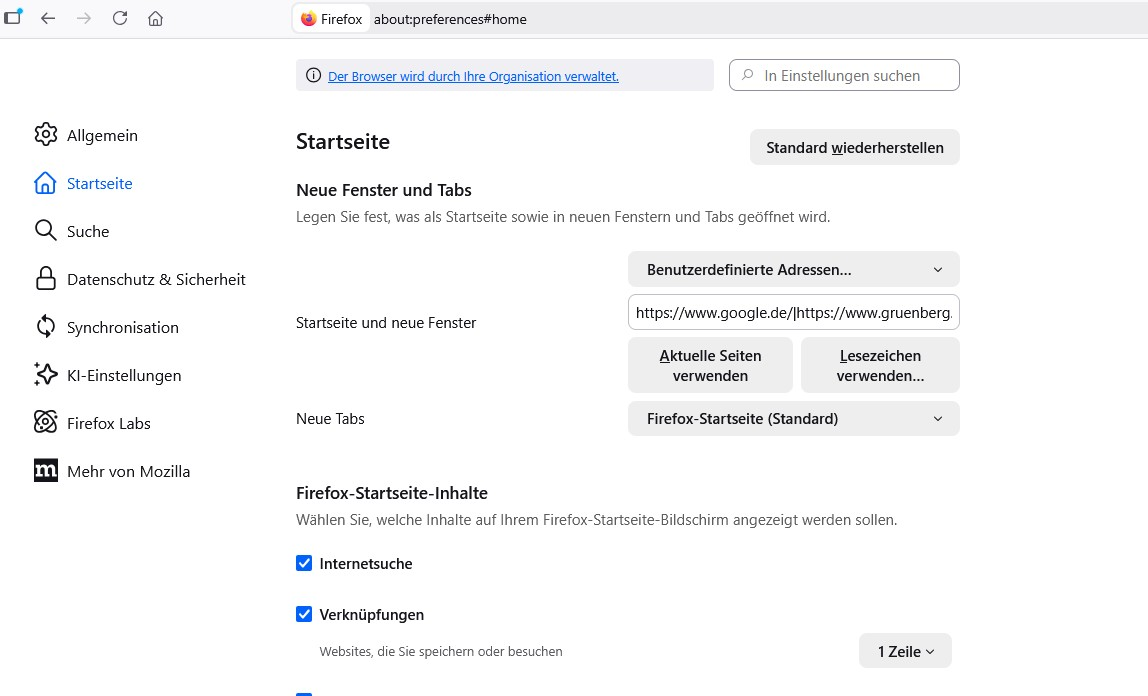
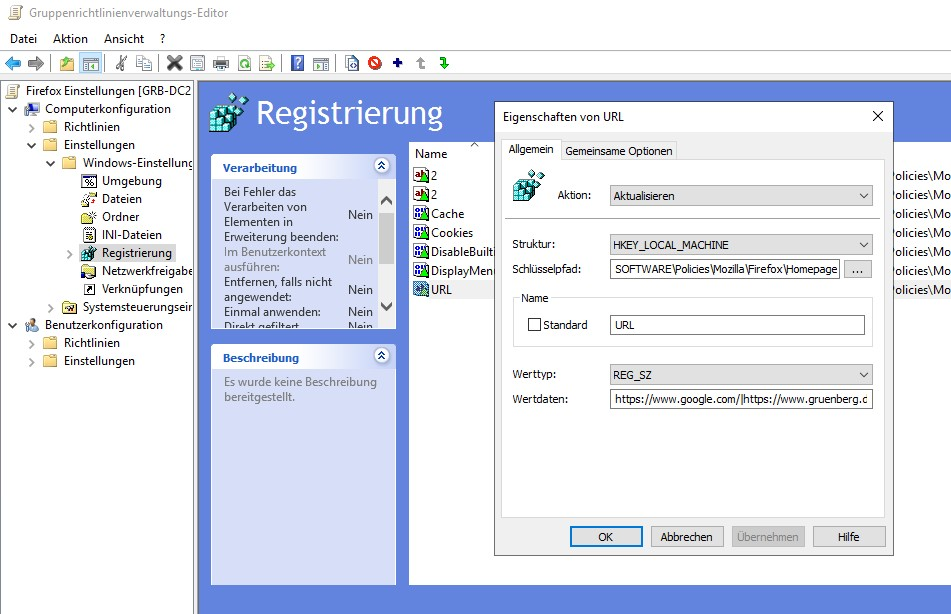
In the latest firefox update 149, no start pages are displayed that were distributed with a registry key via group policy. It only works again if you change this setting manually in the Firefox settings.
In Version 148 it´s fine.
Jan
Ausgewählte Lösung
Jan,
We are having this same problem, how did you change the setting manually? The GPO blocks access to edit this, do we have to erase the GPO?
Thanks!
Victor
Diese Antwort im Kontext lesen 👍 0Alle Antworten (4)

Ausgewählte Lösung
Jan,
We are having this same problem, how did you change the setting manually? The GPO blocks access to edit this, do we have to erase the GPO?
Thanks!
Victor
Hi,
It's not blocked on our end... I can change it... and as soon as you change the line in the GPO setting, the start pages will be displayed again.

I've had someone else report this as well and I can't recreate.
Does it only happen if you have multiple pages?
Looks to be a Firefox bug. We're on it