


remove shortcuts

How can I remove shortcuts from Firefox mobile browser app?
Alle Antworten (6)
Thank you for clarifying. Then you should be able to remove shortcuts by going to Settings -> Homepage, and turning off Shortcuts. For reference, see Customize the Firefox home screen.
PS I've moved your question to the Firefox for Android forum.
I need to be able to remove some of the shortcuts, NOT stop using them altogether. See screenshots of the Samsung browser that actually has ADD and a REMOVE buttons on the quick access page. Whereas the Firefox screenshot of tge shortcuts page does not have any visible ADD or REMOVE buttons.
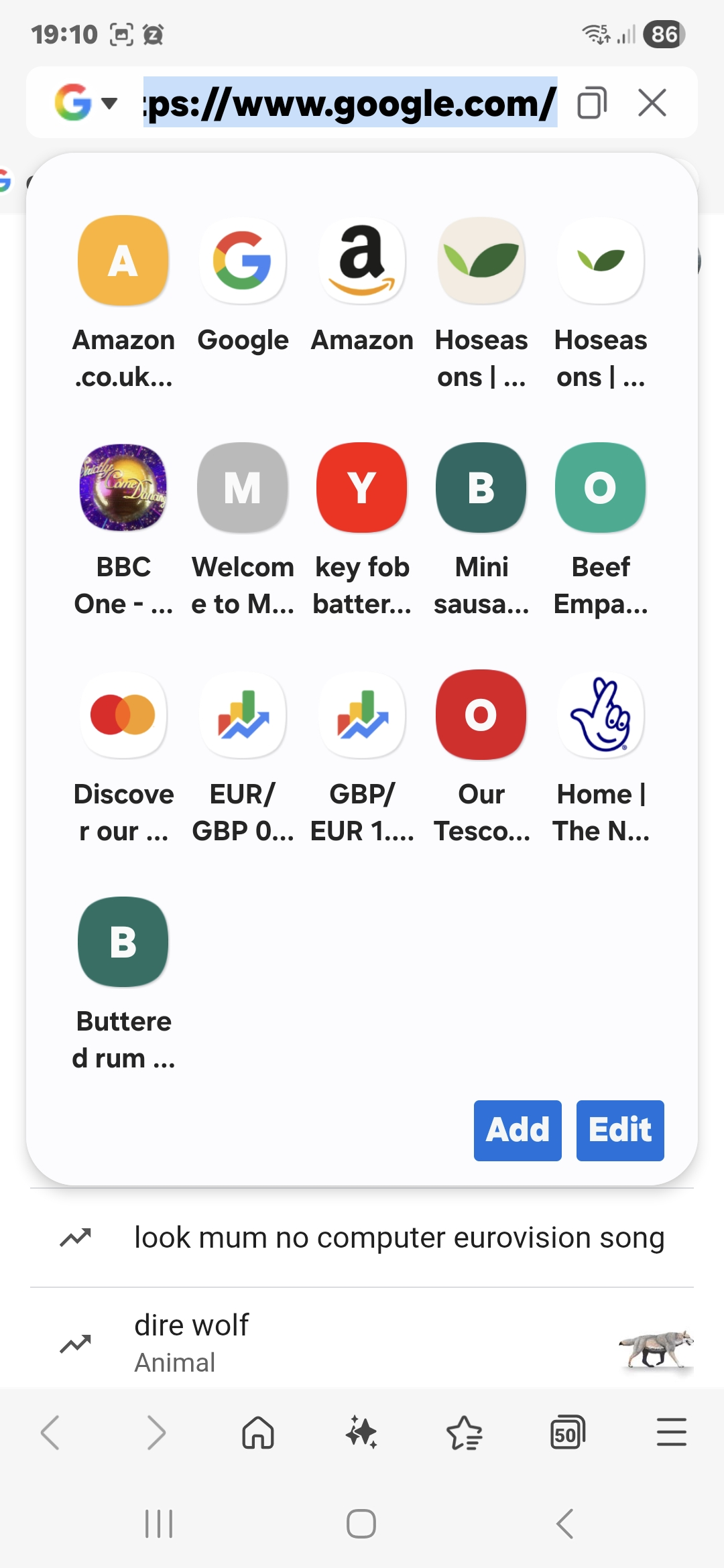
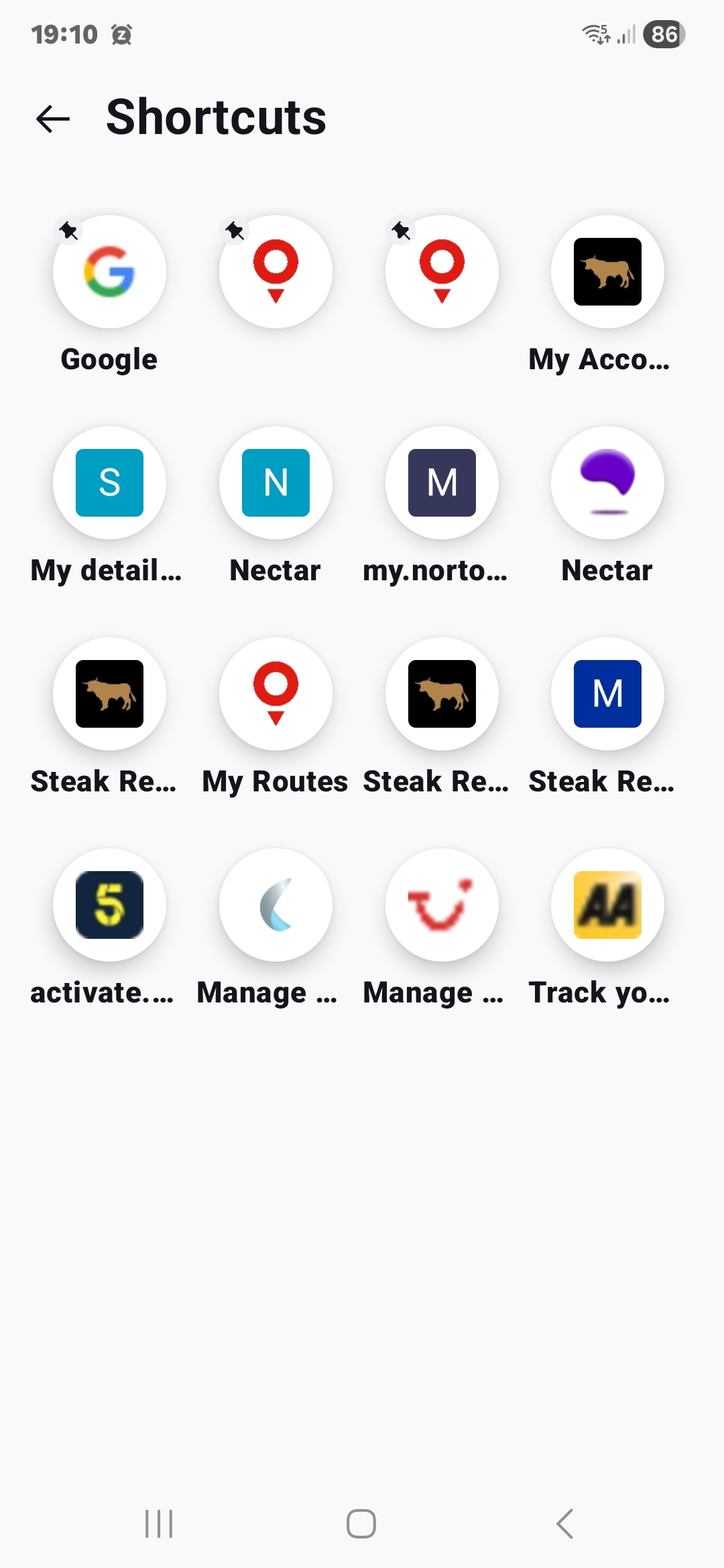
Geändert am von Snowy1960
Oh, got it now. You should be able to tap and hold any of the shortcuts to see the Edit and Remove options. Treat Edit as Add, you can just override name and URL with what you need, in fact creating a new shortcut.