


Thunderbird address book

When I try to edit an address book entry, I get a partial part of entry. I can only see first name and unable to see or edit anything else. Using windows 11, seems to create problems in Thunderbird.
Alle Antworten (8)
Would you please do a screenshot of what you see? I am unable to duplicate that. Also, what screen size is the PC?
The resolution is 1440x900 and I have a 19" screen. When I double click on a name I get the grey area and I can't move anything.
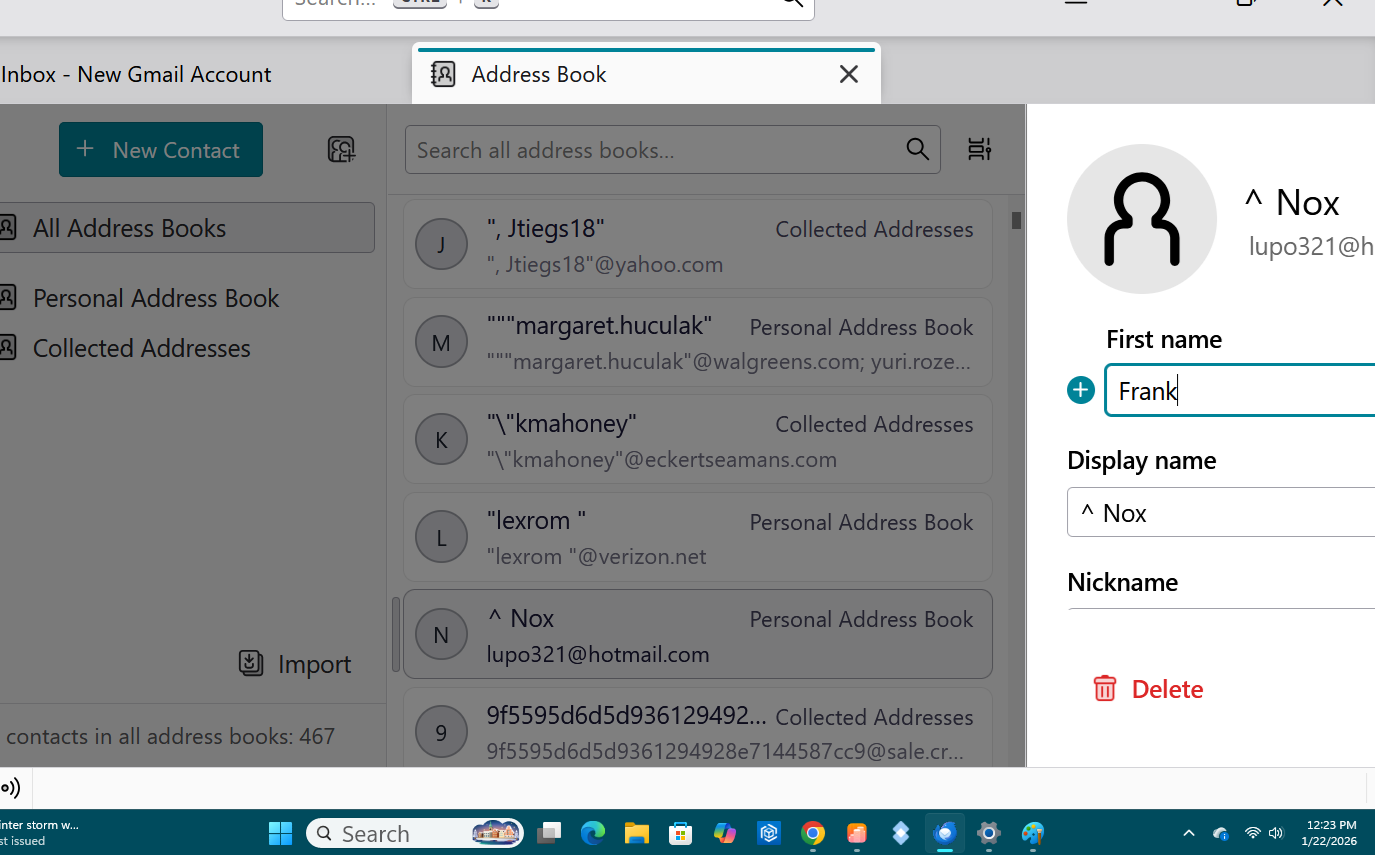
I cannot duplicate that layout. Are you using an addon that works with the addressbook?
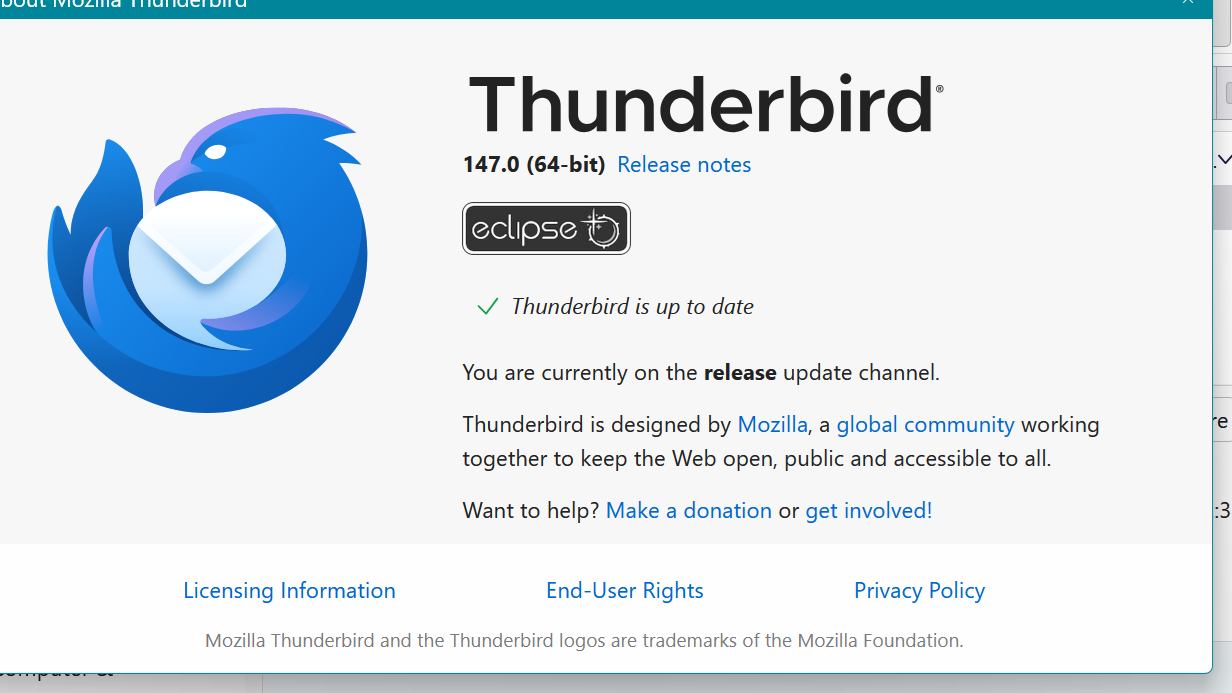
Have you tried table view? If not, there is a small icon to the right of the search bar. Click that and set table view. My hope is that the 'edit' box will be visible, in which case you can edit entries.
I still am puzzled on your first screenshot. To my knowledge, the name of the addressbook is not a default setting, so I still wonder if you have an addon for that. You would see that by clicking the addons&themes entry from menu, and then clicking 'extensions' in left sidebar.