


connect yahoo mail to thunderbird

How can i connect yahoo email to thunderbird?
Alle Antworten (19)
- click new account>email - on next screen, enter two items: name and email address and press enter. Thunderbird should then do the setup, and Yahoo may prompt for password. If you are having problems, please post error message and screenshot of the screen at time of error.
after entering yahoo password the following windows appears!
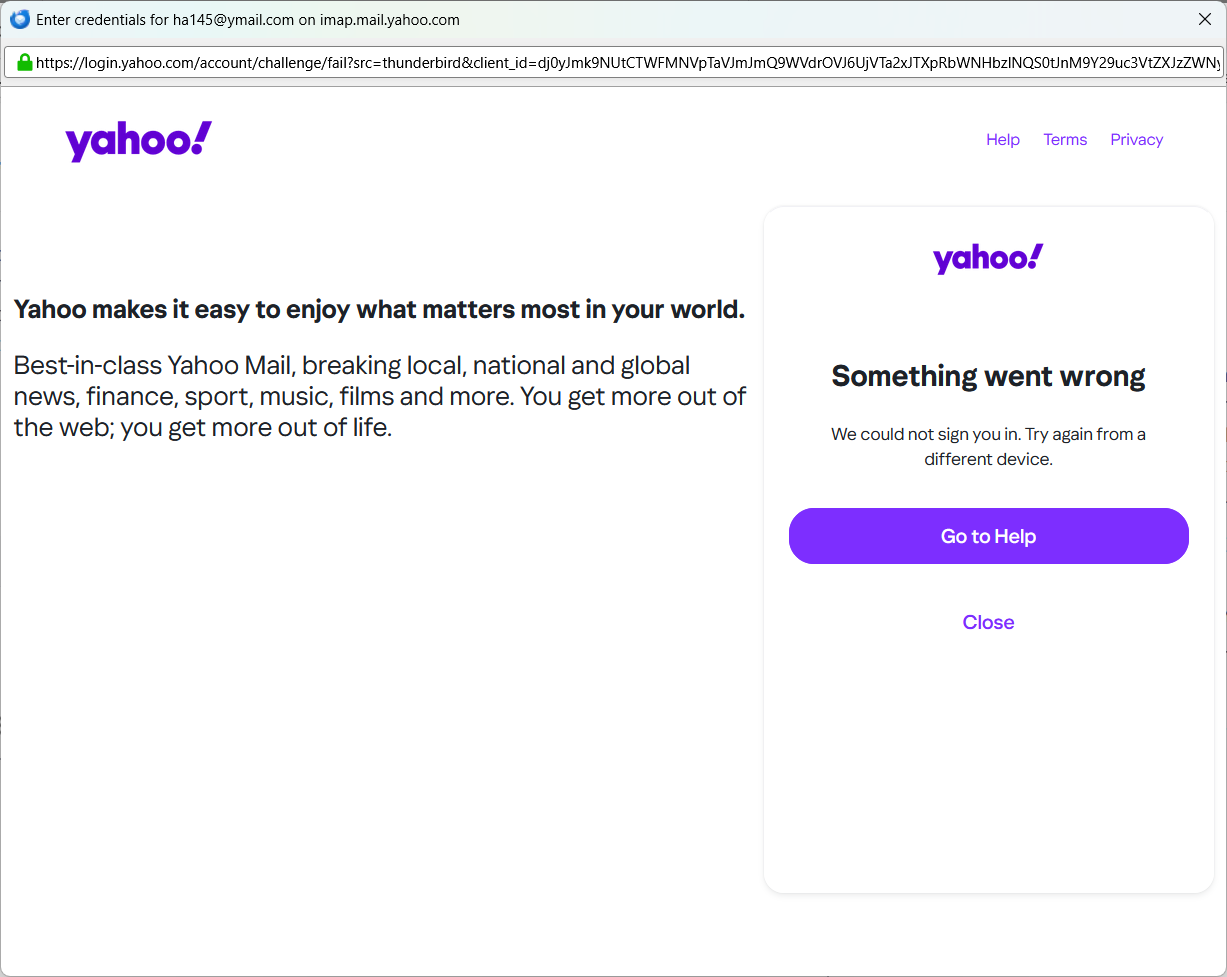
If authentication on setup is normal password, try changing to OAUTH2
What? i don't understand.!
That screen from yahoo is for oauth2.
Do you have a VPN or webserver running on your computer? Cookies or javascript disabled?
what is oauth2?
Go back to the setup screen. Oauth2 is an authentication option that you should see on screen
where can i find setup screen ??
Is the account setup? If so, click 'account settings' and then click the 'server settings' pane and there should be an authentication setting. If the account is not setup, then click new account>email and enter name and email address and press enter. then press the manual setup link and see if you can set authentication there to OAUTH2.
can you explain more?
Let's start over.
- Yahoo requires a different password when using an email client and requires OAUTH2 authentication. This URL may assist:
https://help.yahoo.com/kb/SLN15241.html this gives you a password expressly for thunderbird
- click new account>email
- enter name and email account. do NOT enter password
- press enter key and I think the yahoo screen will pop up
- if a problem, submit a screenshot
OK thanks. i generated an app password but still the above windows appears!
I will look to see if I can locate someone else who may have more insight here.
Can you post a screenshot of incoming server settings pane and the outgoing server settings pane? seeing exactly what thunderbird sees may help
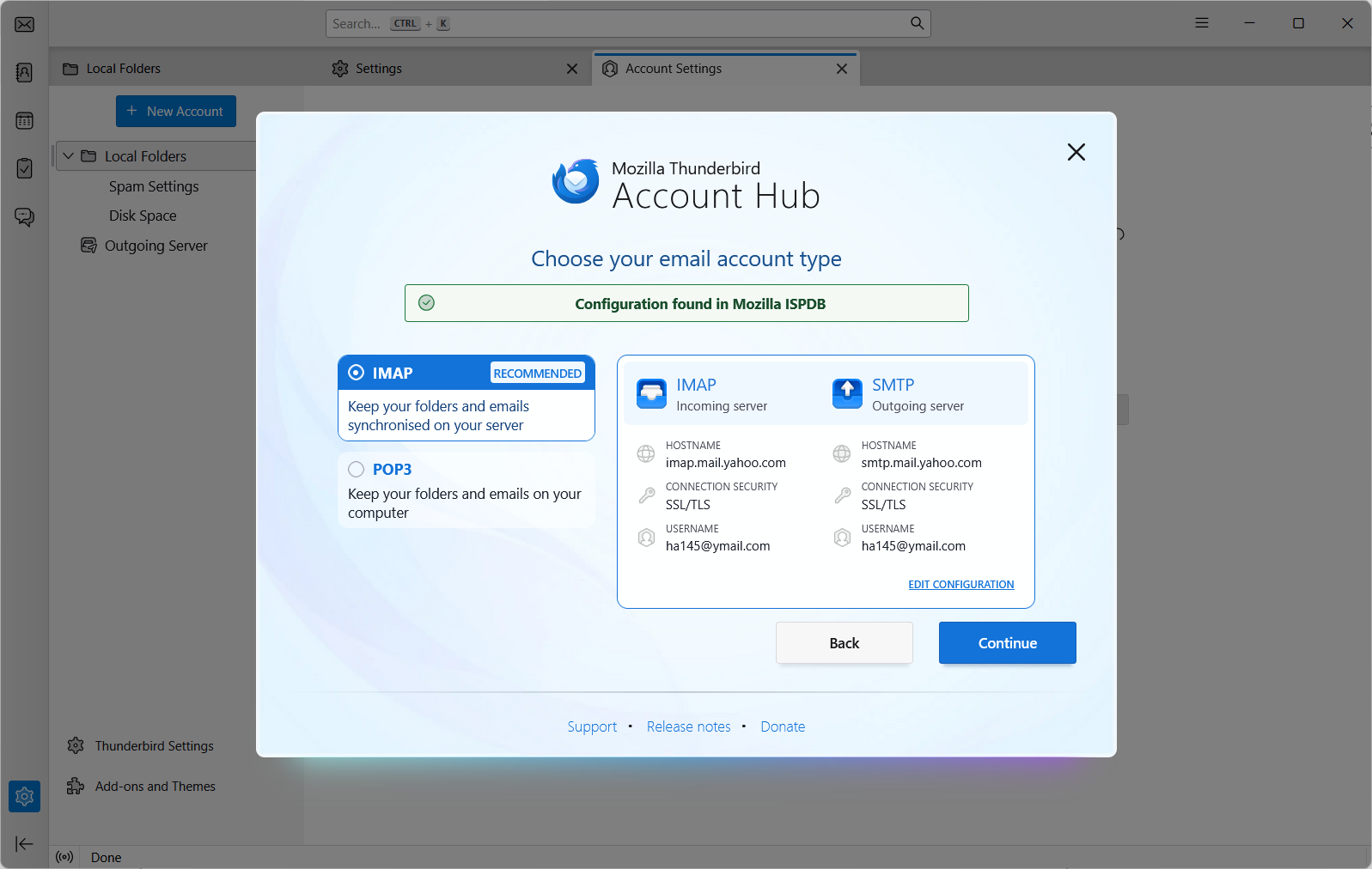
If the authentication is OAUTH2, try entering the normal password. If authentication is 'normal password', try the app password.
it dosent work
I have no further suggestions. Maybe someone else will reply.
any help!