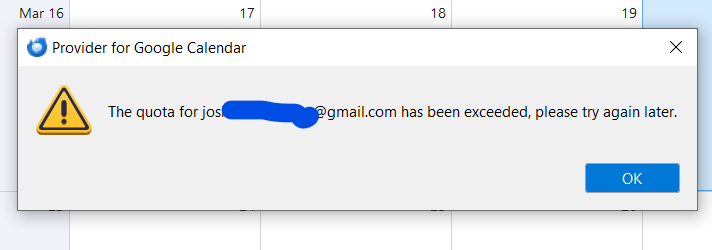
Google Calendar Broke Today - New Event Greyed out - Accounts will not import calendars

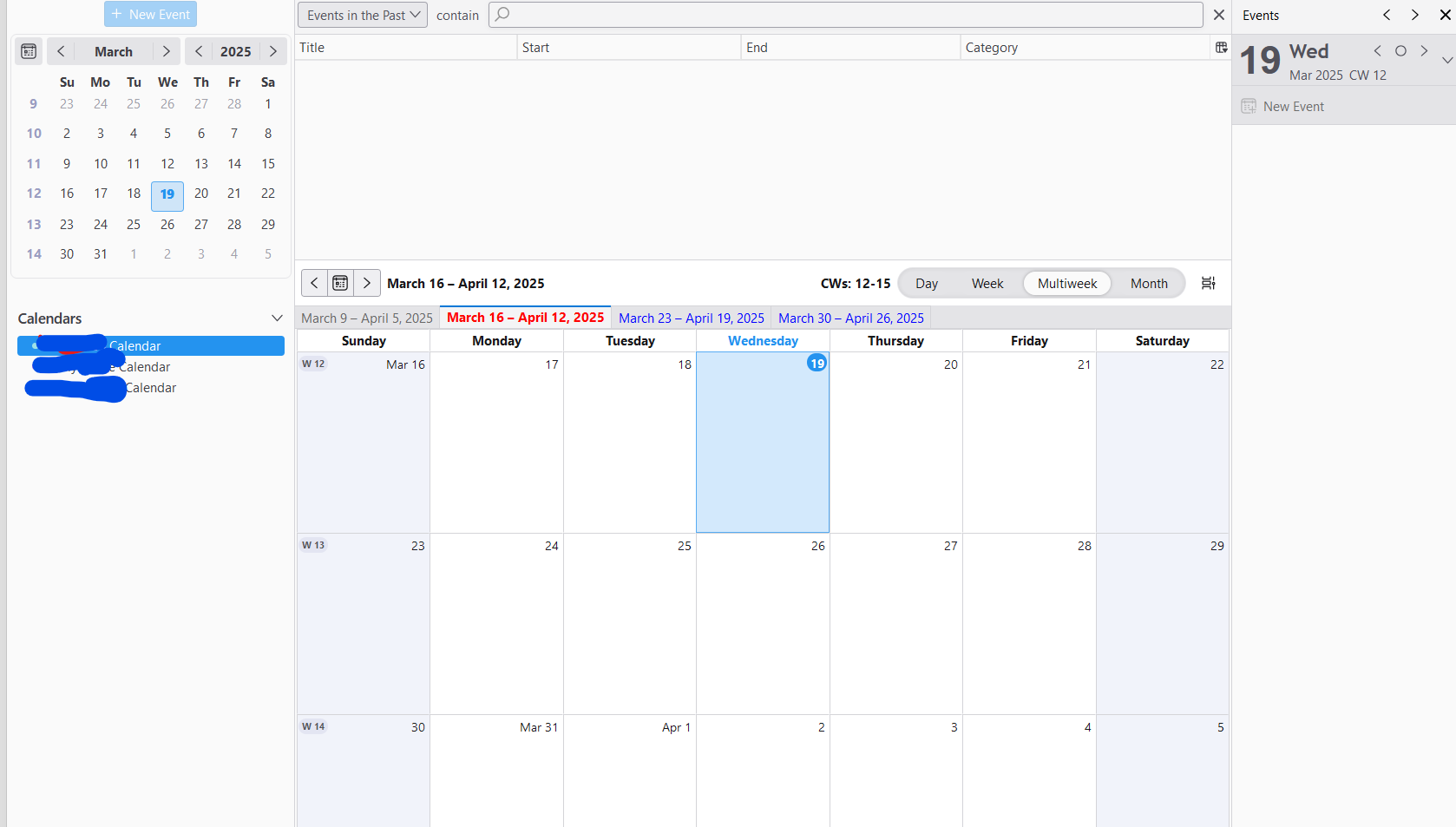
This is a strange issue. I've been using Thunderbird for over 15 years, and today, while working with a client, I attempted to click "New Event," but it was greyed out. After ending the call, I started troubleshooting.
Steps I’ve Taken:
- Re-added all existing accounts—no change.
- Tried adding a fresh calendar—received a strange error (which I didn’t copy) about encryption or a "request missing required authentication credential."
- Uninstalled Provider for Google Calendar and removed all accounts.
- Same authentication error—Google sign-in system wouldn't appear.
- Searched Google for recent similar issues—nothing in the past 30 days, nothing within the past year.
- Restarted my computer.
- Was able to re-add all accounts, but nothing is syncing.
- At this point, I’m completely baffled. No system changes have been made. I'm running Windows 10 with the latest version of Thunderbird and its extensions. My system clock and timezone are correct.
Any help would be greatly appreciated!
Alle Antworten (5)
Get v. 128.5.2 of the add-on:
https://addons.thunderbird.net/en-US/thunderbird/addon/provider-for-google-calendar/
sfhowes said
Get v. 128.5.2 of the add-on: https://addons.thunderbird.net/en-US/thunderbird/addon/provider-for-google-calendar/
When was that released? I installed the most recent version just 2 hours ago and it did not fix it.
Joshua Awesome - Kindly Thrive said
sfhowes said
Get v. 128.5.2 of the add-on: https://addons.thunderbird.net/en-US/thunderbird/addon/provider-for-google-calendar/When was that released? I installed the most recent version just 2 hours ago and it did not fix it.
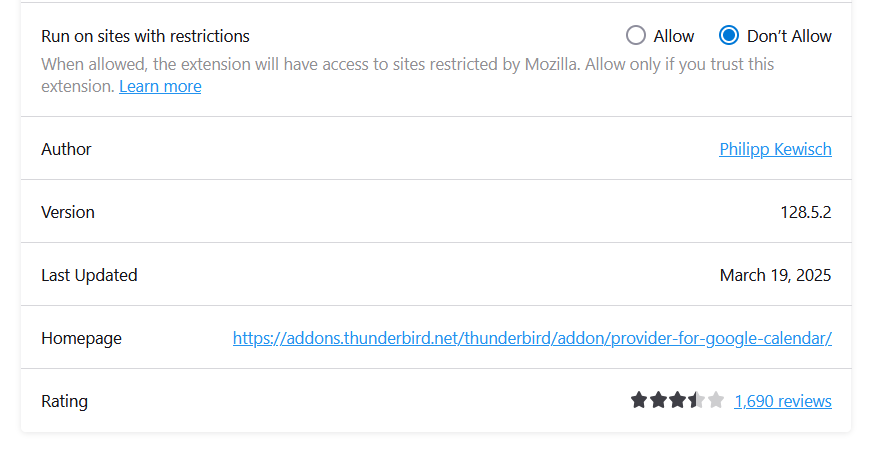
This is the version I have currently installed.
Not a fix for me. Initially had a warning so I had to restart my computer, not just restart thunderbird. Then I got this error.