Windows 10 reached EOS (end of support) on October 14, 2025. If you are on Windows 10, see this article.

Hilfe durchsuchen

Vorsicht vor Support-Betrug: Wir fordern Sie niemals auf, eine Telefonnummer anzurufen, eine SMS an eine Telefonnummer zu senden oder persönliche Daten preiszugeben. Bitte melden Sie verdächtige Aktivitäten über die Funktion „Missbrauch melden“.

Weitere Informationen

Mail Compose Screen

  • 1 Antwort
  • 0 haben dieses Problem
  • 249 Aufrufe
  • Letzte Antwort von Mapenzi
  • Archiviert

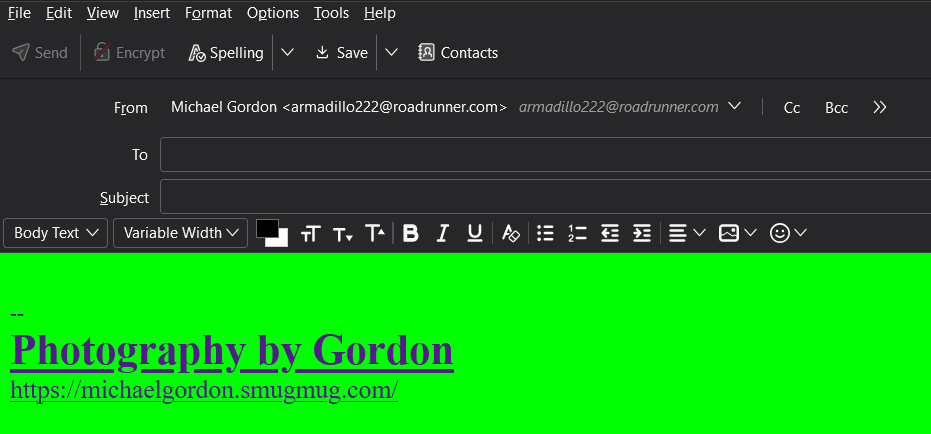
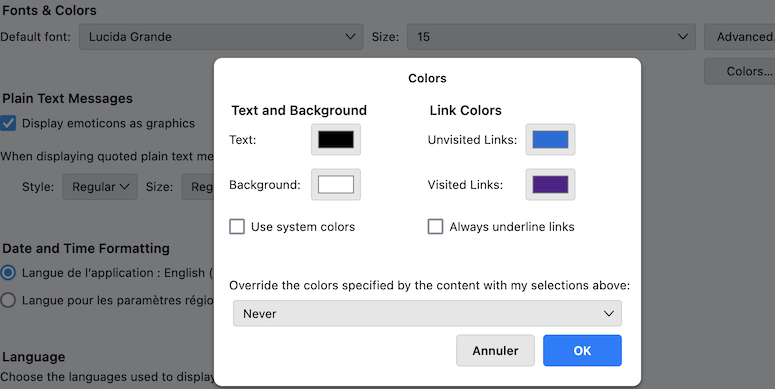
First thing this afternoon, the background color of the mail composition screen was changed to solid green. The HTML toolbar is semi-transparent, and I cannot change the screen background back to white. When I click the cursor in the compose window, the HTML toolbar appears, but it does not change the background to white. The format tool indicates a white screen with black text. In Config Editor, the compose background colors are white and black text. I have tried several theme changes, including the theme from Mozilla, but there has been no change.

Rebooting Win 11, no change.

Michael Gordon
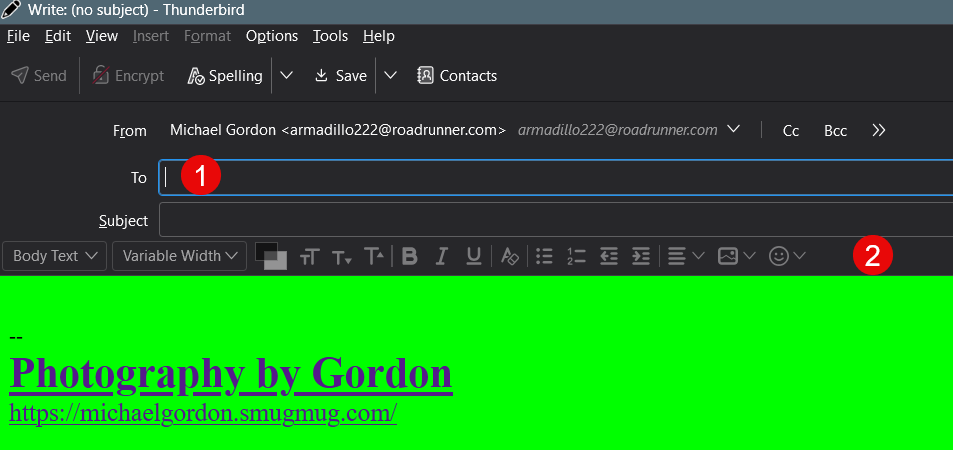
First thing this afternoon, the background color of the mail composition screen was changed to solid green. The HTML toolbar is semi-transparent, and I cannot change the screen background back to white. When I click the cursor in the compose window, the HTML toolbar appears, but it does not change the background to white. The format tool indicates a white screen with black text. In Config Editor, the compose background colors are white and black text. I have tried several theme changes, including the theme from Mozilla, but there has been no change. Rebooting Win 11, no change. Michael Gordon
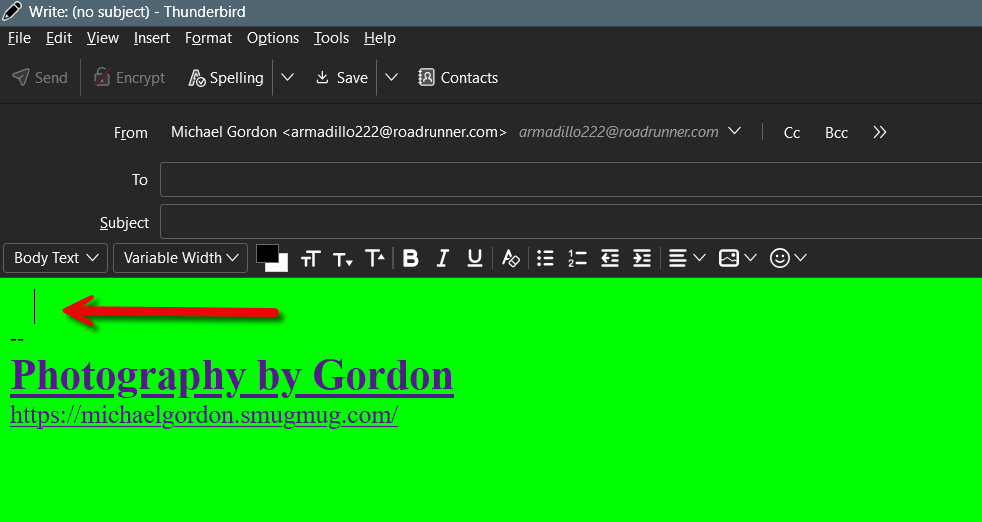
Angefügte Screenshots

Alle Antworten (1)

Test Thunderbird in "Troubleshoot Mode" to know whether the issue still is the same https://mzl.la/3AbU5jz Hold the shift ⇧ key and launch Thunderbird. Which are your colour settings in Settings > General > Language & Appearance ... ?