Windows 10 reached EOS (end of support) on October 14, 2025. If you are on Windows 10, see this article.

Hilfe durchsuchen

Vorsicht vor Support-Betrug: Wir fordern Sie niemals auf, eine Telefonnummer anzurufen, eine SMS an eine Telefonnummer zu senden oder persönliche Daten preiszugeben. Bitte melden Sie verdächtige Aktivitäten über die Funktion „Missbrauch melden“.

Weitere Informationen

spammy error messages coming from Firefox

  • 1 Antwort
  • 0 haben dieses Problem
  • 56 Aufrufe
  • Letzte Antwort von zeroknight
  • Gelöst

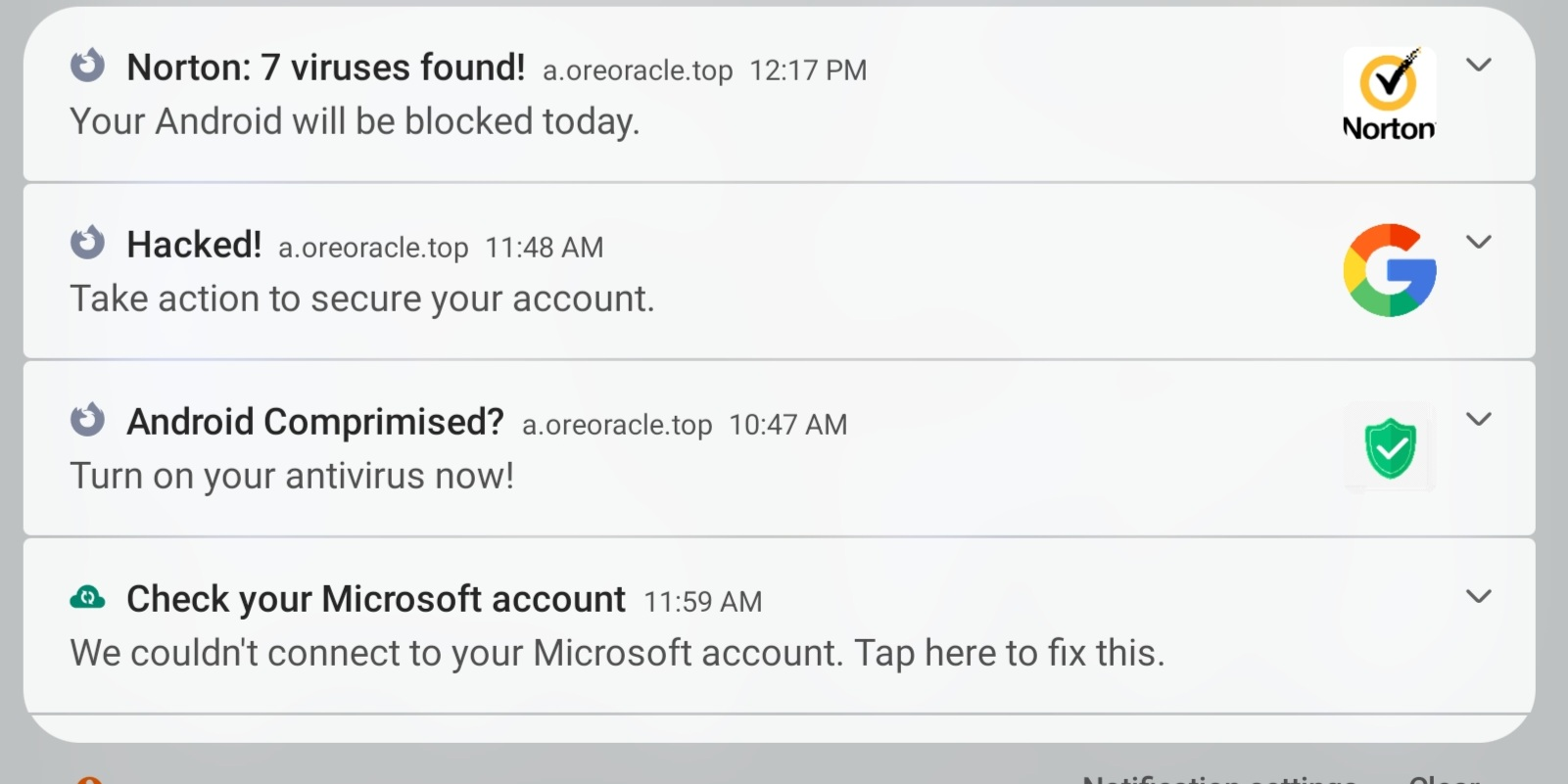
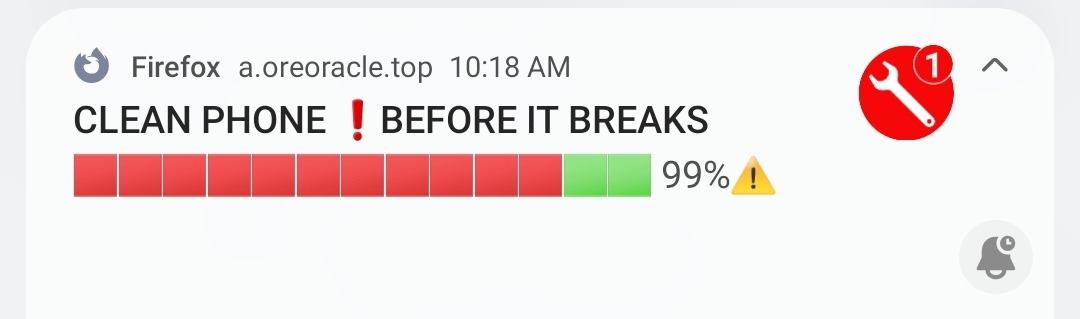
Hi all. I recently tried to access an instrument company's webpage, and Firefox stopped me. I thought it was just doing the "overprotective" thing, since there's been times it's done it to perfectly fine sites that i go to all the time. I got a weird notification about it being a porn virus, and closed the window. Ever since, i keep getting these notifications, all of them the same as the first. They're all coming from Firefox, and they're all spammy-- i don't even *have* Norton.

I've scanned with the antivirus app i *do* have, i've cleared Firefox's cache, i've restarted my phone. I'm not sure what else to do, since i've never had this happen before. I've used the desktop version for over 10 years, and never had anything similar to this happen.

Thank you for your help!
Hi all. I recently tried to access an instrument company's webpage, and Firefox stopped me. I thought it was just doing the "overprotective" thing, since there's been times it's done it to perfectly fine sites that i go to all the time. I got a weird notification about it being a porn virus, and closed the window. Ever since, i keep getting these notifications, all of them the same as the first. They're all coming from Firefox, and they're all spammy-- i don't even *have* Norton. I've scanned with the antivirus app i *do* have, i've cleared Firefox's cache, i've restarted my phone. I'm not sure what else to do, since i've never had this happen before. I've used the desktop version for over 10 years, and never had anything similar to this happen. Thank you for your help!
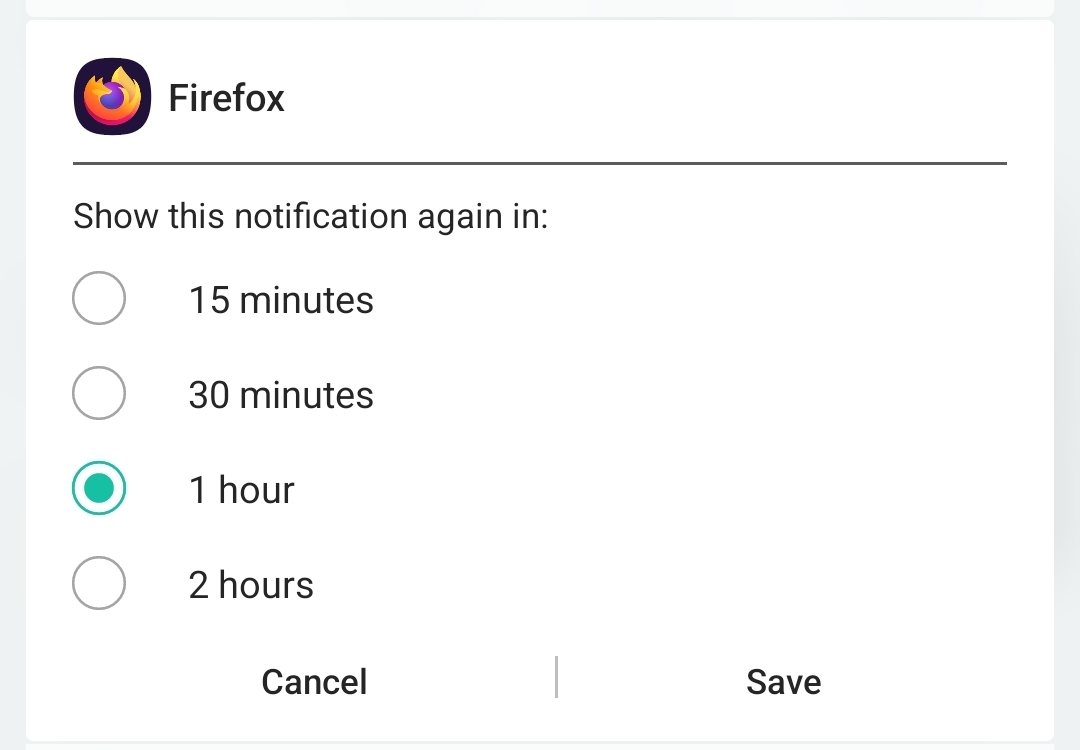
Angefügte Screenshots

Ausgewählte Lösung

Go to Settings > Site Permissions > Exceptions > select website > Notification > Clear permission for each unwanted site or "Clear permissions on all sites".

Diese Antwort im Kontext lesen 👍 1

Alle Antworten (1)

Ausgewählte Lösung

Go to Settings > Site Permissions > Exceptions > select website > Notification > Clear permission for each unwanted site or "Clear permissions on all sites".