


Unable to sync firefox Android with Desktop due to missing Sync Menu Item

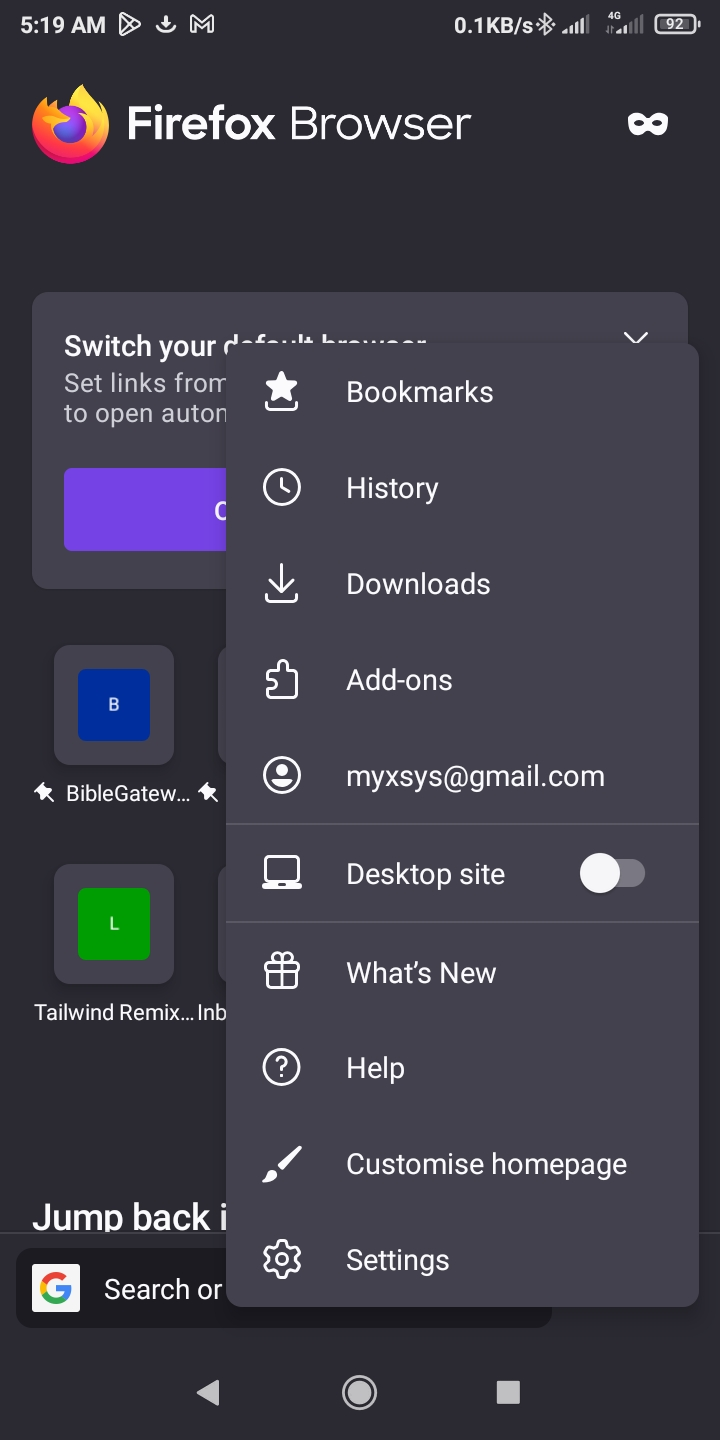
According to https://support.mozilla.org/en-US/kb/how-set-firefox-sync-firefox-android, there should be a Sync and Save Date option in Firefox Android Menu, but it's nowehere to be found.
Am currently using the latest version of Firefox
See attached screenshot.
Ausgewählte Lösung
Use the scan option in the keyboard in Firefox for Android. Alternatively, select the option in Firefox on your desktop when setting up Firefox Sync to use an email address.
Alle Antworten (7)
Hi
It does not look like you have attached a screenshot, but the menu option you are looking for is replaced by your email address when you are signed into Firefox Sync on Firefox for Android.
I've already checked there and there's no option for adding another device to sync with.
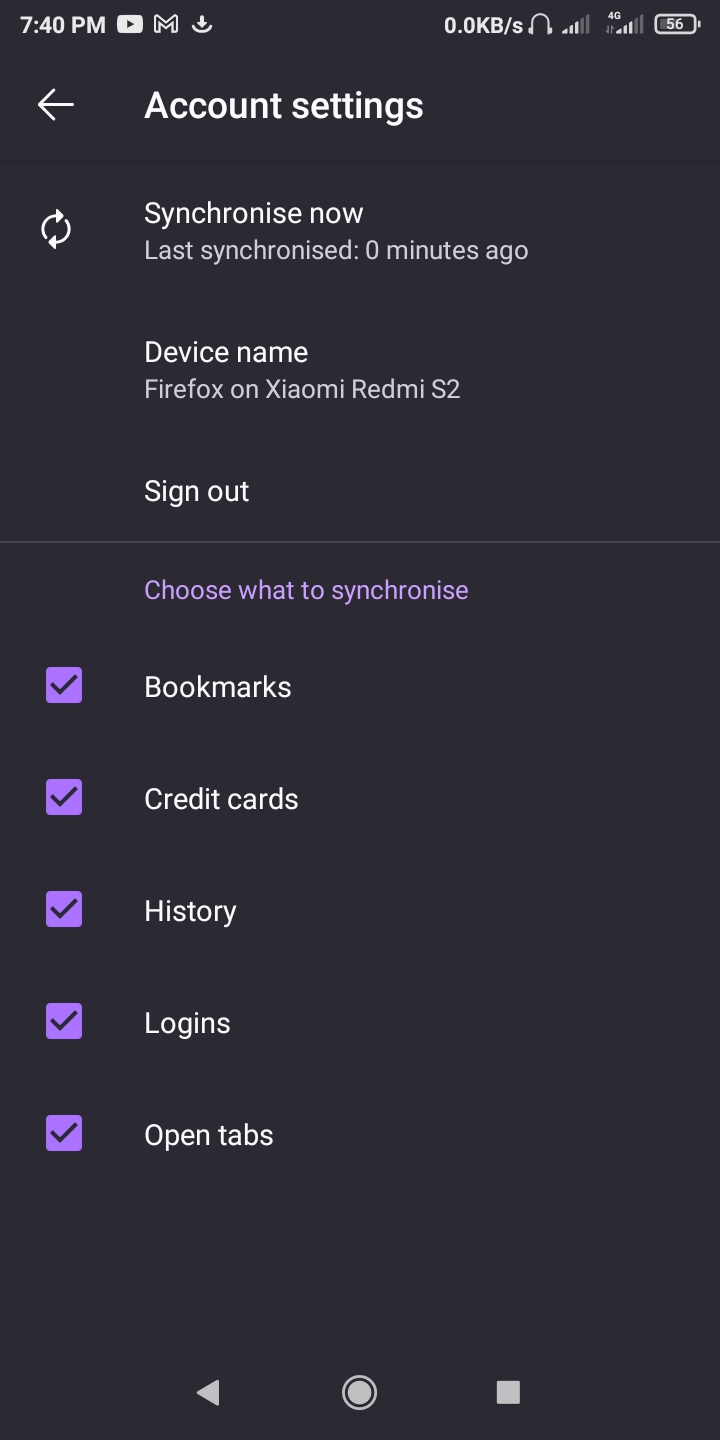
The syncronise now menu option only works for syncing with existing devices.
Hi
If you are already signed into the same account on both devices - it looks like you have already set up Firefox Sync.
If you want to add another device, you would need to sign into Firefox Sync on that device.
I had already initiated the sync process on firefox desktop which displayed a qr code that I need to scan with firefox mobile.
However, in firefox mobile there's no option to scan the qr code being displayed on Firefox desktop.
Ausgewählte Lösung
Use the scan option in the keyboard in Firefox for Android. Alternatively, select the option in Firefox on your desktop when setting up Firefox Sync to use an email address.
My bad. Just realized I was signed in to a different email address on firefox desktop.
Thanks for the assistance
Syncing now works.

This solution does not work. Firefox on Android will display a "Did you use the system camera? You must pair from within the Firefox app." when selecting the QR scanner from the dialogue box in Firefox. The option is still missing in the menu as well.