


Windows 10 reached EOS (end of support) on October 14, 2025. If you are on Windows 10, see this article.

Hilfe durchsuchen

Vorsicht vor Support-Betrug: Wir fordern Sie niemals auf, eine Telefonnummer anzurufen, eine SMS an eine Telefonnummer zu senden oder persönliche Daten preiszugeben. Bitte melden Sie verdächtige Aktivitäten über die Funktion „Missbrauch melden“.

Weitere Informationen

I can't pin extensions to toolbar

  • 2 Antworten
  • 2 haben dieses Problem
  • 112 Aufrufe
  • Letzte Antwort von cor-el

Firefox was acting weird for a few days, so I refreshed it. Now my extensions in the toolbar have vanished, and I can't figure out how to pin them back. I read online instructions and saw a couple of videos, and they basically suggest that I click on "customize toolbar", then drag the addons onto the bar. Except that in my screen, my addons don't show up in the selections, so I can't drag them up. The addons are installed, and the weird thing is that I have ONE addon on the toolbar, but if I unpin it, it also doesn't show up in the possible selections (I had to press undo to keep it). Help?
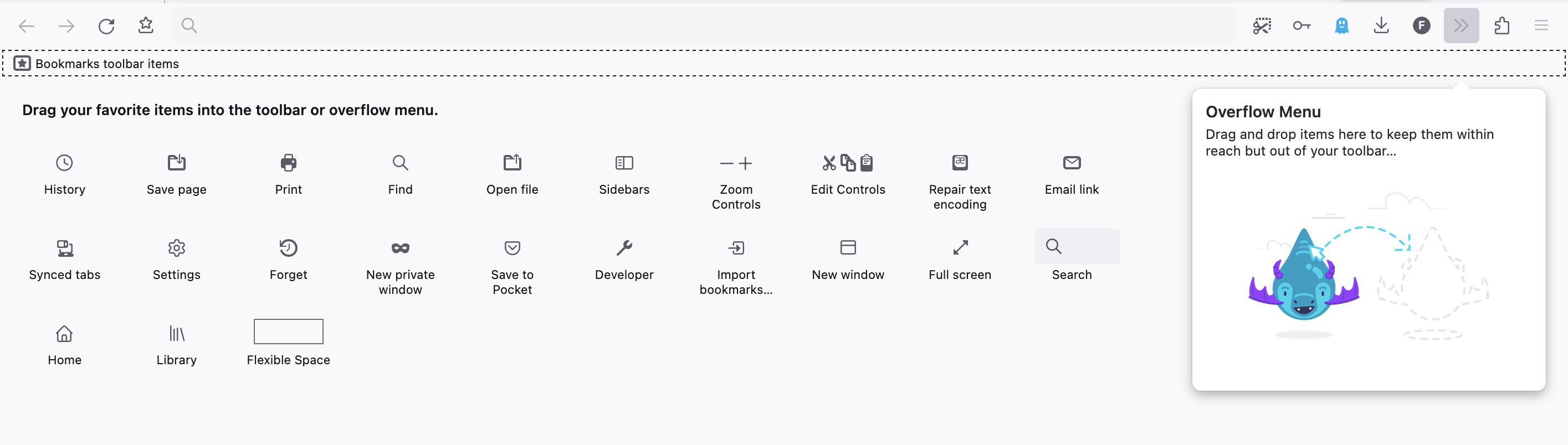
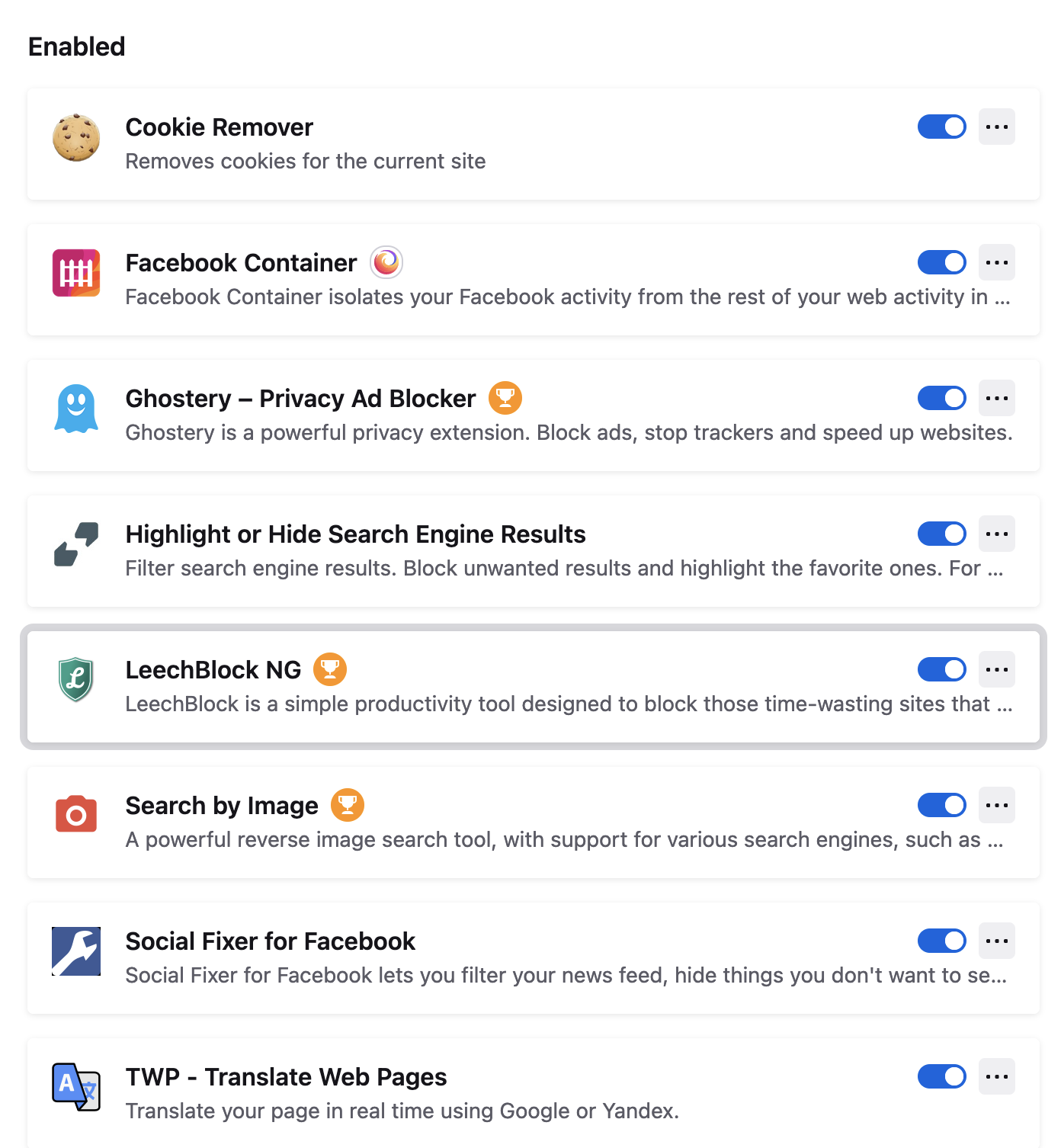
Firefox was acting weird for a few days, so I refreshed it. Now my extensions in the toolbar have vanished, and I can't figure out how to pin them back. I read online instructions and saw a couple of videos, and they basically suggest that I click on "customize toolbar", then drag the addons onto the bar. Except that in my screen, my addons don't show up in the selections, so I can't drag them up. The addons are installed, and the weird thing is that I have ONE addon on the toolbar, but if I unpin it, it also doesn't show up in the possible selections (I had to press undo to keep it). Help?
Angefügte Screenshots

Alle Antworten (2)

Nevermind, found it. For anyone struggling with this, you can click on the puzzle piece in the toolbar, which lists your extensions. Then you click on the gear menu, and it'll allow to pin/unpin them. Geez

Note that there are more options in the right-click context menu.