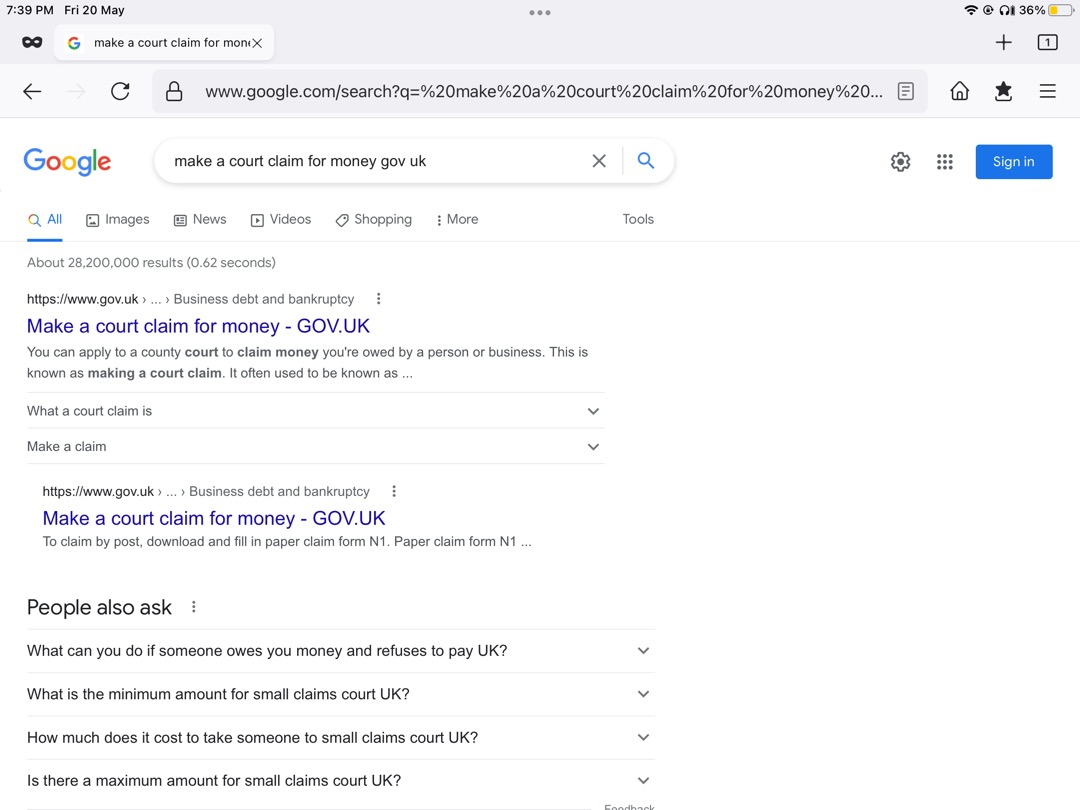
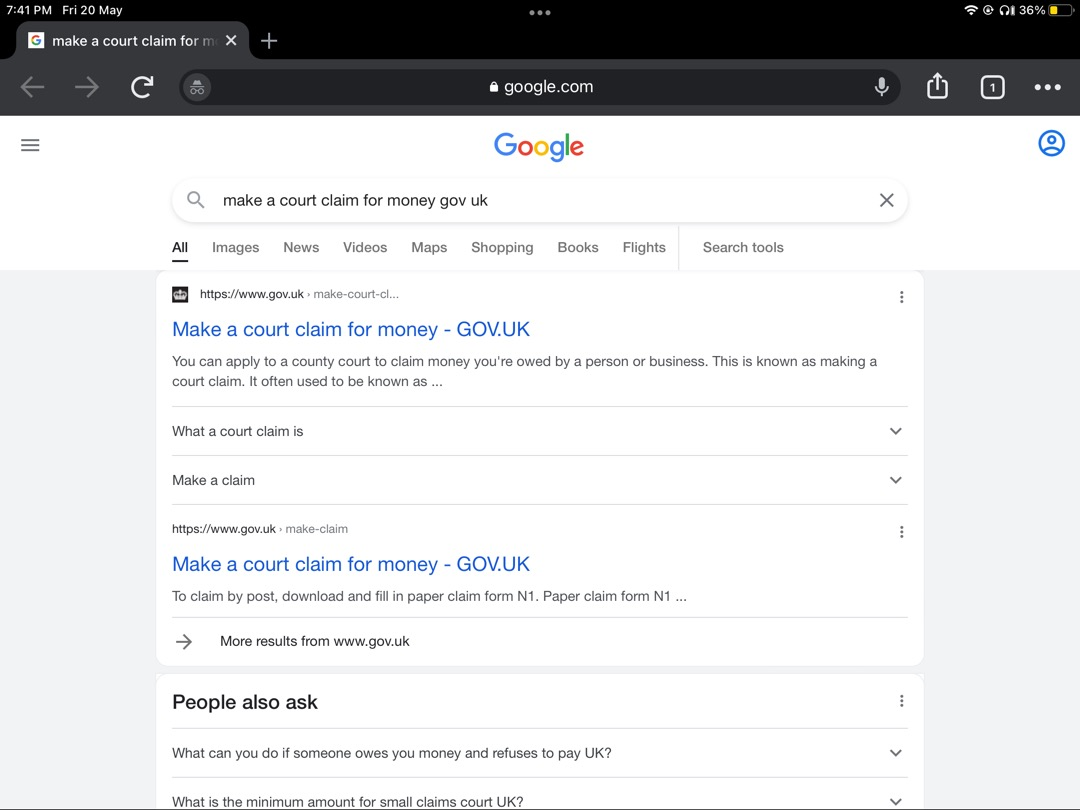
Text small in browser on iPad Pro why?
I have install fire fox on my iPad to replace Google chrome - why when I search a page and it shows the results the resulting page is in very small text - this never happed with chrome
Do I need to reinstall fire fox or revert back to chrome
I have install fire fox on my iPad to replace Google chrome - why when I search a page and it shows the results the resulting page is in very small text - this never happed with chrome
Do I need to reinstall fire fox or revert back to chrome
'''
Alle Antworten (1)

Hi Graham,
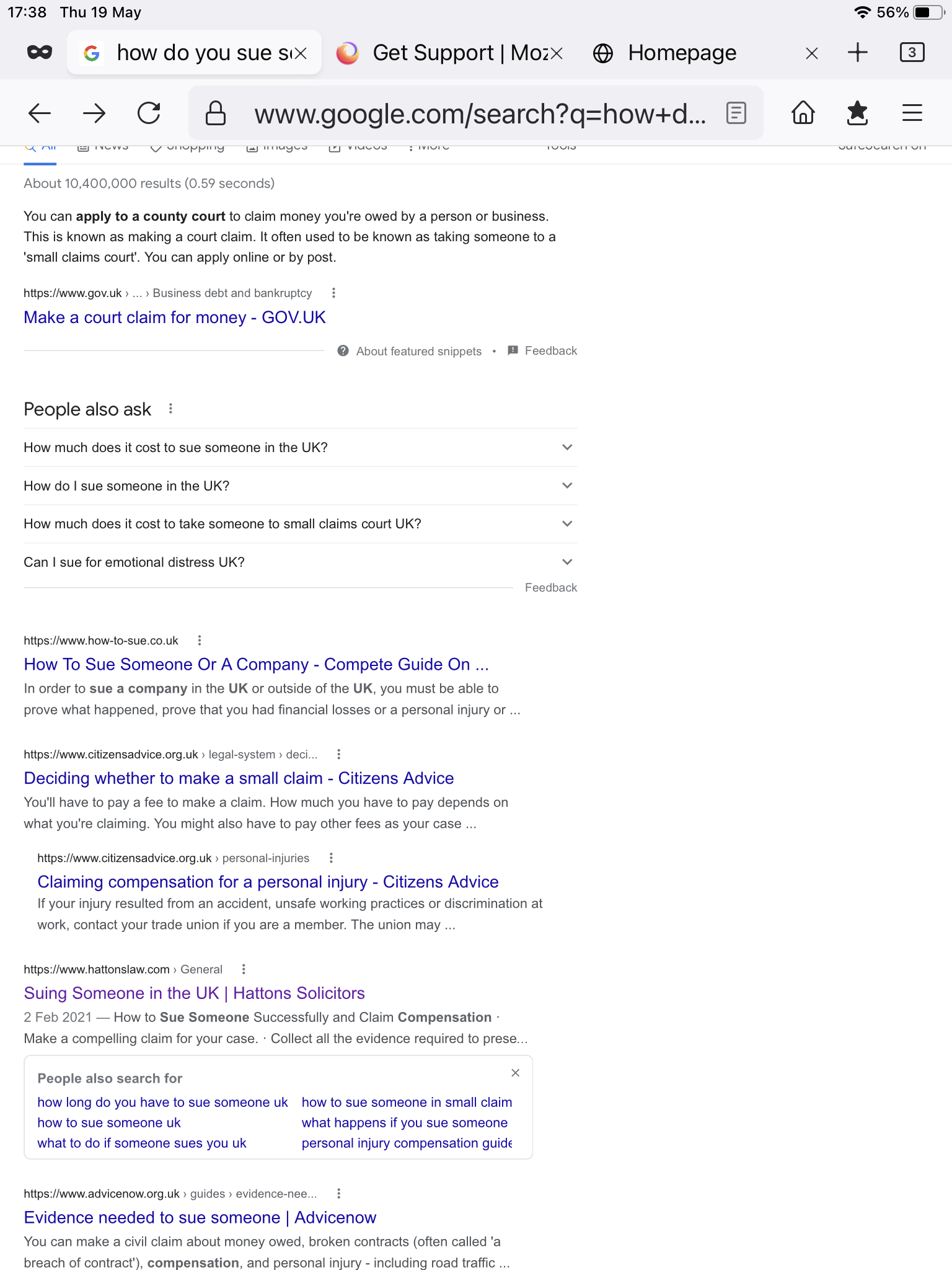
The text appears fine on both the Firefox and Chrome app on my iPad (refer to image).
Is it possible that you changed the Text Size? You can adjust the text size in the Settings app, under Display & Brightness.
I found this article (https://www.makeuseof.com/increase-decrease-font-size-firefox/) which provide methods to change the font size, the section is at the bottom of the article.
However, I was unable to find the settings stated on my iPad.
I hope that this can help you.