


Inability to install any extension

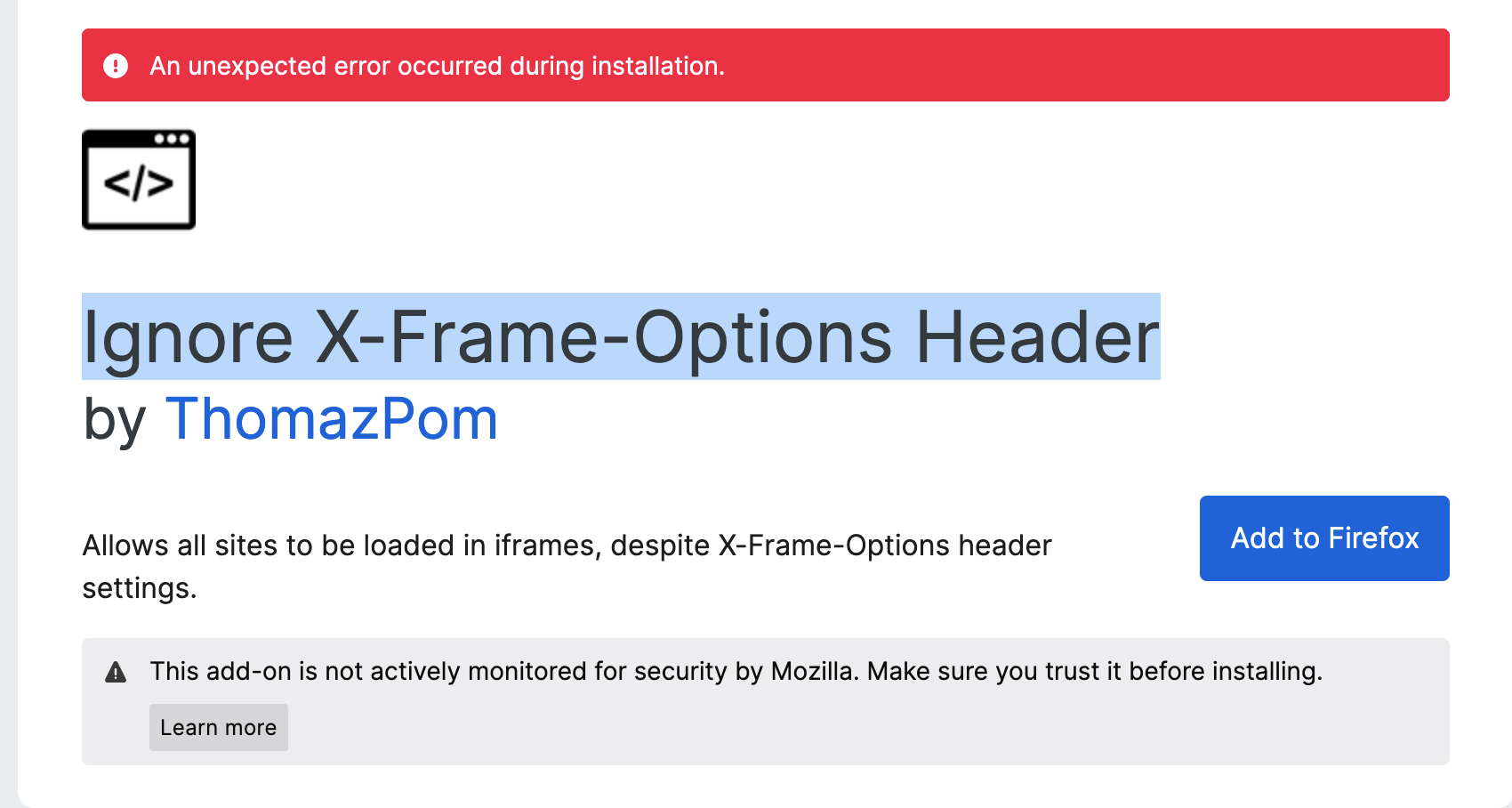
Hi! I am a developer and I need to test the app in Firefox. But first I need to install the Ignore X-Frame-Options Header plugin. Unfortunately, I can't do this, and I can't install any addons at all. It says: An unexpected error occurred during installation. The version of the browser is updated. And also I have tried to do these steps, which didn't help:
- about:config
- set xpinstall.signatures.required to false
Could you please help me?
Alle Antworten (4)
You're installing an add-on from the mozilla store, so it contains required signature. You can switch this pref back to true.
Try to download the XPI file (using Save Link Target As… from the context menu of the blue Add to Firefox button) and Install Add-on from file.
It didn't work It says 'failed to install'.
1. Enter about:policies in the URL bar and see if you have any active policies. 2. Can you open this XPI file using a ZIP manager?
You can get an error if the file is modified and the signature is no longer valid or the META-INF folder is removed. This can be caused by security software that want to inspect the file.
What security software do you have?
It is possible that (anti-virus) security software is causing the problem. Try to disable security software temporarily to see if that makes a difference.