


Firefox Developer Edition : Hangs after initial load.

Hi everyone!
My firefox developer edition was working perfectly fine until recently. (macOS)
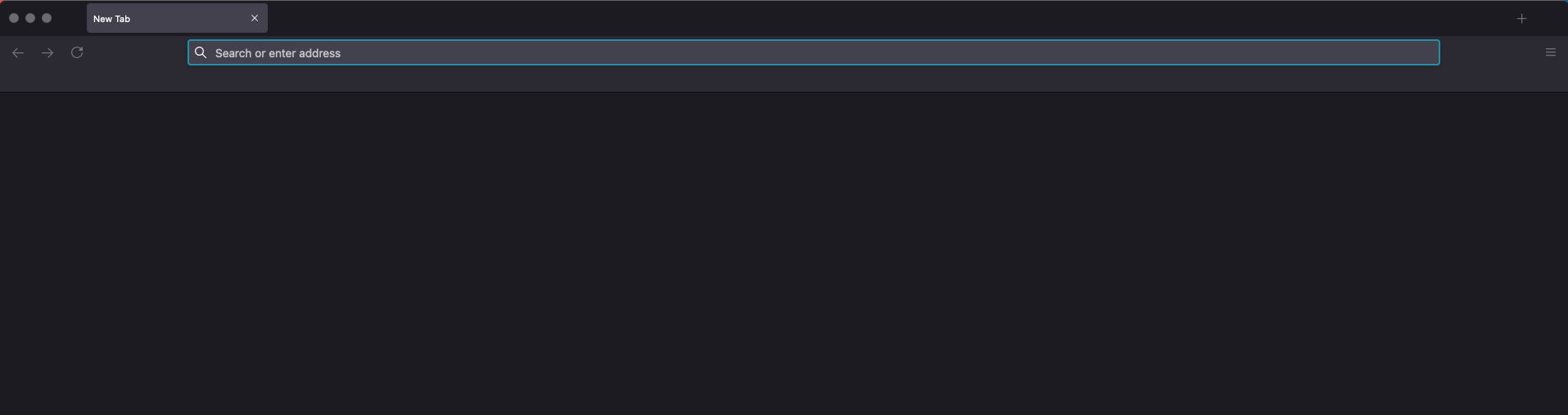
Now it hangs (picture provided) every single time it boots. Nothing is clickable or loads, or is responsive, except the search bar where you can type things in but pressing enter will not do anything.
I have unsuccessfully attempted to boot it in 'safe mode' using the holding down option and using terminal with this line: /Applications/Firefox\ Developer\ Edition.app/Contents/MacOS/firefox -safe-mode
Please help!! :)
Alle Antworten (1)

Some problems occur when your Internet security program was set to trust the previous version of Firefox, but no longer recognizes your updated version as trusted. Now how to fix the problem: To allow Firefox to connect to the Internet again;
- Make sure your Internet security software is up-to-date (i.e. you are running the latest version).
- Remove Firefox from your program's list of trusted or recognized programs. For detailed instructions, see
Configure firewalls so that Firefox can access the Internet. {web link}