


How can I get videos from "http://london.ctvnews.ca/ " to play?
The screen where the video should be playing is a black screen only. I have Firefox Quantum 57.0(64-bit), my Adobe Flash Player is current/enabled and I use Windows 7. The website URL site information reads "connection is not secure", and under Permissions, I have everything set to either Allow or Use Default. I have restarted Firefox is SafeMode, but videos still don't play. Internet Explorer will play these news videos. Firefox used to play them, but stopped awhile ago (sorry I don't remember when).
Ausgewählte Lösung
Although your toolbar shows Ghostery instead of Disconnect, it's the same idea. Many sites employ tracking services in a manner that prevents you from accessing some things without allowing the tracker.
Diese Antwort im Kontext lesen 👍 1Alle Antworten (5)

Link?
I hope this is what you mean by "link" http://london.ctvnews.ca/video?playlistId=1.3713050
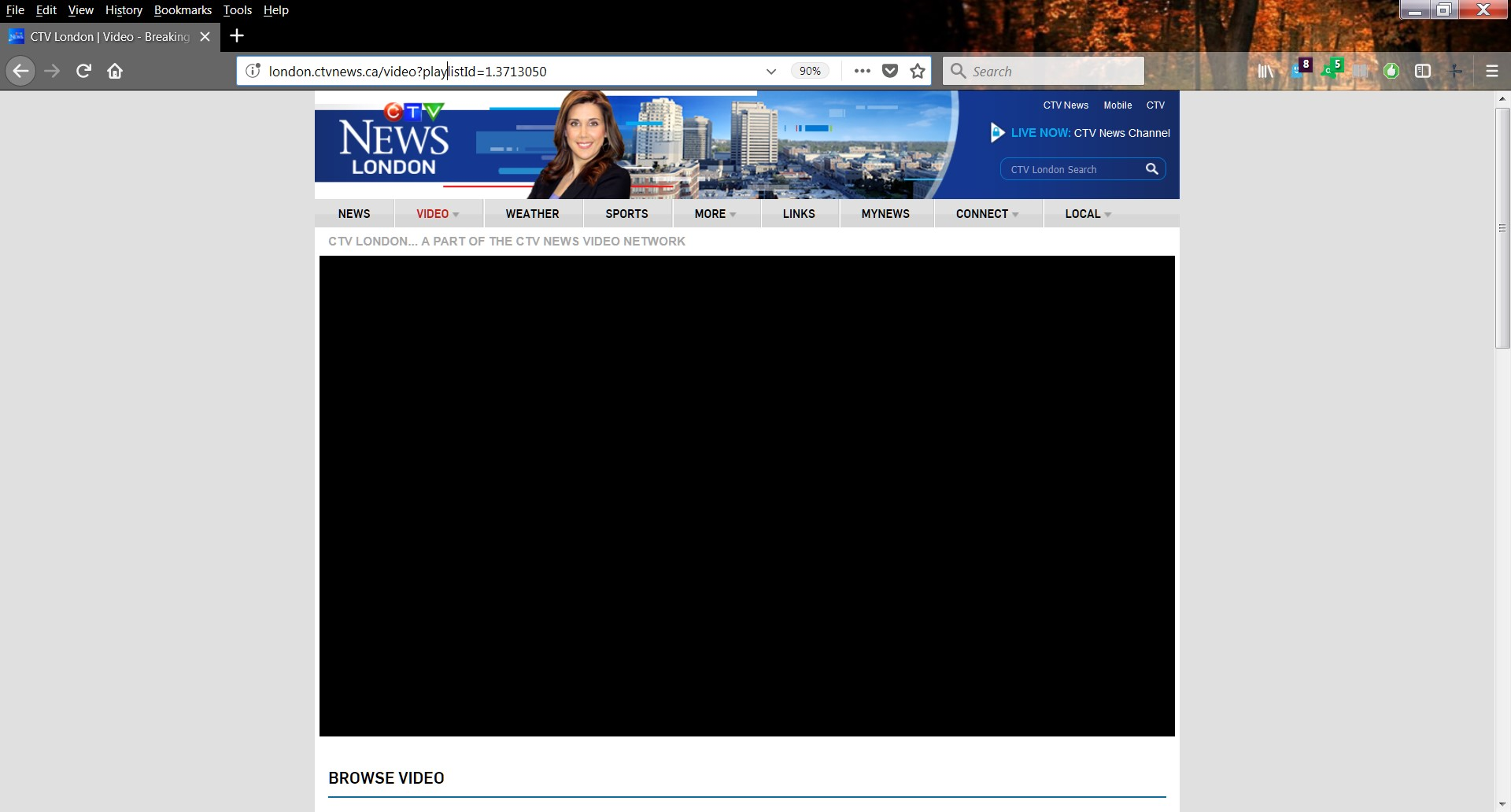

It was blocked for me until I whitelisted the website in the Disconnect extention, so turn off all your privacy extentions and the built in firefox one and test
Ausgewählte Lösung
Although your toolbar shows Ghostery instead of Disconnect, it's the same idea. Many sites employ tracking services in a manner that prevents you from accessing some things without allowing the tracker.
thank you for your responses. Ghostery was not the problem, as I had clicked "trust site". However, you did get me looking in the right direction. It was Avast Online Security that was blocking trackers (something I don't remember adding incidentally....I use Avast anti-virus, but I don't know how I got that icon at the top. Anyway, my problem is resolved! thank you everyone for your help.