


mozilla firefox stuck at C:\ProgramData\microsoft\windows\start menu\programs\mozilla firefox.ink

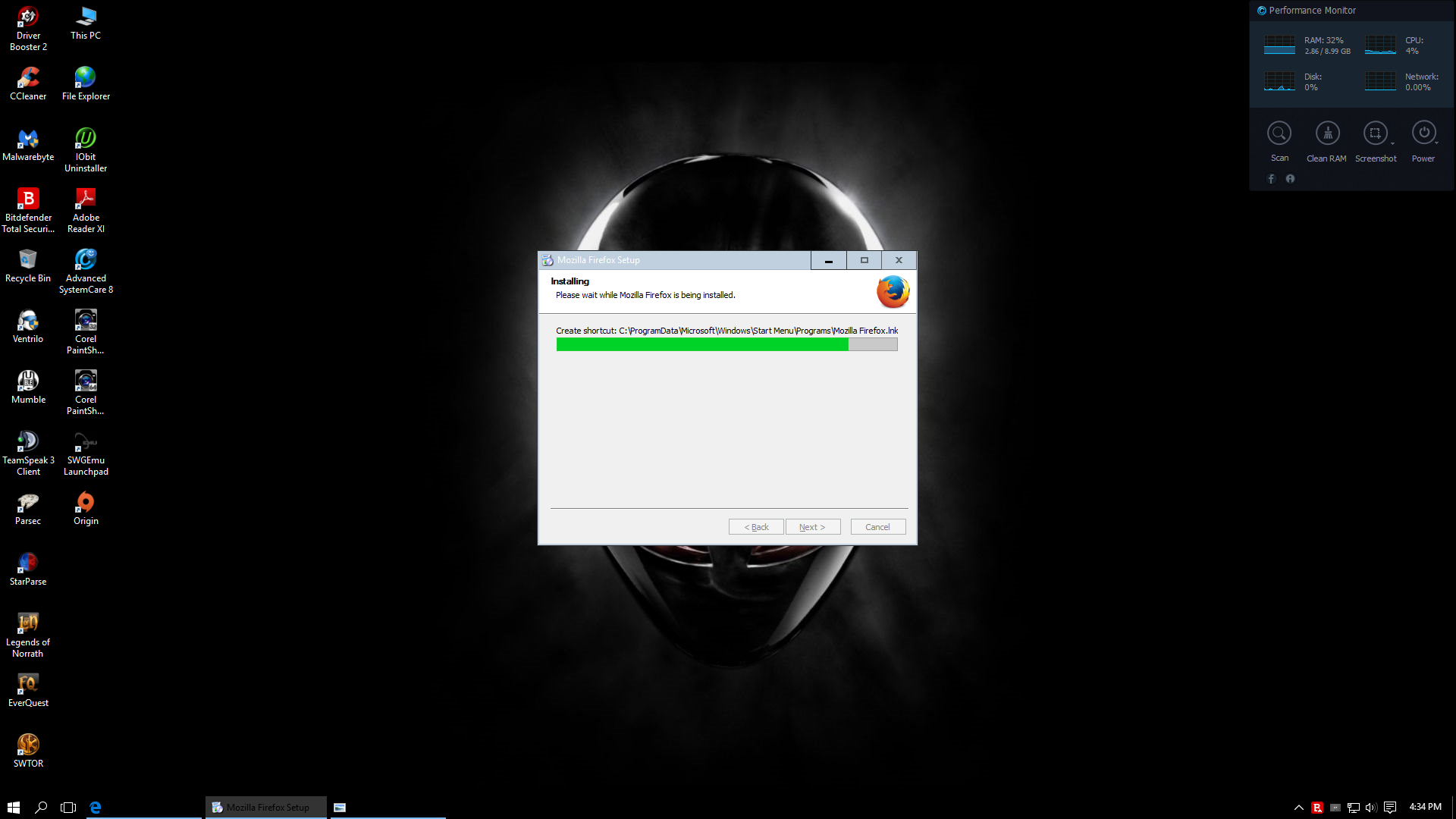
I am trying to install Firefox to Windows 10 32 bit and I get the stuck at the following step:
C:\ProgramData\microsoft\windows\start menu\programs\mozilla firefox.ink
I have tried redownloading etc. with no luck.
Alle Antworten (5)

I just retested the installation and I do not know what you mean by this file path. Can you please clarify where you are downloading and if there are any customization?
This is a screen shot where I am attempting to install Firefox and the install stays here. I downloaded the last install from the following link you provided in your post:
https://www.mozilla.org/en-US/firefox/all/
I selected English (U.S.)
Hope this helps
I assume that you mean a .lnk file (desktop shortcut). It might be difficult the see the difference between an uppercase 'I' and an 'l'.
Such a file is used to launch a program. If the installer hangs on creating this shortcut then there might be already such a shortcut, but Firefox can't replace this shortcut. If there is already a Firefox desktop shortcut then try to remove (delete) this shortcut.
Boot the computer in Windows Safe mode with network support (press F8 on the boot screen) to see if that helps.
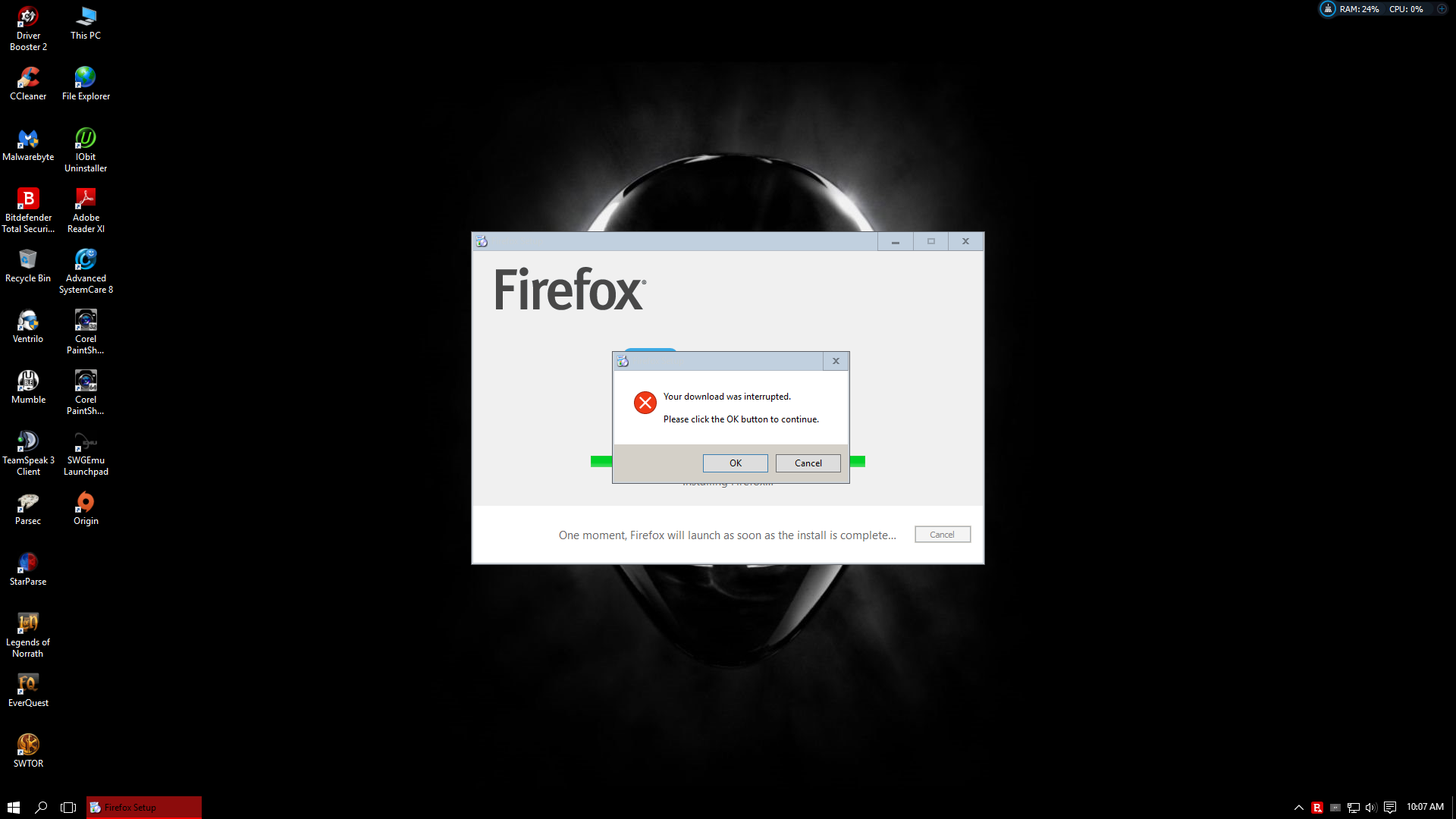
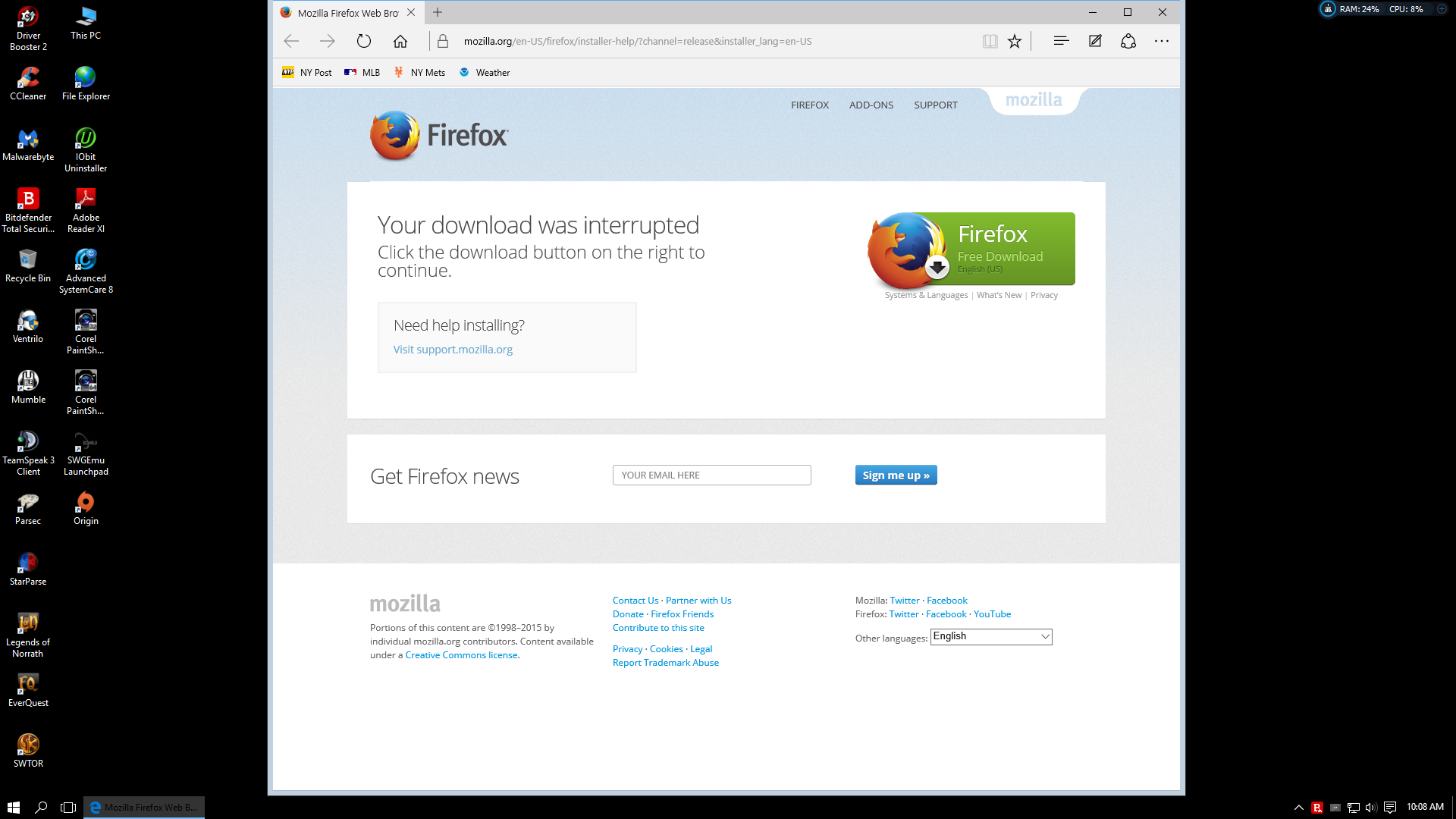
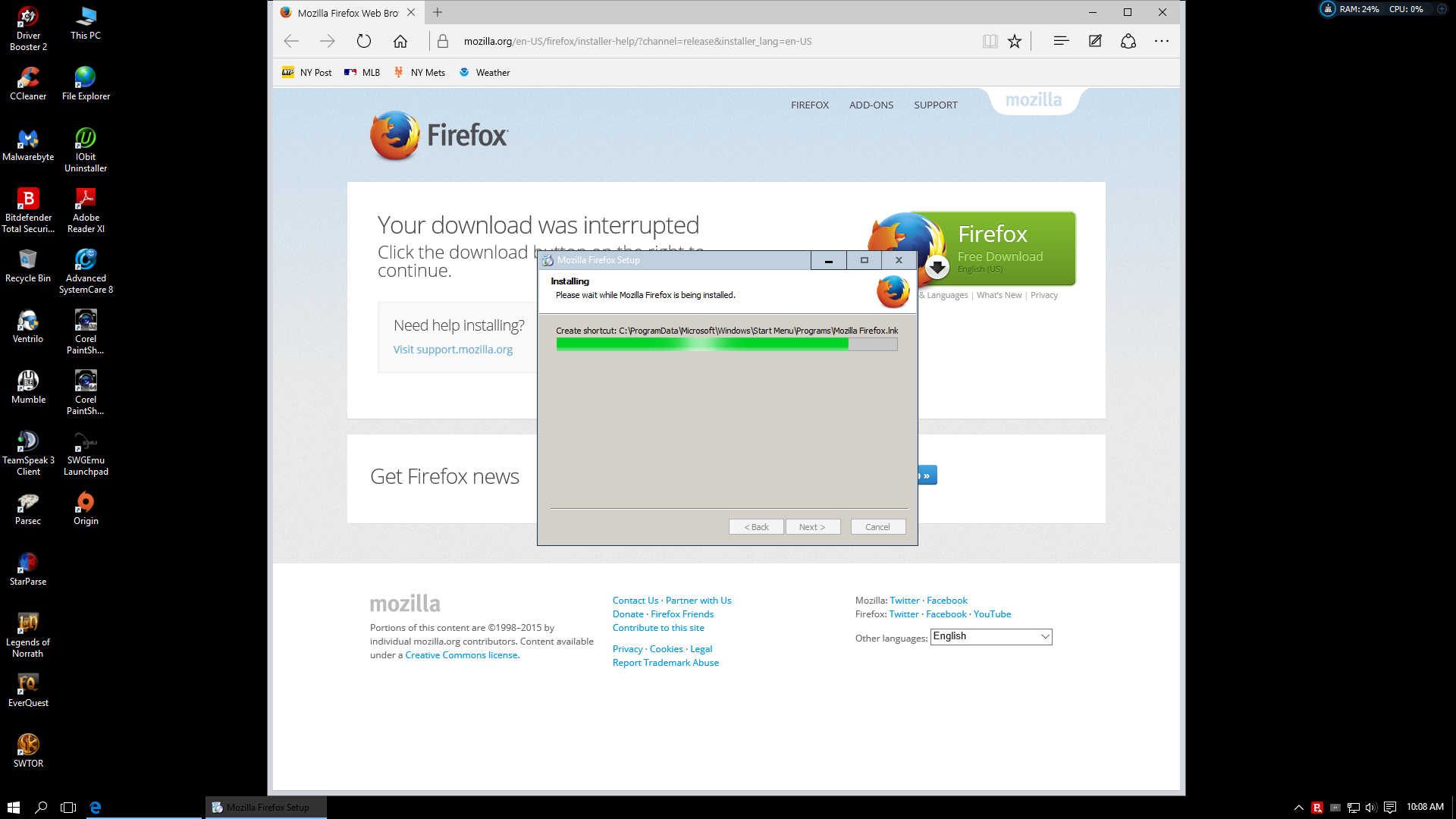
Here is latest sequence, still can not install firefox. I did all steps mentioned and tried again with the same error occurring. Attached screen shots as first install portion was interrupted, so was sent to a web page to download another file and again stuck at same spot during install.
Boot the computer in Windows Safe Mode with network support (press F8 on the boot screen) to see if that helps.