


Windows 10 reached EOS (end of support) on October 14, 2025. For more information, see this article.

Prohledat stránky podpory

Vyhněte se podvodům. Za účelem poskytnutí podpory vás nikdy nežádáme, abyste zavolali nebo poslali SMS na nějaké telefonní číslo nebo abyste sdělili své osobní údaje. Jakékoliv podezřelé chování nám prosím nahlaste pomocí odkazu „Nahlásit zneužití“.

Zjistit více

sync to iphone

  • 6 odpovědí
  • 0 má tento problém
  • 275 zobrazení
  • Poslední odpověď od jonzn4SUSE

Sync instructions on desktop browser include: Sync Firefox on your phone or tablet 1. Open Firefox on your mobile device. 2. Go to the menu ( on iOS or on Android) and tap Sync and save data 3. Tap Ready to Scan and hold your phone over this code

There is no "Sync and save data" that I can see on menu

Sync instructions on desktop browser include: Sync Firefox on your phone or tablet 1. Open Firefox on your mobile device. 2. Go to the menu ( on iOS or on Android) and tap Sync and save data 3. Tap Ready to Scan and hold your phone over this code There is no "Sync and save data" that I can see on menu

Všechny odpovědi (6)

Post a screenshot of your menu from your phone. Just sign in with your account info. I found images from my wife iphone 15 pro. see screenshots
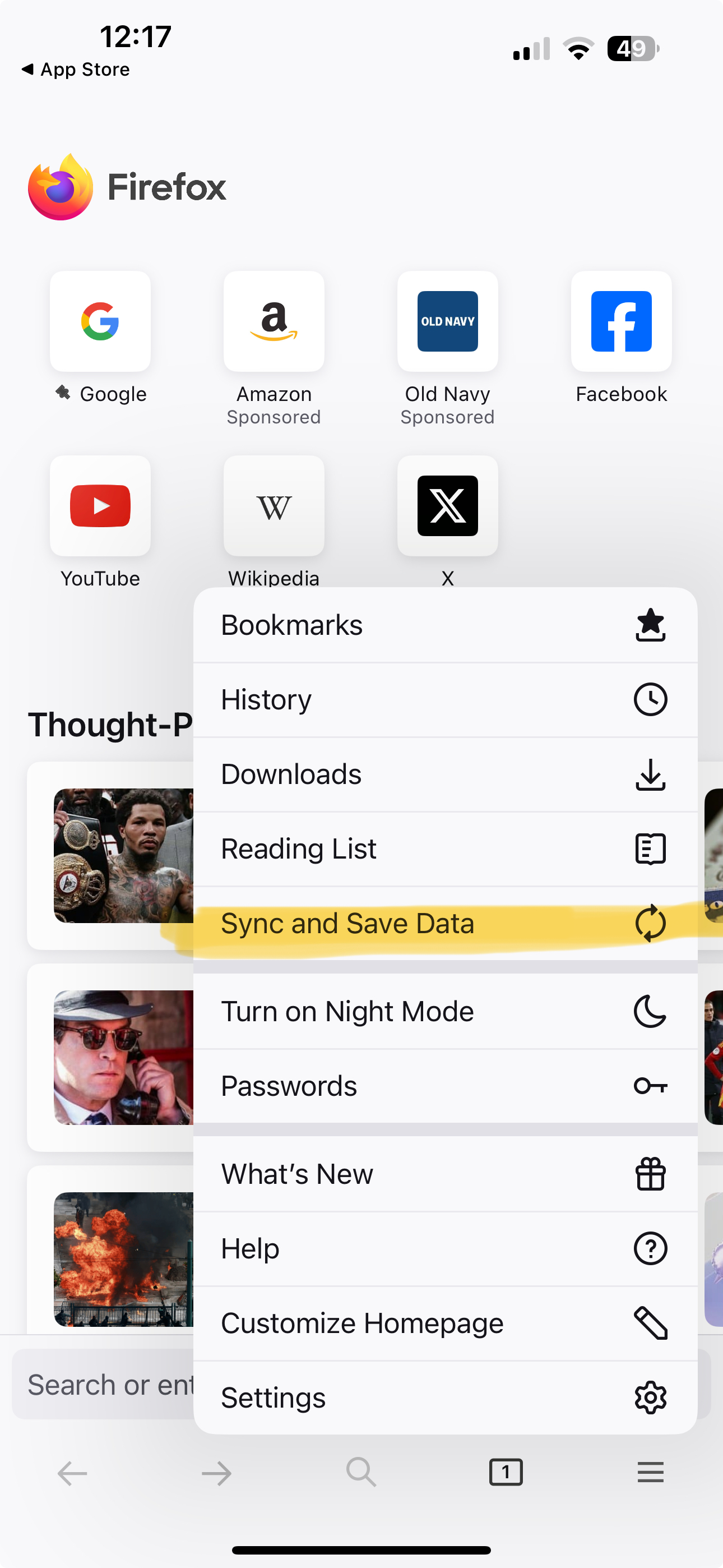
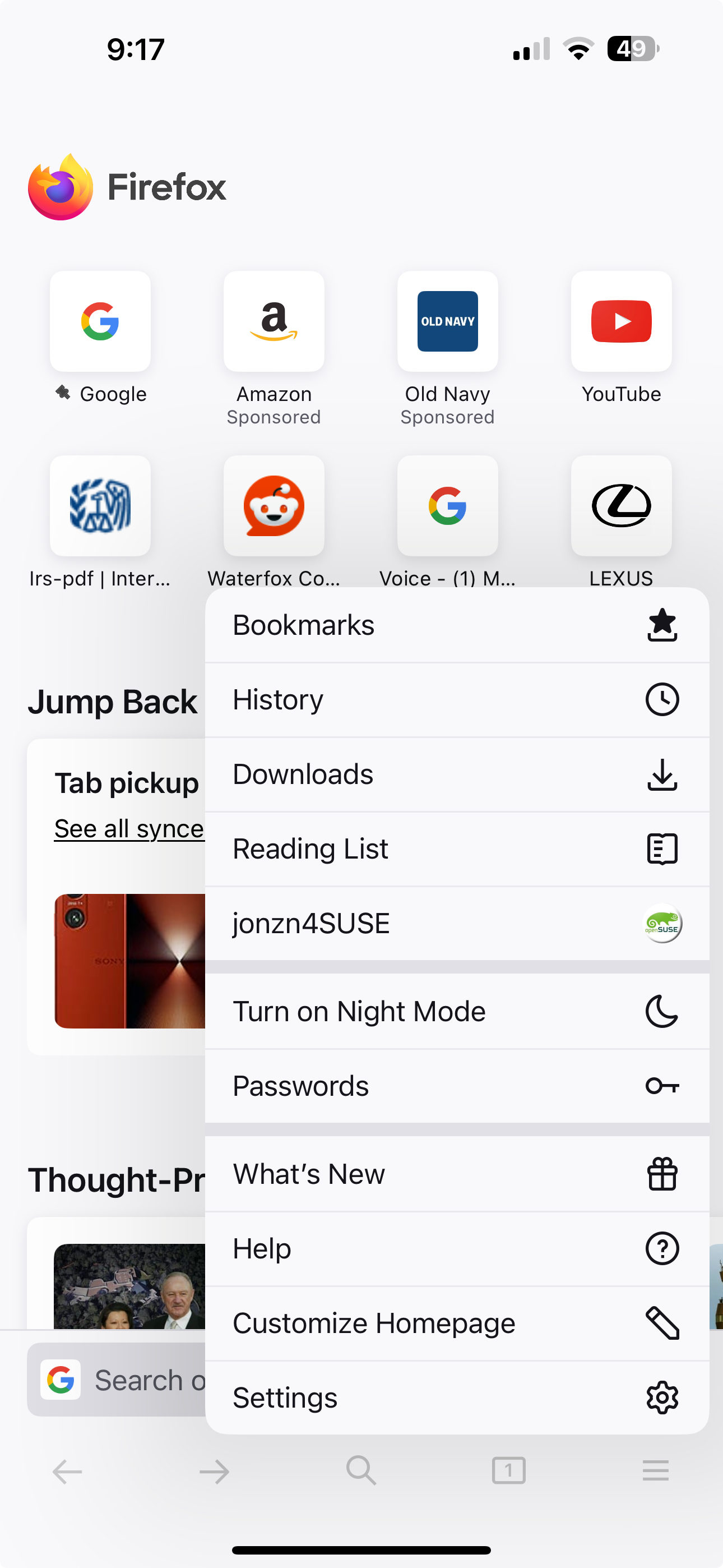
Upravil uživatel jonzn4SUSE dne

please see below
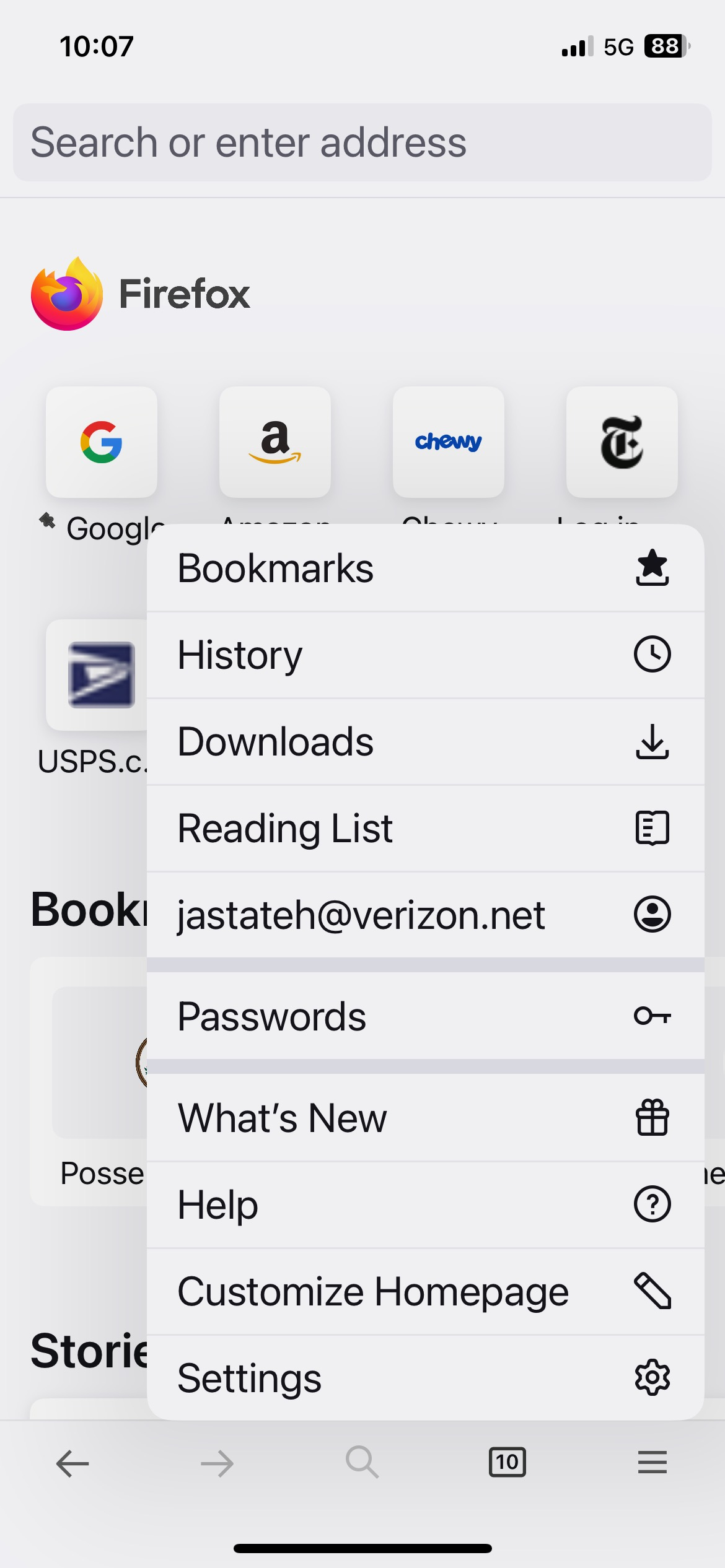
You're already logged in. see your screenshot
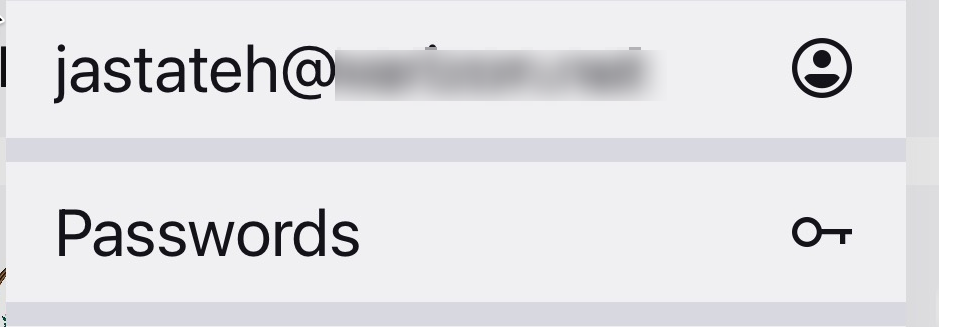
I'm not trying to log in, I'm trying to sync.

Hi

If you select your email address on the mobile app menu, you will be able to access the Firefox Sync settings.

It does look like you have already signed into Firefox Sync.

jastateh said

I'm not trying to log in, I'm trying to sync.

Upravil uživatel jonzn4SUSE dne