Windows 10 reached EOS (end of support) on October 14, 2025. For more information, see this article.

Prohledat stránky podpory

Vyhněte se podvodům. Za účelem poskytnutí podpory vás nikdy nežádáme, abyste zavolali nebo poslali SMS na nějaké telefonní číslo nebo abyste sdělili své osobní údaje. Jakékoliv podezřelé chování nám prosím nahlaste pomocí odkazu „Nahlásit zneužití“.

Zjistit více

Camera in video calls does not work

  • 2 odpovědi
  • 3 mají tento problém
  • 74 zobrazení
  • Poslední odpověď od Sadaqt

více možností

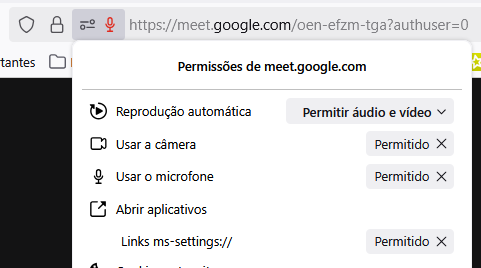
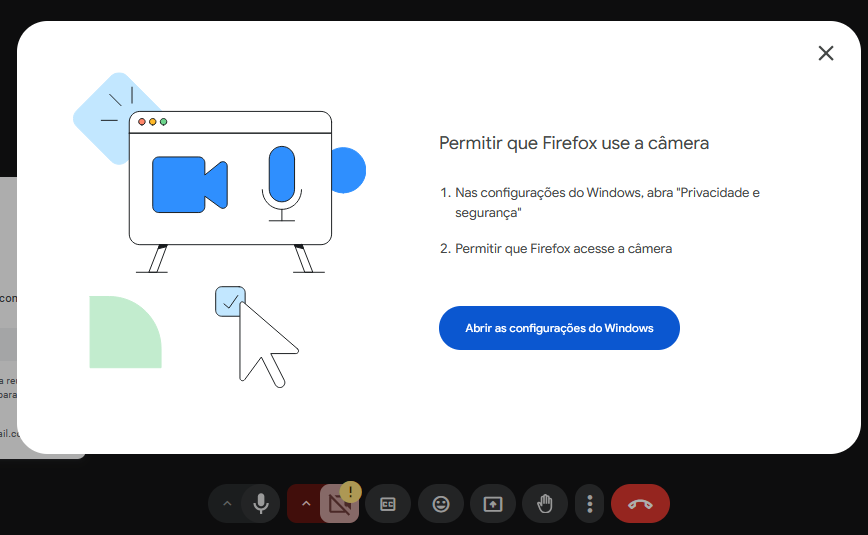
Hello everyone! I’m writing to asking for help about an issue with the camera not working on Mozilla Firefox during video calls. When I try to join a Google Meet session, I receive a message asking me to grant camera permissions - even though the permissions are already enabled both in the browser and my computer’s settings.

Interestingly, the camera works perfectly fine on other browsers like Google Chrome, so the issue seems to be specific to Firefox. I’ve already checked the following:

- Camera permissions are all allowed for Google Meet in Firefox; - The system settings (Windows) permit Firefox to access the camera; - No other applications are blocking the camera. I know that 'cause I'm using this camera on WhatsApp and TikTok Live Studio.

Could y'all please help me resolve this? I’d appreciate any troubleshooting steps or fixes you can provide.

PS.: The images are written in portuguese. But it's all how I told you before.
Hello everyone! I’m writing to asking for help about an issue with the camera not working on Mozilla Firefox during video calls. When I try to join a Google Meet session, I receive a message asking me to grant camera permissions - even though the permissions are already enabled both in the browser and my computer’s settings. Interestingly, the camera works perfectly fine on other browsers like Google Chrome, so the issue seems to be specific to Firefox. I’ve already checked the following: - Camera permissions are all allowed for Google Meet in Firefox; - The system settings (Windows) permit Firefox to access the camera; - No other applications are blocking the camera. I know that 'cause I'm using this camera on WhatsApp and TikTok Live Studio. Could y'all please help me resolve this? I’d appreciate any troubleshooting steps or fixes you can provide. PS.: The images are written in portuguese. But it's all how I told you before.
Přiložené obrázky

Všechny odpovědi (2)

více možností

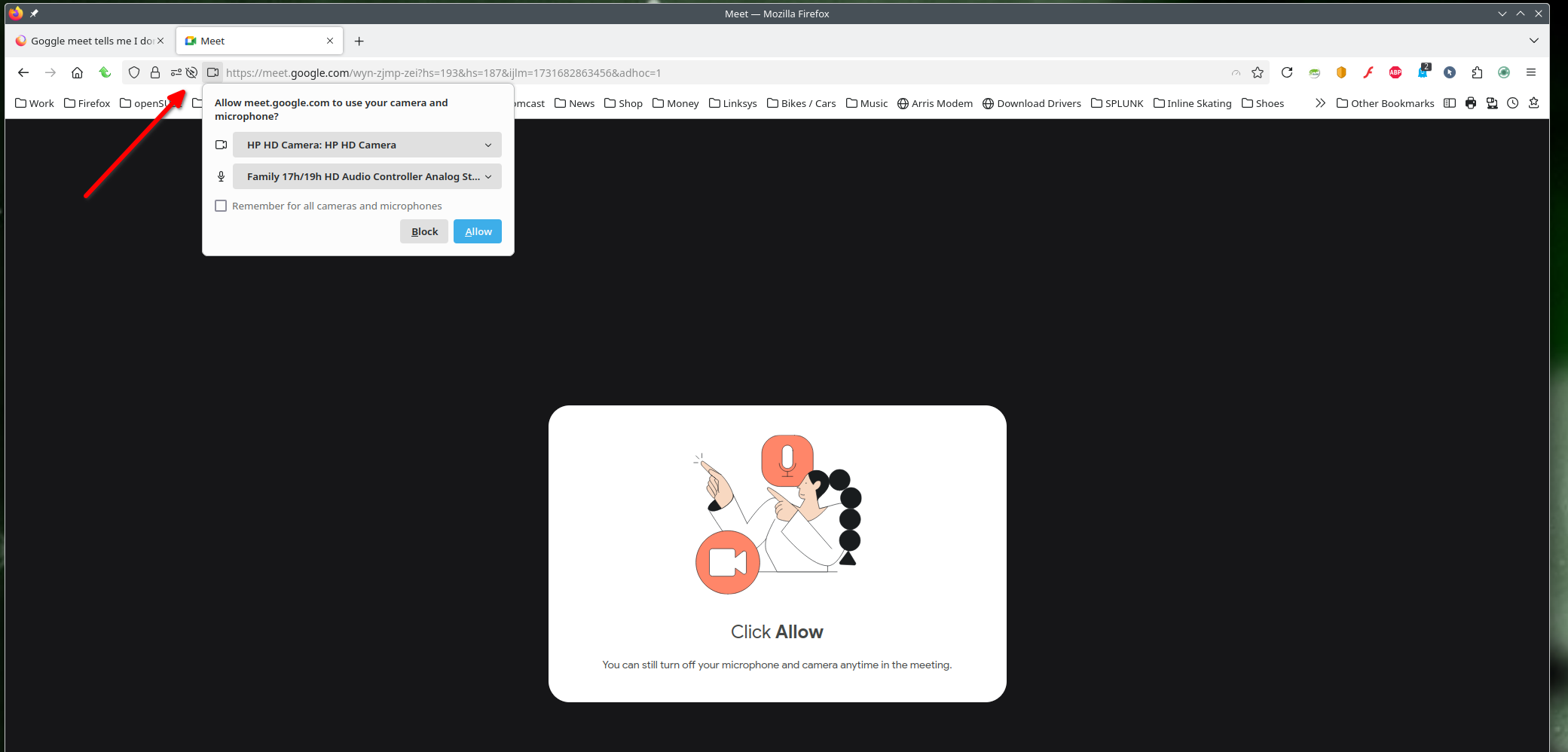
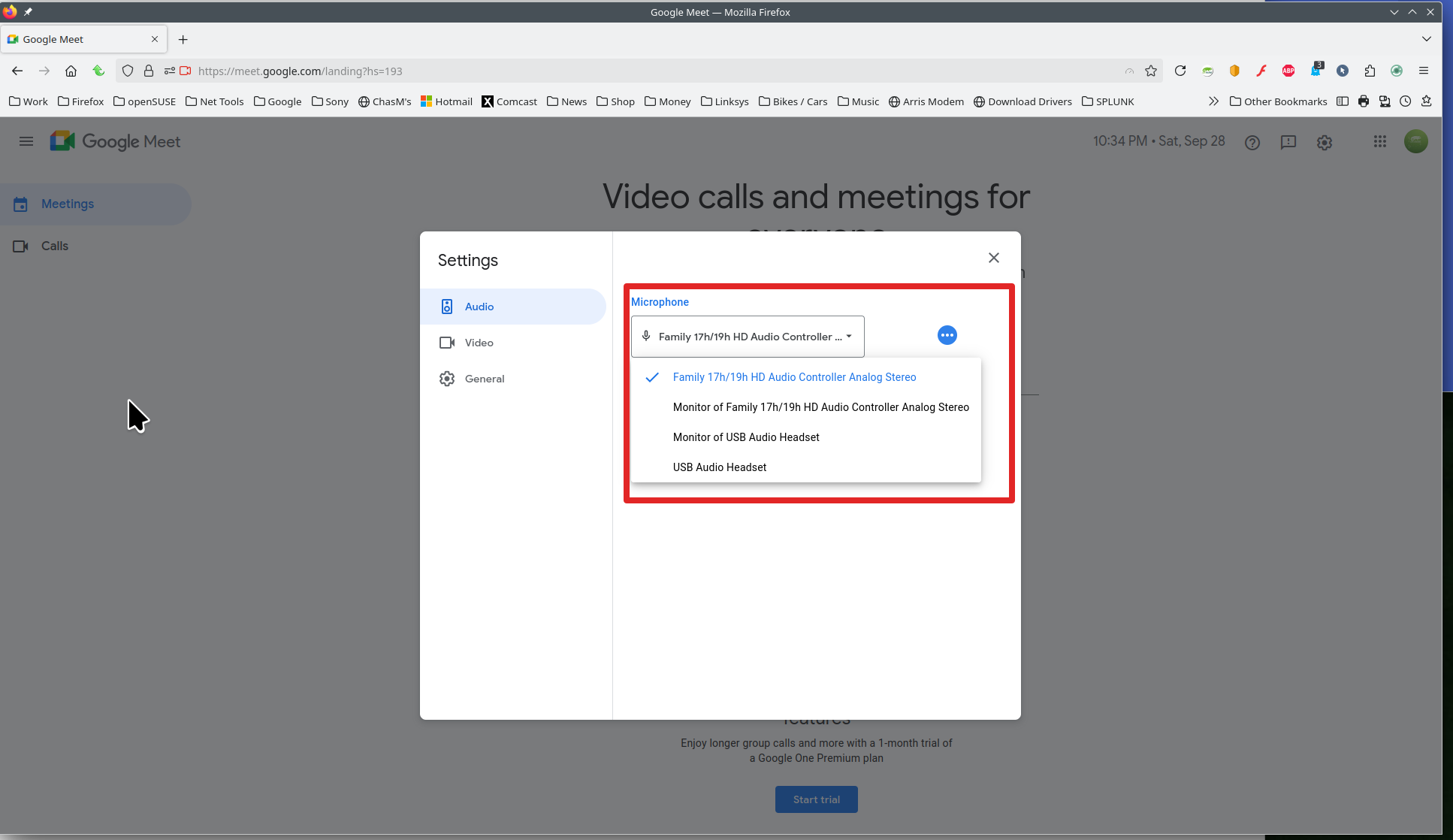
What OS? I'll guess Windows... If windows, home or pro? If windows, are you running any security software besides MS Defender? What version of Firefox? It works for me. see screenshots What do you see in permissions? see screenshot How about using the option to Forget the site and start over. https://support.mozilla.org/en-US/kb/remove-websites-address-bar-suggestions
více možností

i want video call