Webcam not showing up in Firefox

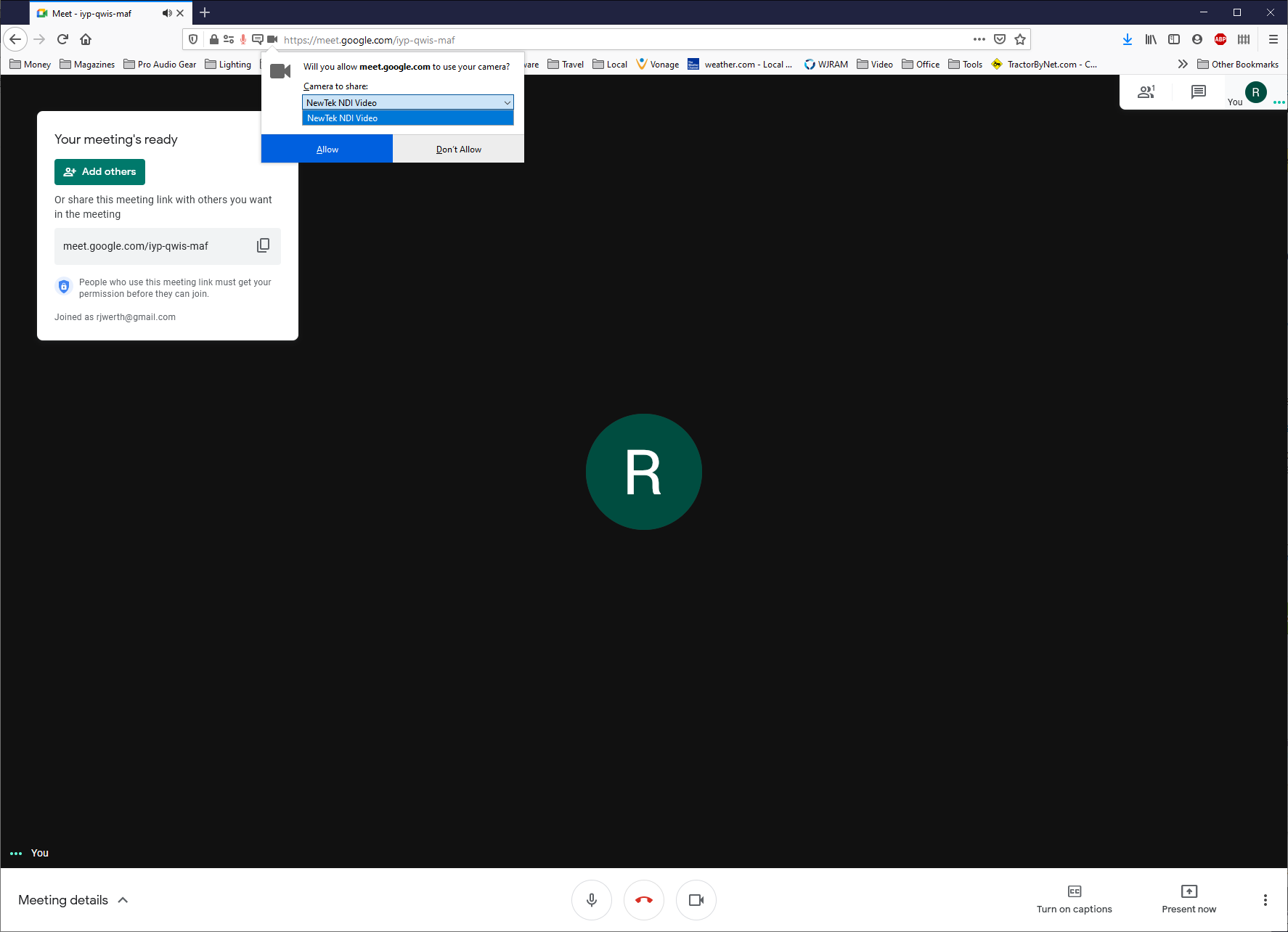
When trying to use Google meet, Firefox asks for permission to use the mic from my webcam (Logitech Pro9000) but not video. The only video option shown for permissions is my NDI source. The Logitech is nowhere to be found in the pull-down. Works fine in Edge, Windows Camera, etc.
Všechny odpovědi (5)
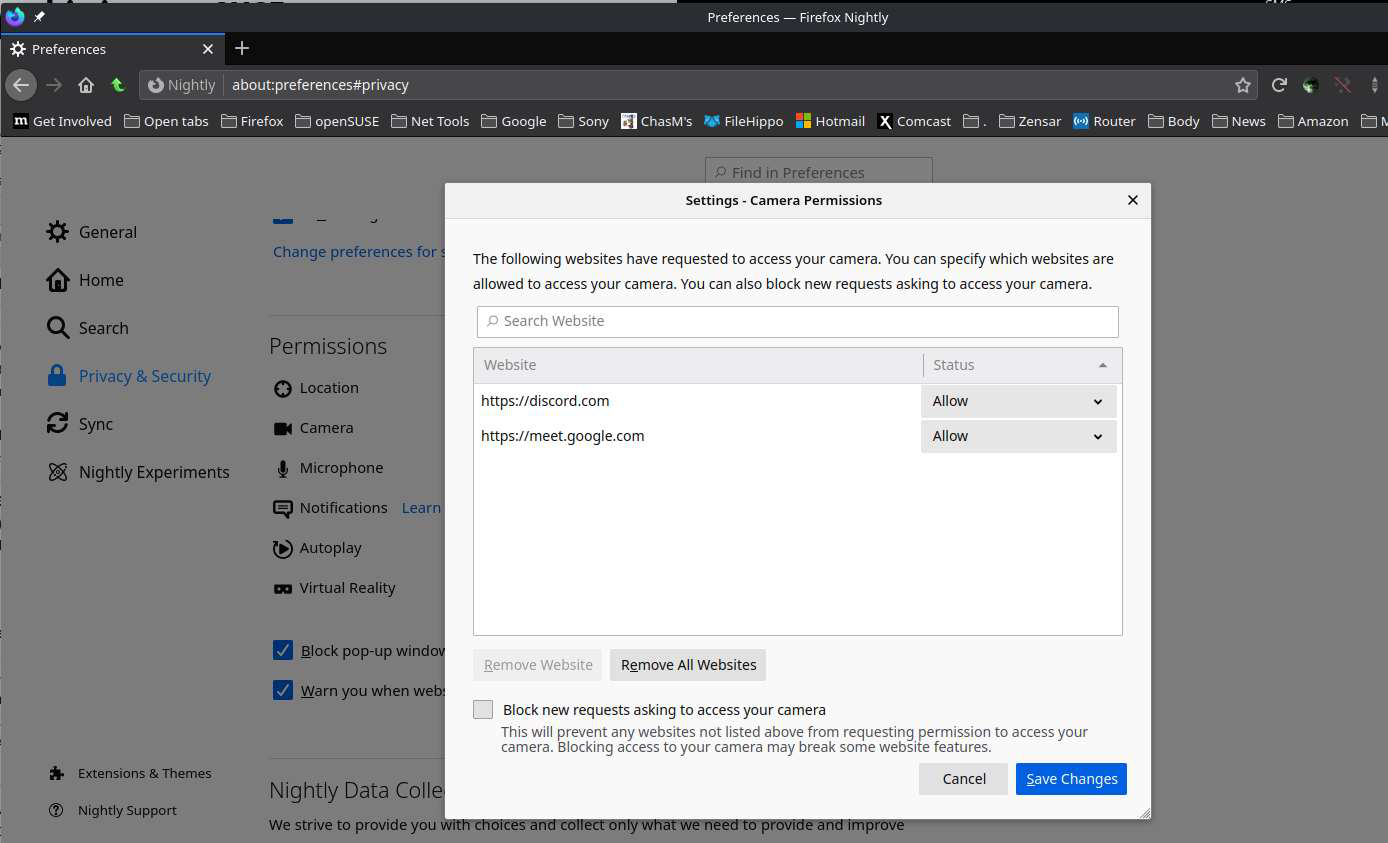
In the Settings - Camera Permissions is meet.google.com allowed? see screenshot What do you see here for permissions? see 2nd screenshot
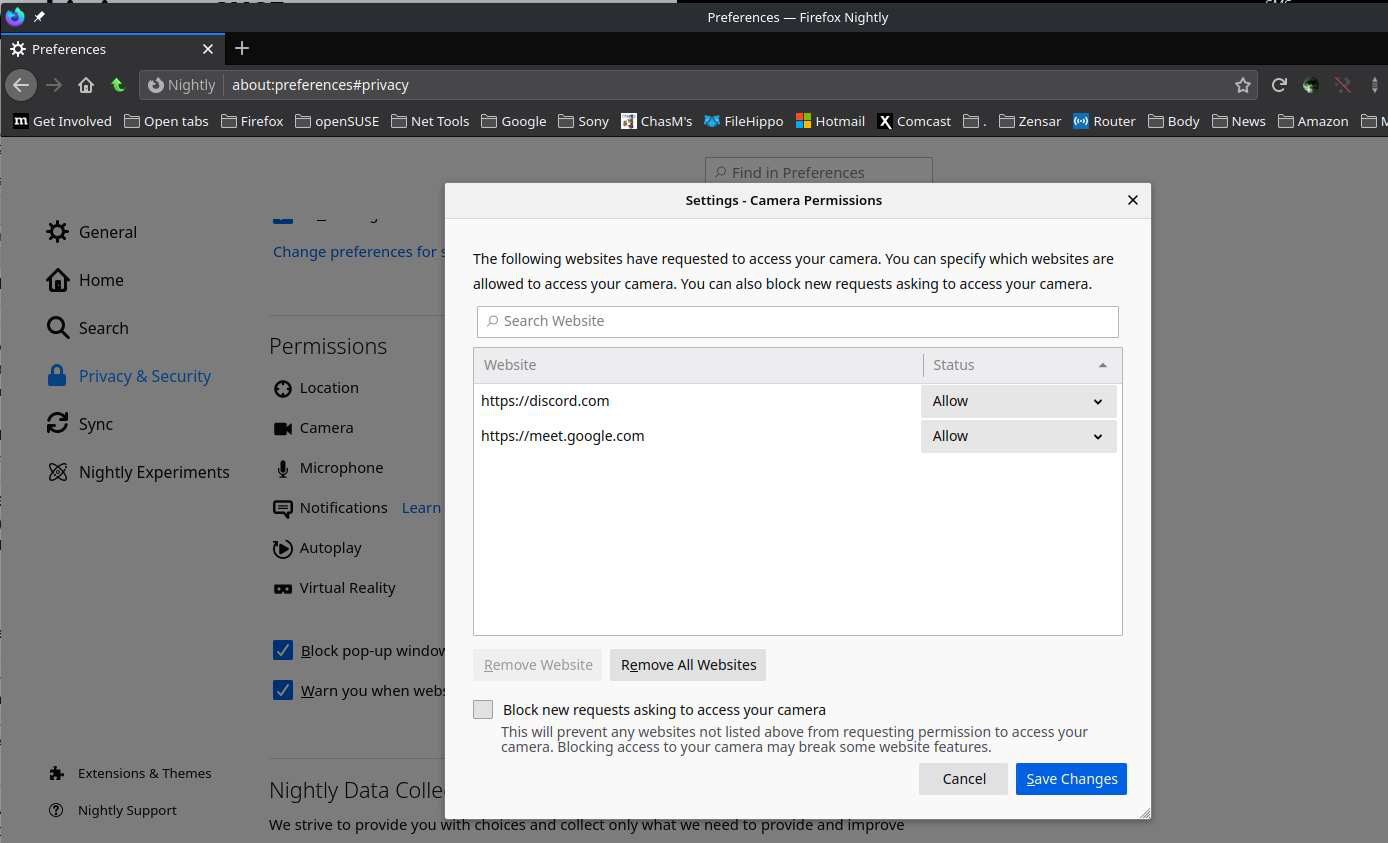
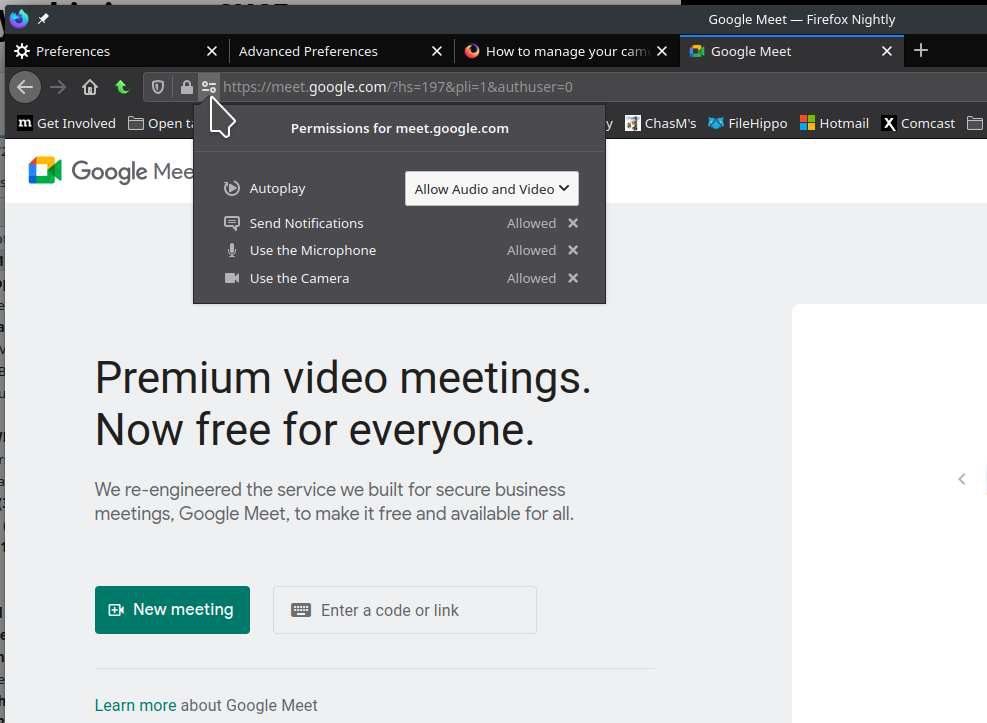
It isn't in there because I haven't allowed it yet. I get the dialog asking me to allow camera use, but that dialog doesn't have the camera I want to use as an option.
What camera is showing when you go to the below site?
https://mdn-samples.mozilla.org/s/webrtc-capturestill/
Can you also post a screenshot showing the camera the browser is seeing? see screenshot
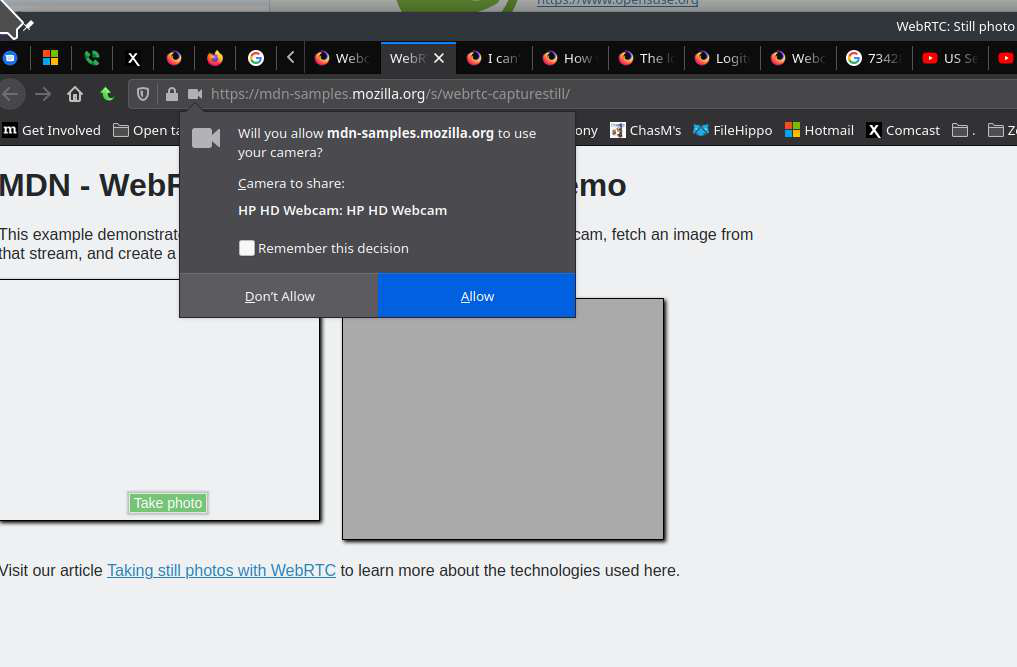
Well, this got a little weirder. In Meet, I am given only one option for camera. However, when going to your test link, I get all options. See attached.
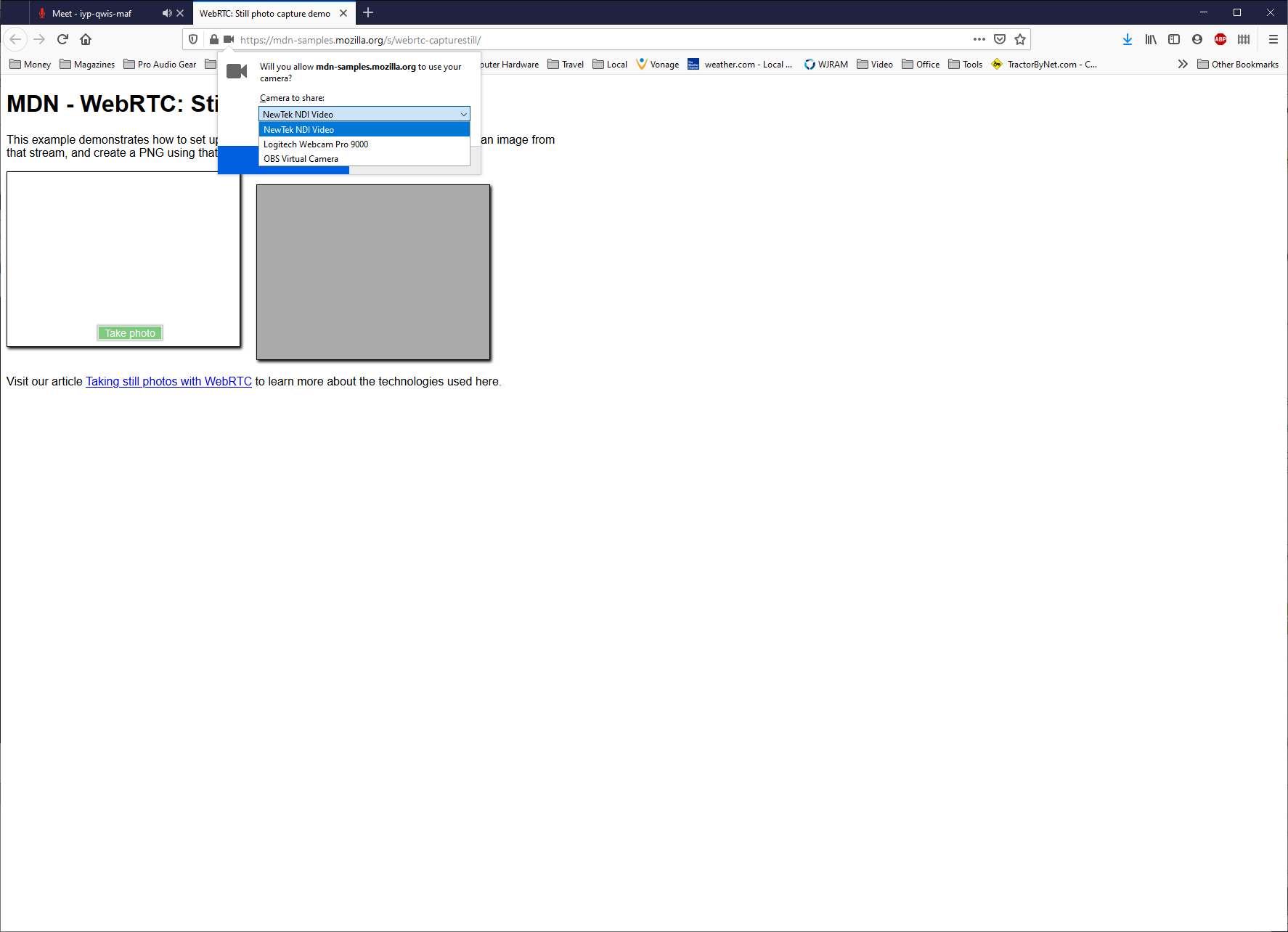
Good. Can you post a screenshot showing this. see screenshot