


Solved
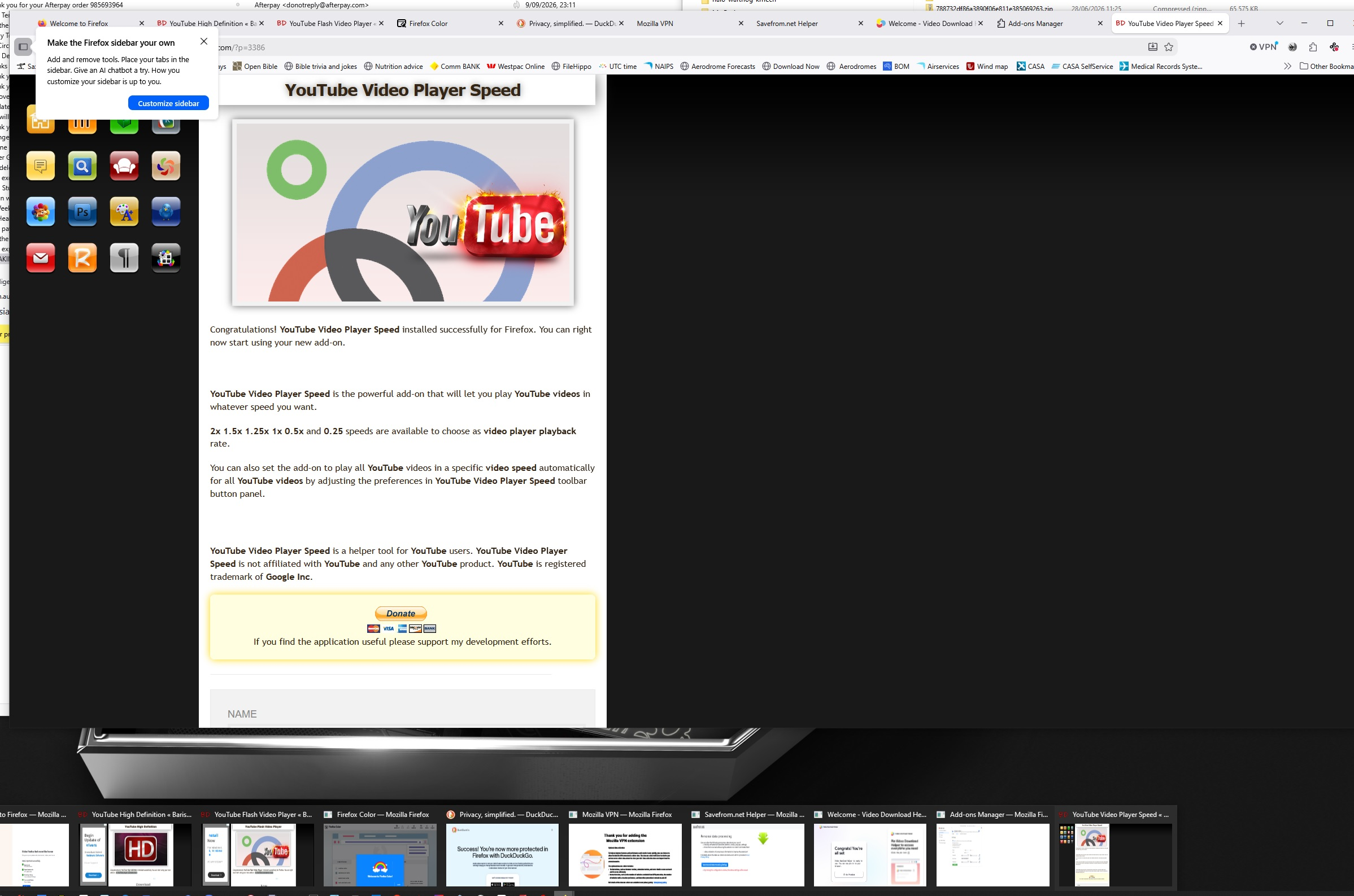
when clicking on tool bar at bottom of screen i get a lot of windows opening up.. i dont want how to uurn off
when i click on the bottom of the tool bar, i get all the windows open, all i want to see in the firefox symbol, but behind it, it got all the widows open, how do i turn this feature off... i just want to see the firefox icon their instead,,,
when i click on the bottom of the tool bar, i get all the windows open, all i want to see in the firefox symbol, but behind it, it got all the widows open, how do i turn this feature off... i just want to see the firefox icon their instead,,,
All Replies (1)
Chosen Solution
Settings > Tabs and browsing
You may have set it to open everything in a new window rather than a new tab.