


Remove old credit card details in payment methods

about:preferences#passwordsAutofill
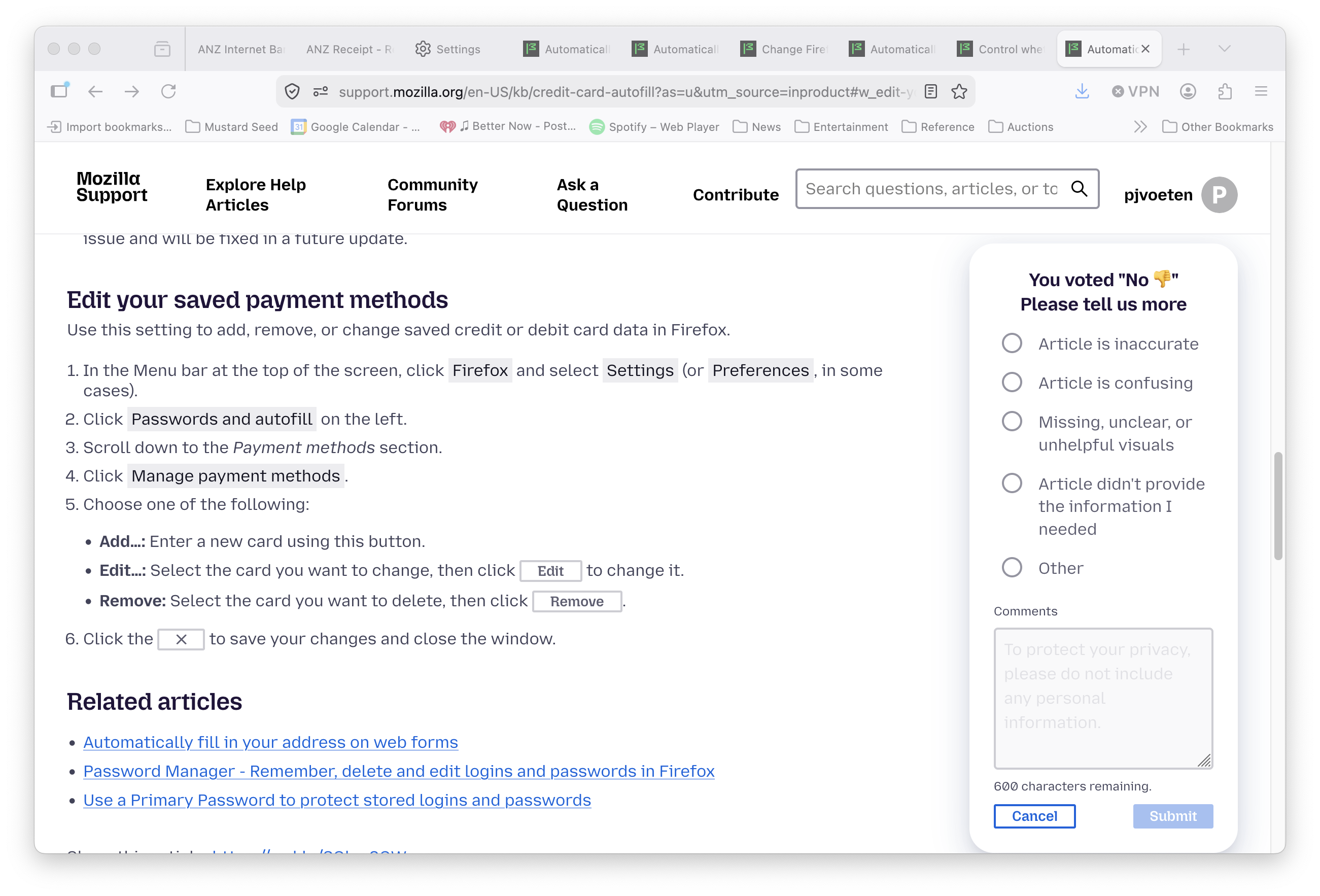
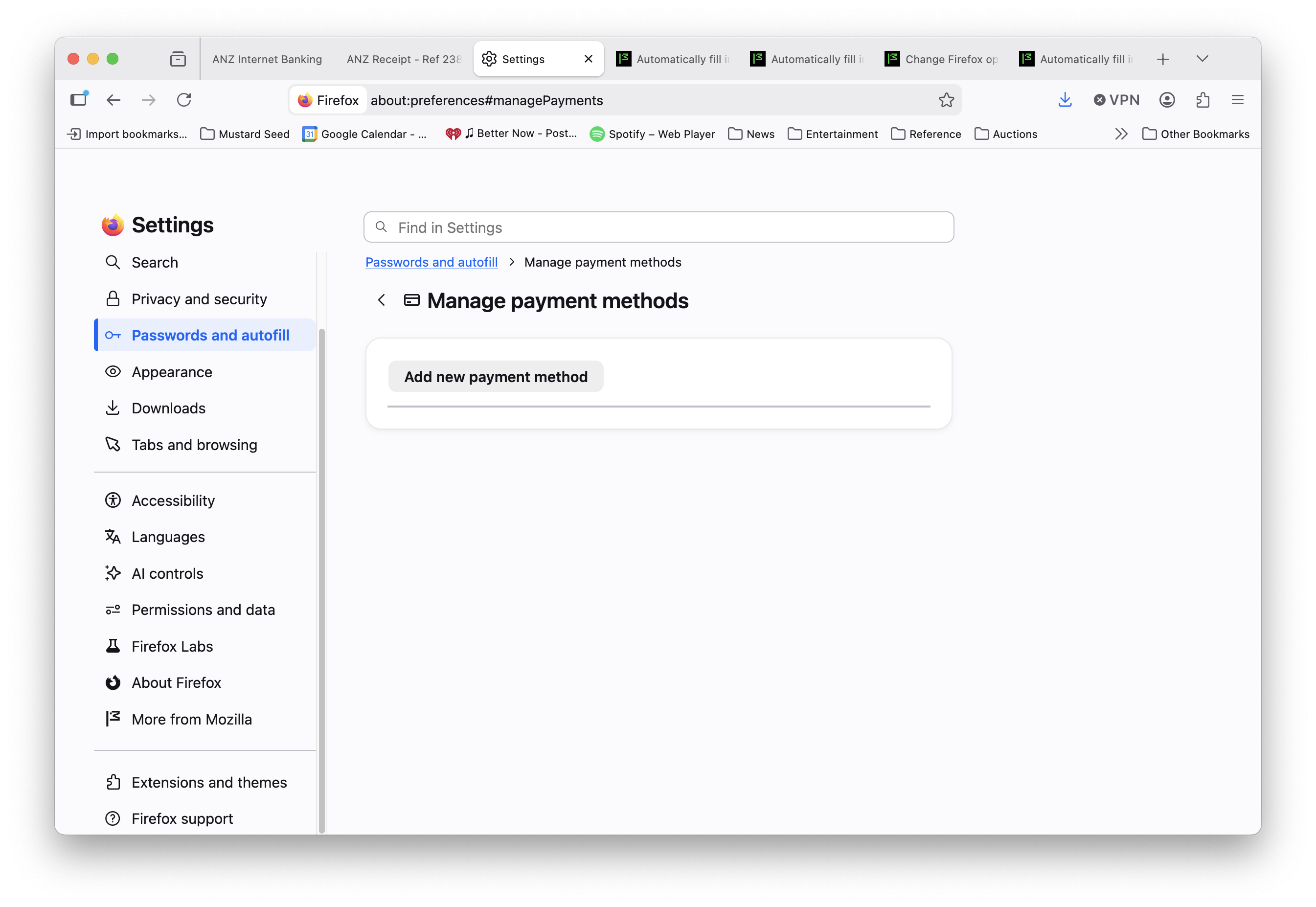
Help says i should get 3 options - add/ edit / remove but I only get add.
All Replies (2)
Hello pjvoeten,
I saw your screenshots at I appreciate that, I'm not sure what version of Firefox you are using however there do not seem to be any cached credit card information. It appears you have not yet populated any credit cards with Firefox from what the screenshot shows. Maybe you have used another browser previously where that data could be stored. Example Edge you would go to the settings and then choose a profile.
A password manager can also cache that information if you have used one in the past but there is no credit card information on that screenshot indicating that credit cards are in a cache.
Alternatively you could reset Firefox to factory default, if you are certain no other browsers are involved.
Modified by Arniceous
Hi,
First, please do NOT reset anything as the above reply suggests.
Did you have any payment methods saved previously? If so, they may fail to display due to bug 2048383. That bug will be fixed in v153 (coming out on July 21), so you can wait for the release to see if it resolves your issue. Note that with this bug, the entries are not deleted and should still autofill. If you believe the bug doesn't apply to your case, please let us know.