


Can not display about:home
I did not really know what happened but every time I opened home page, it did not load. It was working before but suddenly it didn't. I have tried writing "about:home" into search bar and it returned nothing. Just a blank page and an empty search bar.
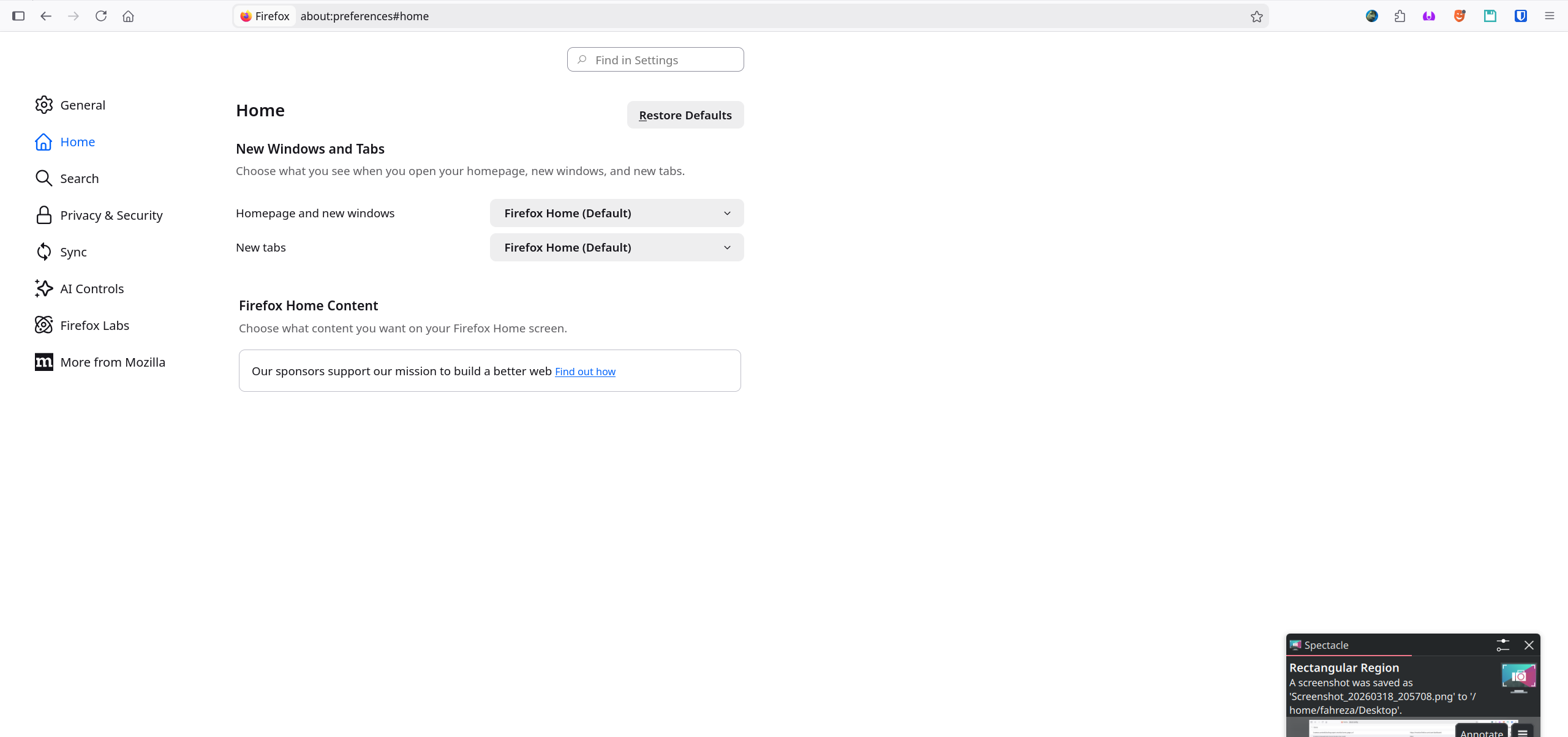
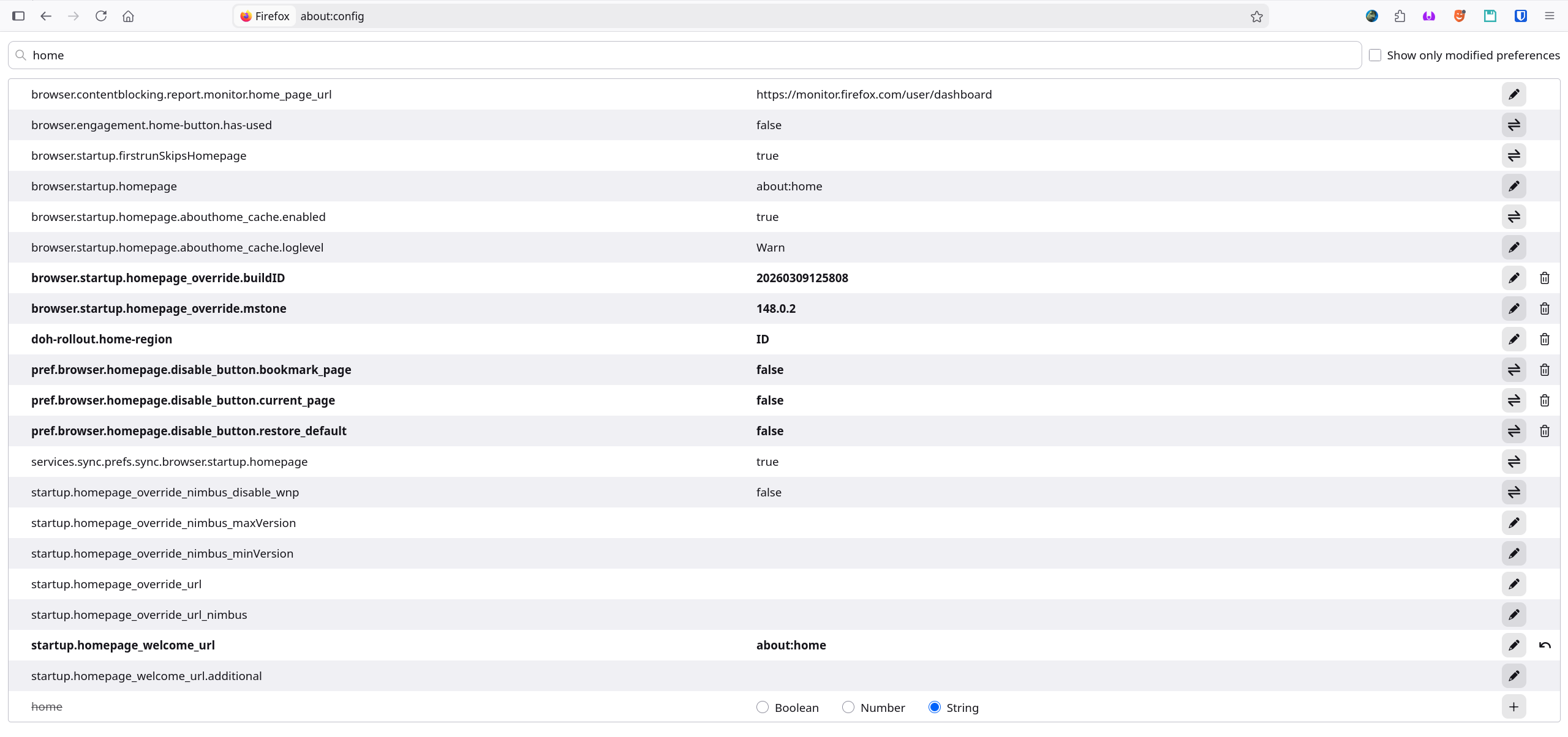
I've checked the settings and it should be fine. Nothing wrong with it. I've checked the flatpak version and its ok. I was able to open my home tab.
I am using Firefox 148.0.2 (64-bit) Debian .deb.
All Replies (8)
It is possible that you hide the content as I'm not seeing any settings in your screenshot. Is there a cog/gear icon on the page in one of the corners? Can you right-click the empty page and select View Page Source? Are there error messages in the Web Console or in the Browser Console?
- "3-bar" menu button -> More Tools -> Web Developer Tools or Tools -> Browser Tools
- https://firefox-source-docs.mozilla.org/devtools-user/browser_console/
TyDraniu said
Bug 2017751 or bug 2007810?
Its closer to Bug 2007810. Its also similar to the referenced bug in the Bug 2007810 page where the newly opened tab is just blank. Clicking on Home button beside the search bar also did nothing. When clicked on opened web pages, it will show blank page. Just like opening new tab or searching about:home.
Modified by Fahreza Dhia A
cor-el said
It is possible that you hide the content as I'm not seeing any settings in your screenshot. Is there a cog/gear icon on the page in one of the corners? Can you right-click the empty page and select View Page Source? Are there error messages in the Web Console or in the Browser Console?
- "3-bar" menu button -> More Tools -> Web Developer Tools or Tools -> Browser Tools
- https://firefox-source-docs.mozilla.org/devtools-user/browser_console/
No. Opened console and there was no error or anything. Looks normal. I didn't see any cog icon.
You can try Firefox from the official Mozilla server if you currently use a version from the repositories of your Linux distribution to see if it behaves differently.
I think the problem is linked to my account. I installed flatpak version of firefox then login using my account. After that, the same issue occurs. new tab is only blank and can't open about:home.
When you load about:home is there a small gear icon on bottom right corner?
If you then click on the gear icon it should show if you have Weather, Shortcuts, Recommended Stories selected or not.
James said
When you load about:home is there a small gear icon on bottom right corner? If you then click on the gear icon it should show if you have Weather, Shortcuts, Recommended Stories selected or not.
Nope. Nothing. Even in the page source, the HTML Body tag is empty.