

This thread was archived.
Please ask a new question if you need help.

Archived
Lost shortcuts from New Tab
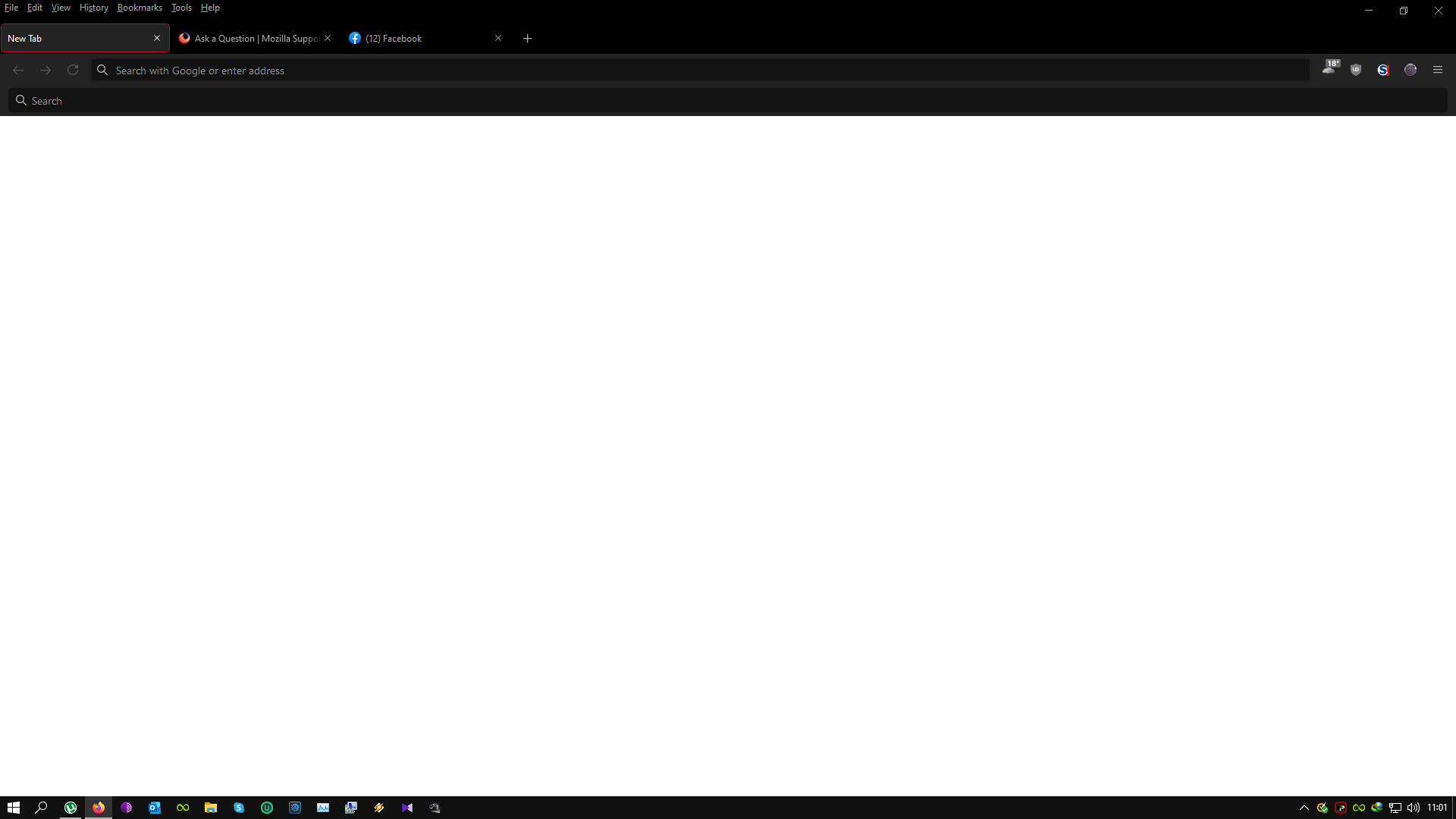
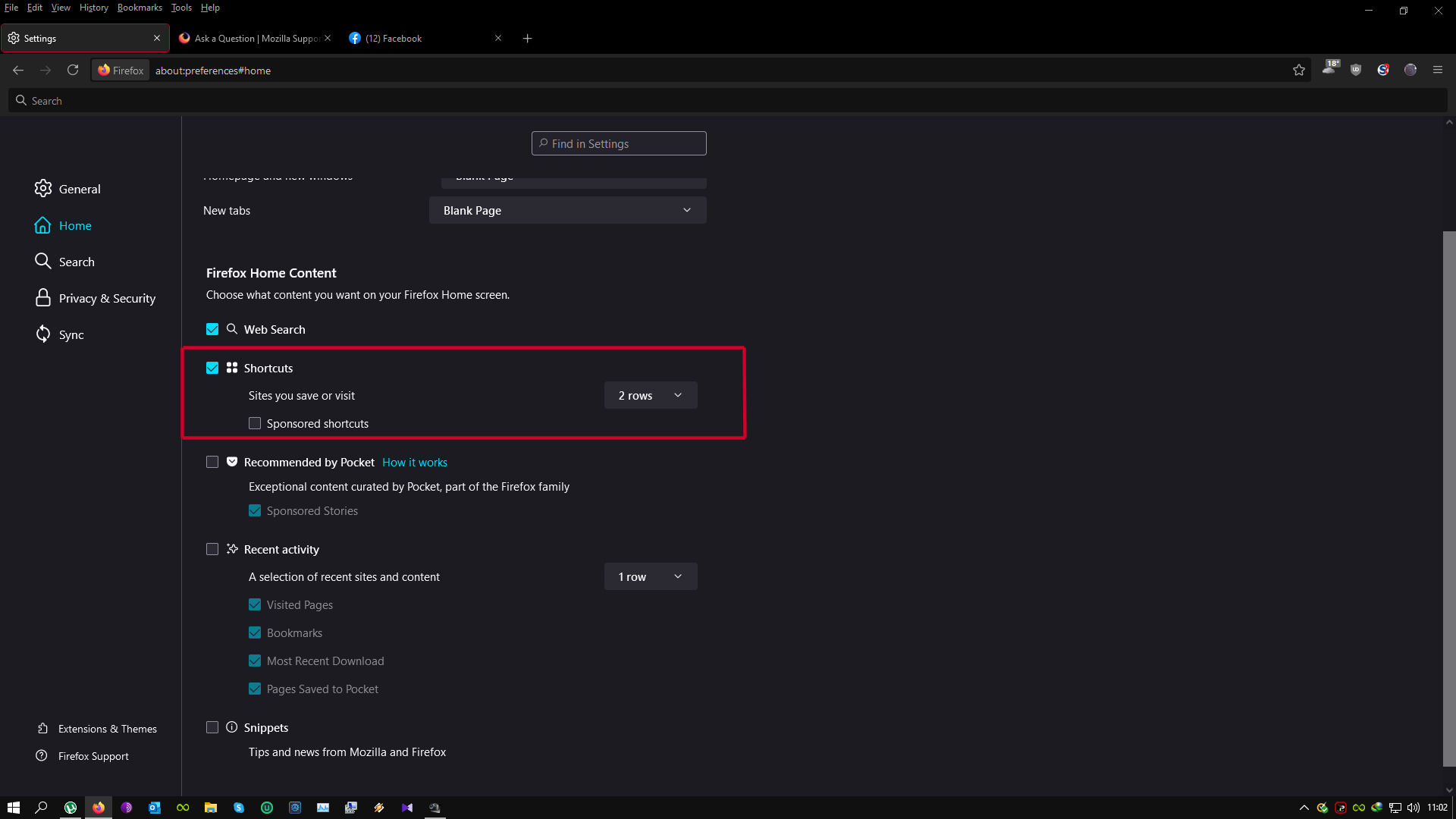
Lost Shortcuts (2 rows) from Firefox new tab... How do I get them back... Shortcuts is activated in options, still no "icons" to launch my most used websites
Help will be appreciated...
JMB
[Personal information removed by moderator. Please read Mozilla Support rules and guidelines, thanks.]
Lost Shortcuts (2 rows) from Firefox new tab... How do I get them back...
Shortcuts is activated in options, still no "icons" to launch my most used websites
Help will be appreciated...
JMB
''[Personal information removed by moderator. Please read [[Mozilla Support rules and guidelines]], thanks.]''
Modified by Chris Ilias
All Replies (1)
Hi JMB, in your second screenshot, you'll notice near the top that your New tabs setting switched from "Firefox Home" to "Blank Page". Hopefully changing that back will solve it. Any luck?