


spellcheck stuck in US english depsite having several Aus/GB english dictionaries downloaded

My spellcheck is stuck in US english and has been for months, I have several different dictionaries downloaded (both australian english and british english) and none of this is fixing the problem, I have looked at several other help questions with similar problems but all the advice is things I have already done. Please help for this is driving me crazy and I cannot deal with it constantly telling me my spelling is incorrect only for it to actually be correct for me
All Replies (3)
Odabrano rješenje
Right click the text area, [x] Check spelling, "Languages… ›" … and what's your selection there?
Just right-click the text area, go to Languages and select your favorite language(s).
https://support.mozilla.org/en-US/kb/how-do-i-use-firefox-spell-checker
Make sure "Check your spelling as you type" in Settings is checked to be sure.
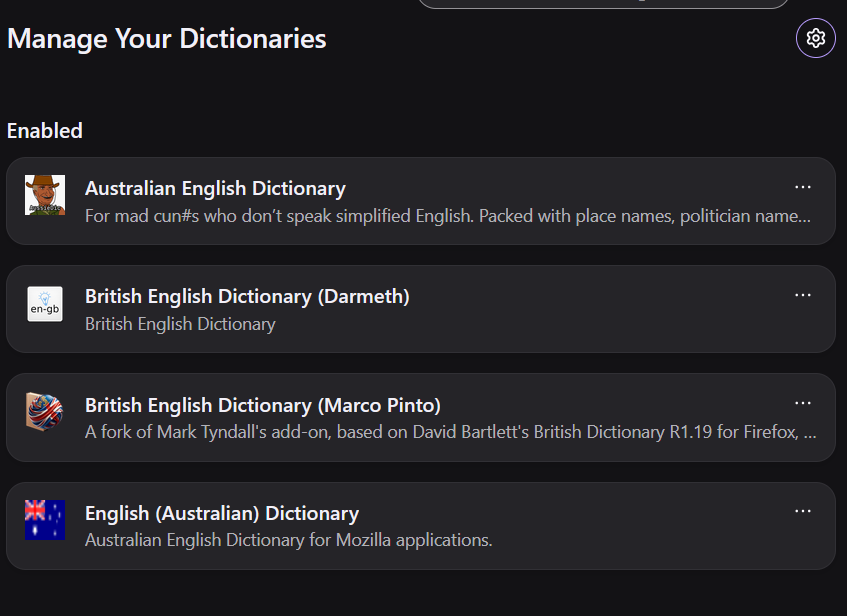
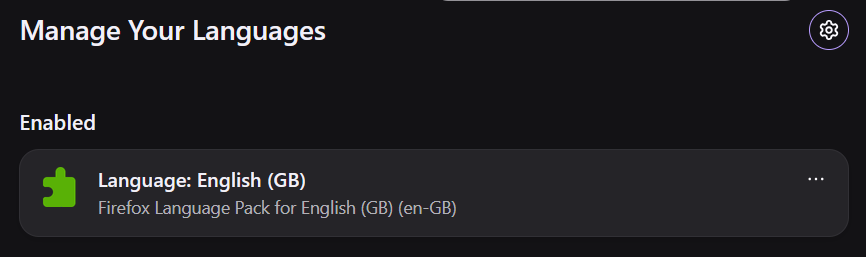
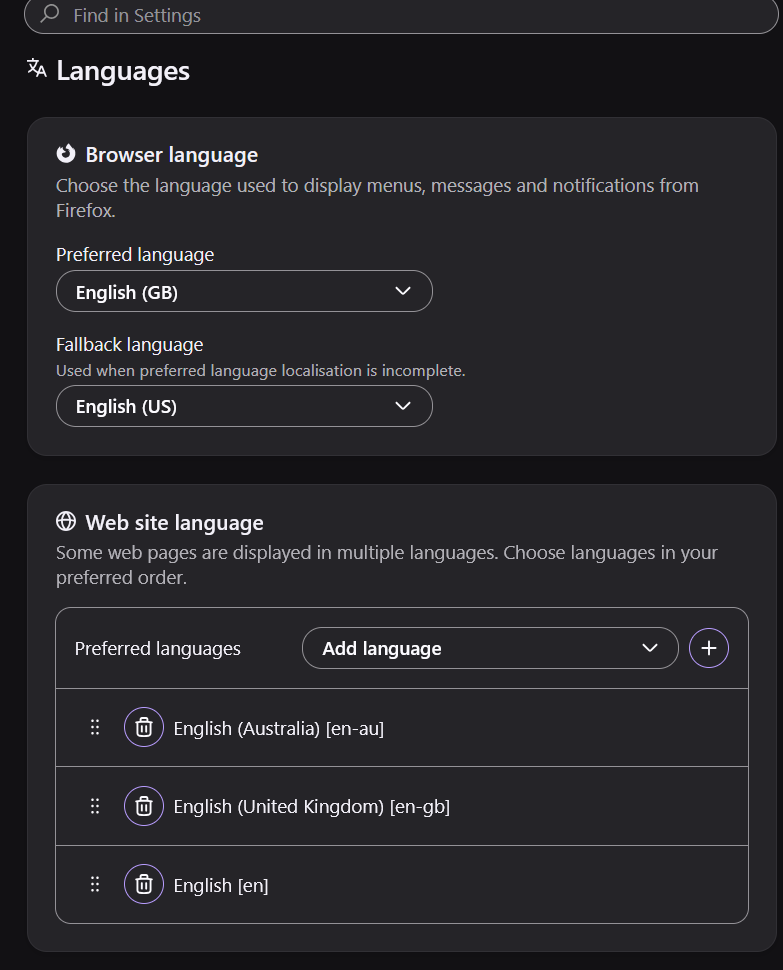
While the first image is of dictionaries, the second and third image has nothing to do with the inline spell checker. The language pack is used for the language of the UI like the menus and such. The language packs is a way to have one Firefox install but be able to change the language of the Firefox UI with two or more languages.