


Open
I am sick of MOZILLA not woring anymorre!

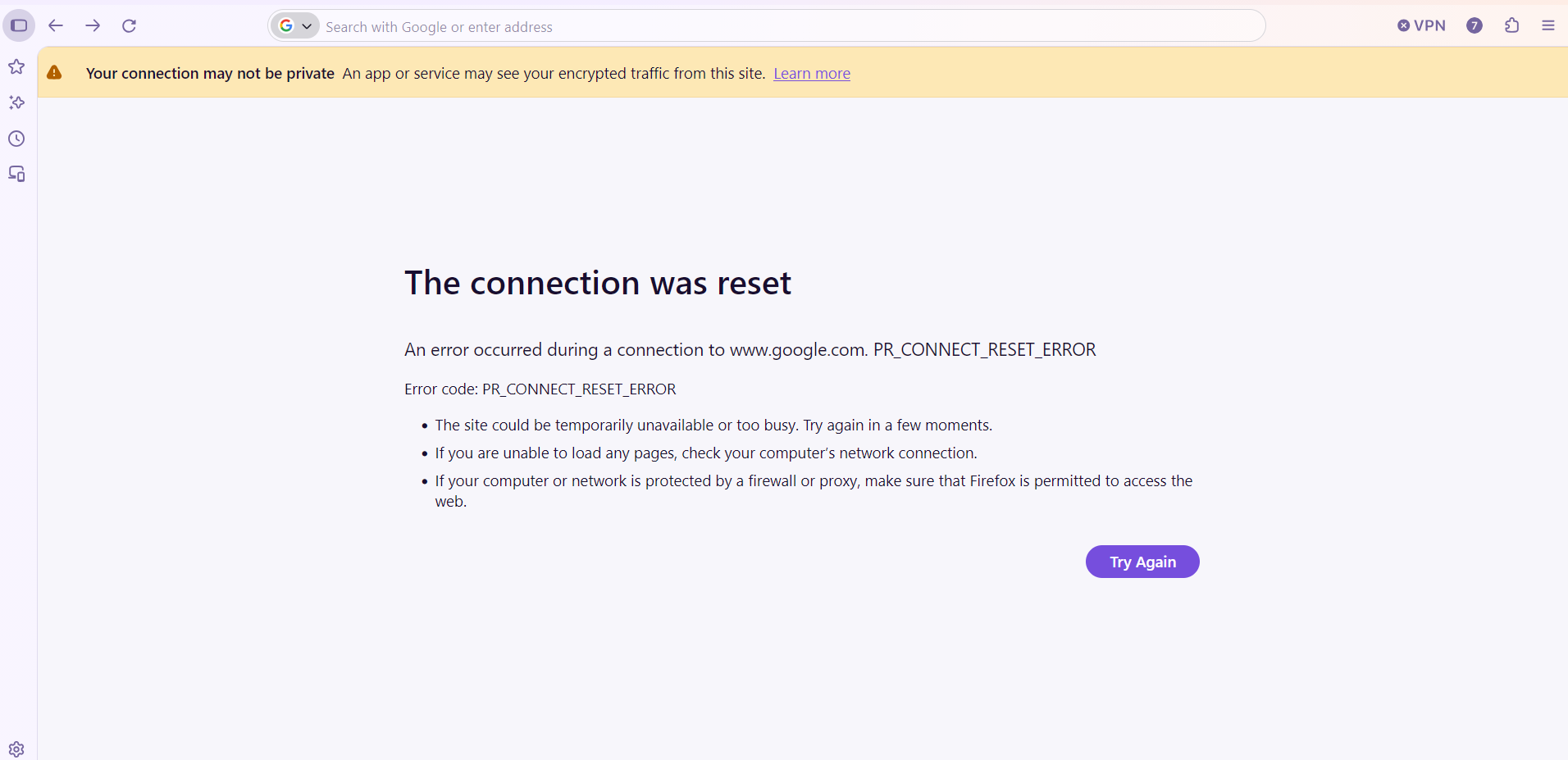
So MANY times I see this warning!......
Your connection may not be private Learn more
The connection was reset
An error occurred during a connection to www.google.com. PR_CONNECT_RESET_ERROR
Error code: PR_CONNECT_RESET_ERROR
   The site could be temporarily unavailable or too busy. Try again in a few moments.
   If you are unable to load any pages, check your computer’s network connection.
   If your computer or network is protected by a firewall or proxy, make sure that Firefox is permitted to access the web.
Then I have to close everything out and start allover. I have cleared my browsing history, cleared all cookies and everything else possible,turned off my desktop, unplugged it and pressed the power button just to browse a few more minutes before that message pops up again. I have even goe so far as to unplug my modem, and router for 20 minutes. My desktop is hard wired to the internet.
So MANY times I see this warning!......
Your connection may not be private
Learn more
The connection was reset
An error occurred during a connection to www.google.com. PR_CONNECT_RESET_ERROR
Error code: PR_CONNECT_RESET_ERROR
The site could be temporarily unavailable or too busy. Try again in a few moments.
If you are unable to load any pages, check your computer’s network connection.
If your computer or network is protected by a firewall or proxy, make sure that Firefox is permitted to access the web.
Then I have to close everything out and start allover. I have cleared my browsing history, cleared all cookies and everything else possible,turned off my desktop, unplugged it and pressed the power button just to browse a few more minutes before that message pops up again. I have even goe so far as to unplug my modem, and router for 20 minutes. My desktop is hard wired to the internet.
All Replies (2)
The yellow banner shows you the reason — ask your antivirus/security vendor why are they mangling your secure connections.