


When trying to connect Thunderbird on Ubuntu 20.02 to gmail I am asked to download a file after the google authentication pop up .

I have been dealing with this issue for the last several thunderbird versions. I am currently running 115.18.0
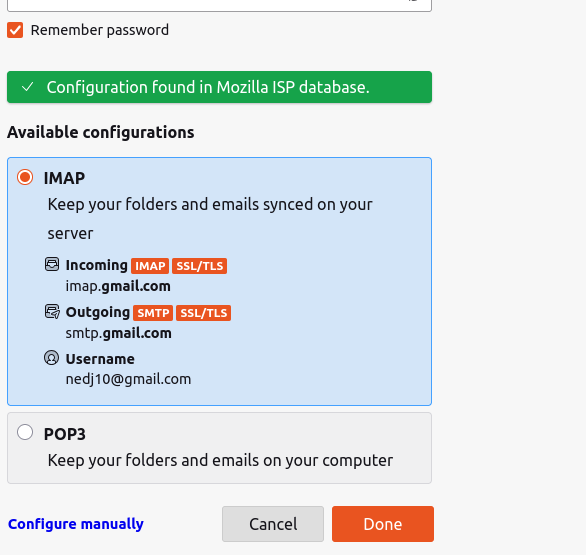
Everytime I try to configure an existing gmail account for thunderbird via File -> New -> Existing email account
I specify my Name and gmail email address, then password for the gmail account.
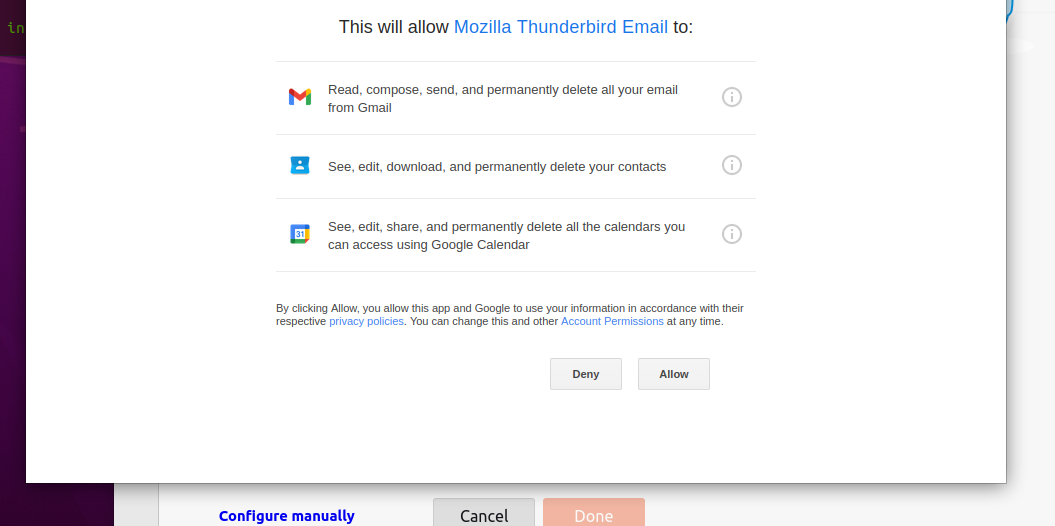
The google authentication pop up launches " Mozilla Thunderbird wants to access you Gmail" and I click "Allow"
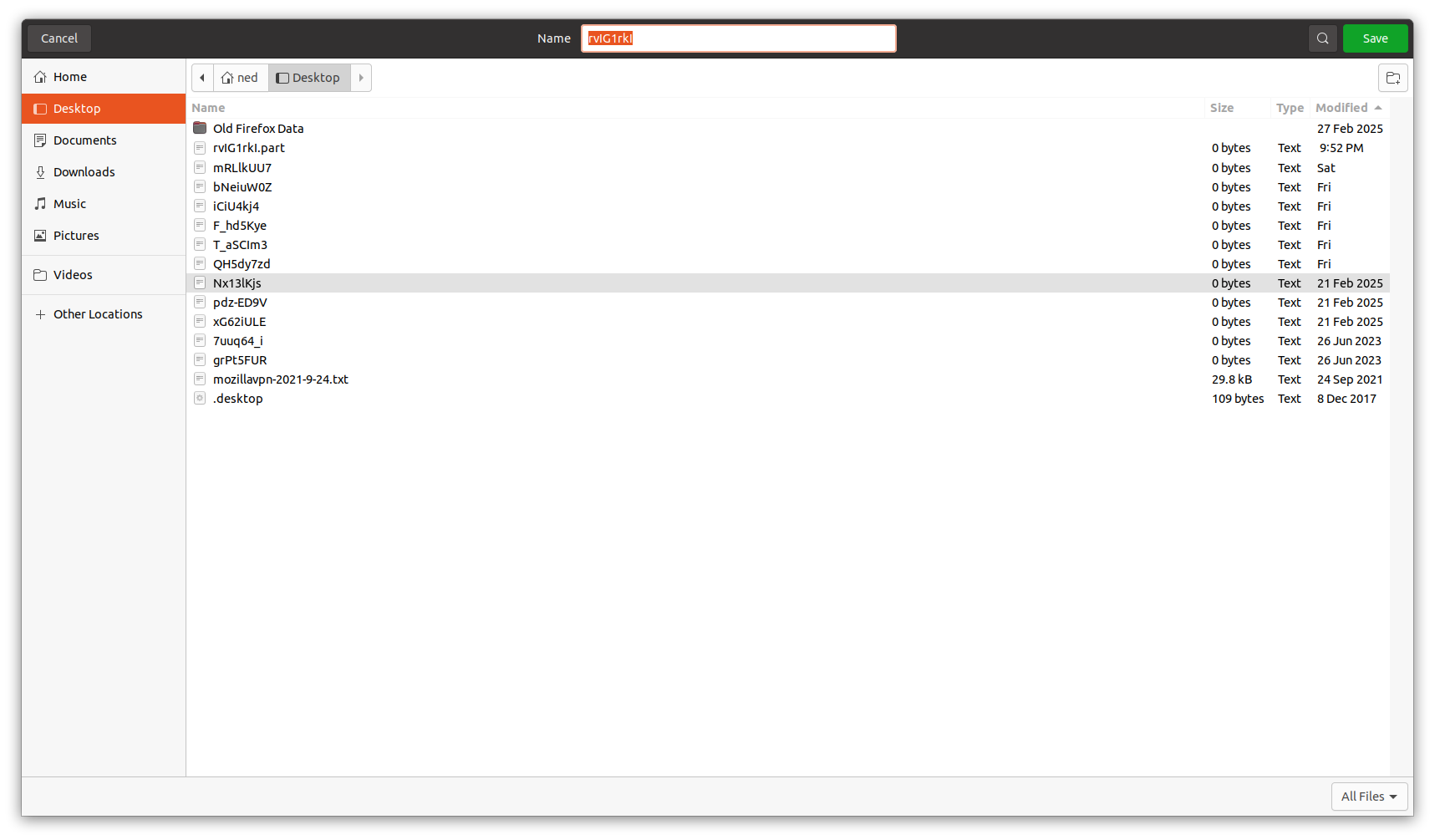
As soon as I click "Allow" I am asked to download a file.
Google gemini says this file is a sign that Oauth is not being accepted by thunderbird.
What I have tried. I verified Thunderbird is set to accept cookies I have verified there are no previously stored gmail passwords (as this has never worked) I have changed my default browser from Firefox to Brave and verified the same behavior
please help, Thunderbird has never been able to connect to gmail when running on this Ubtuntu install.
Izabrano rješenje
I located the problem
The application /snap/upnp-server was listening on port 80 locallyvia the lighthttpd damon. Once I terminated that application Thunderbird was able to complete authentication.
Thanks for you assistance.
Pročitajte ovaj odgovor sa objašnjenjem 👍 0All Replies (8)

Thunderbird 115 is a rather old version, which I believe is causing the issue here as Google would have made some changes on their end since then. Upgrading Thunderbird to the latest version should resolve your issue. Since you are using an old version of Ubuntu as well, you may have to download the ESR release of Thunderbird, which should be newer than the version you are on now and it should still work on your version of Ubuntu as well. You can download it here and ensure the "Release Channel" drop down option is set to "Thunderbird Extended Support Release".
I downloaded the latest ESR release from the link provided above. I followed the instructions for Linux installation at the bottom of the download page. I verified the new version of of thunderbird installed is 140.7.1esr (64-bit)
When I attempt to connect to gmail I get the exact same download request as before.
The upgrade did not alter the condition.

As soon as I click "Allow" I am asked to download a file.
Please post a screenshot. https://support.mozilla.org/kb/how-do-i-create-screenshot-my-problem
uploading 3 screen shots showing the set up process and the resulting download request.
Izmjenjeno od strane nedj10
After clicking 'Allow', did you successfully complete the authentication process for your Gmail account?
What happens with the download - did you save the file, or did you cancel it?
I haven't seen such a behavior before, so I don't know what triggers it.
Also, I'm not exactly sure what you're asking for. Is there still a problem with Gmail authentication? Or are you just asking what triggers the download?
if I save the file nothing happens, the file saves to a folder and the authentication process just sits without proceeding forcing me to cancel the attempt.
Additionally I am trying to make this authentication work,per the question title, "when trying to connect" which Mozilla themselves states is a supported operation. So I would very much like it to work so I can use Thunderbird as my email client for gmail.
I suppose you're still running TB 140.7.1esr now?
Gmail uses OAuth authentication. That means you'll have to allow cookies in Thunderbird for the authentication to succeed.
Are you using a VPN? If so, turn it off for the authentication.
Are you running a local web server, or any other service which may occupy TCP port 80 on your computer? If so, turn it off for the authentication.
Odabrano rješenje
I located the problem
The application /snap/upnp-server was listening on port 80 locallyvia the lighthttpd damon. Once I terminated that application Thunderbird was able to complete authentication.
Thanks for you assistance.
Izmjenjeno od strane nedj10