


Some areas are being displayed corrupted

After updating to Firefox 147 from 146, it seems that some areas in page rendering are becoming corrupted.
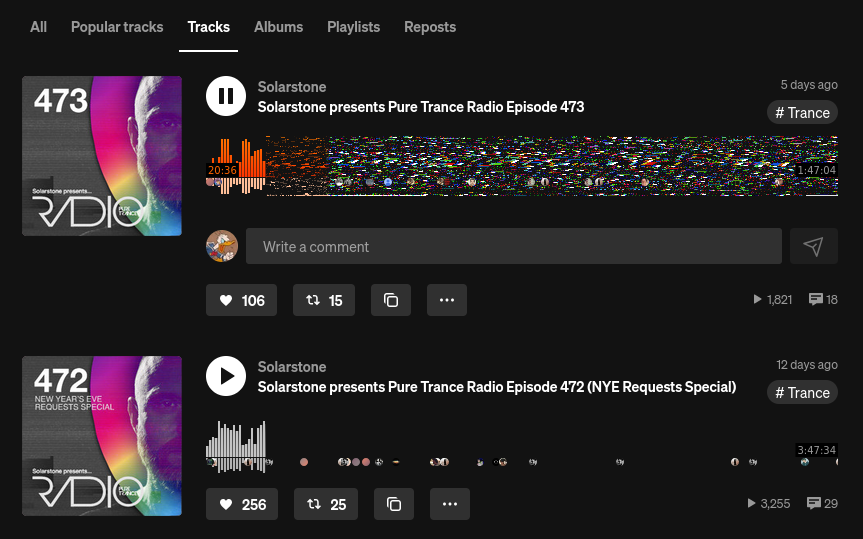
Using the attached example from https://soundcloud.com/solarstone/tracks, it is possible to see a corrupted song bar. In the other song, where the full bar chart should also appear, there is a black area, which seems like a different kind of corruption where the content is simply not being displayed.
This did not happen in version 146.
Is there anything I can do, or any information I can provide, to help debug this issue?
Thank you.
All Replies (5)
Hi,
Thank you for reaching out! First, please try these standard troubleshooting steps that may resolve the issue:
- Please check if you have Enhanced Tracking Protection (ETP) enabled. You can do that by clicking the shield
 icon at the left of the address bar.
- If ETP is enabled, try disabling it.
- If the problem is not fixed, try clearing Firefox cache.
- If it does not help, also try clearing cookies and data for Soundclud (warning: you will be logged out on this website).
- If it also does not help, try running Firefox in Troubleshoot Mode. If the problem doesn't persist, please follow the steps from this article to troubleshoot further.
Looking forward to your update on how it goes!
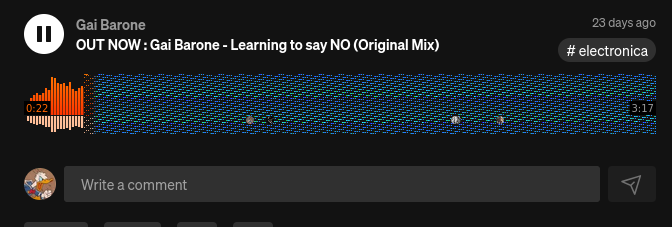
I will see if I can gather more information and try to debug it. But for the record, the same problem is happening on another computer I own, which is completely different from the first one.
The first machine is Intel, while the second is a laptop fully based on AMD. A screenshot from the second one is attached.
What OS? What Desktop? X11 or Wayland?
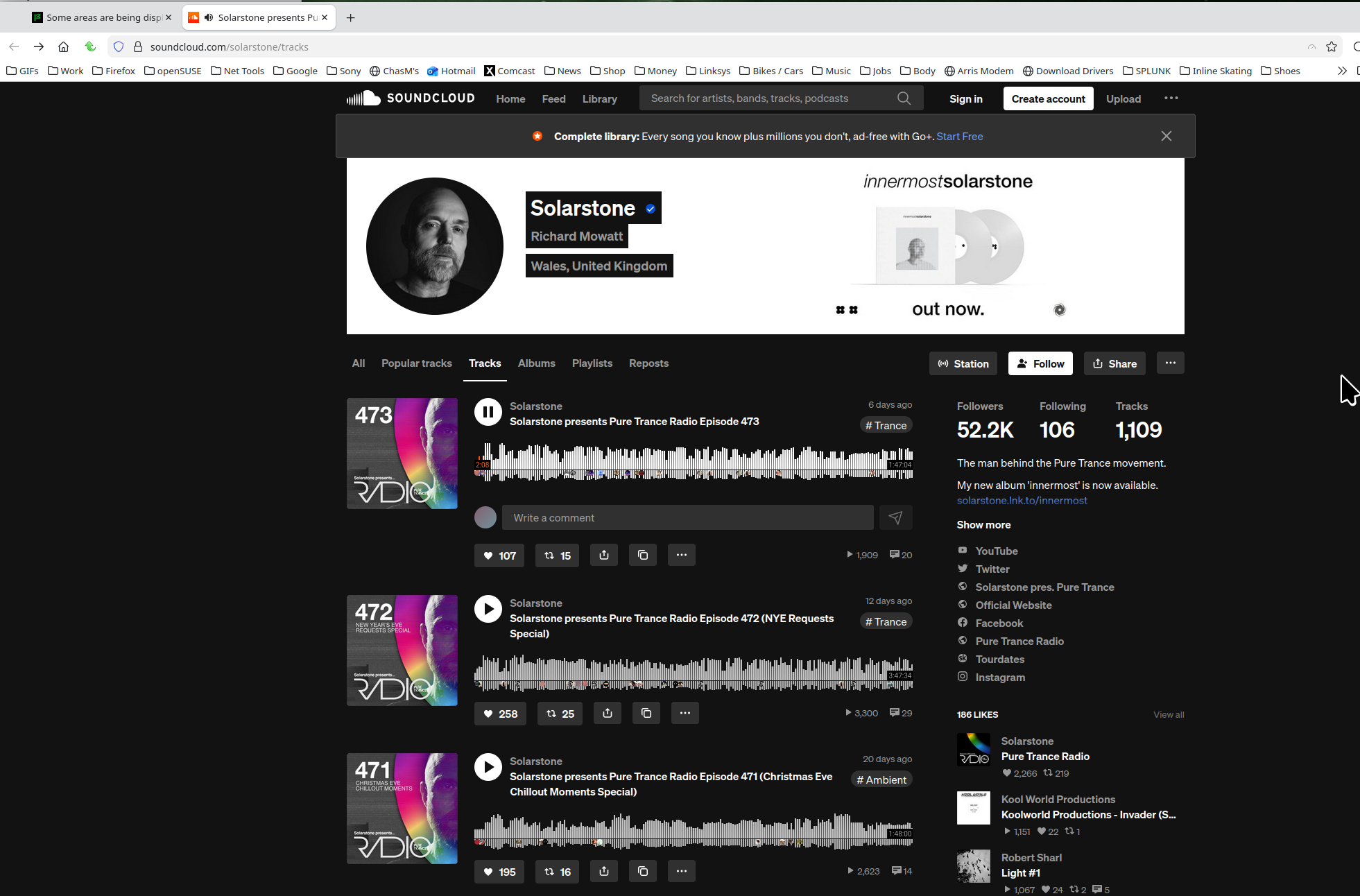
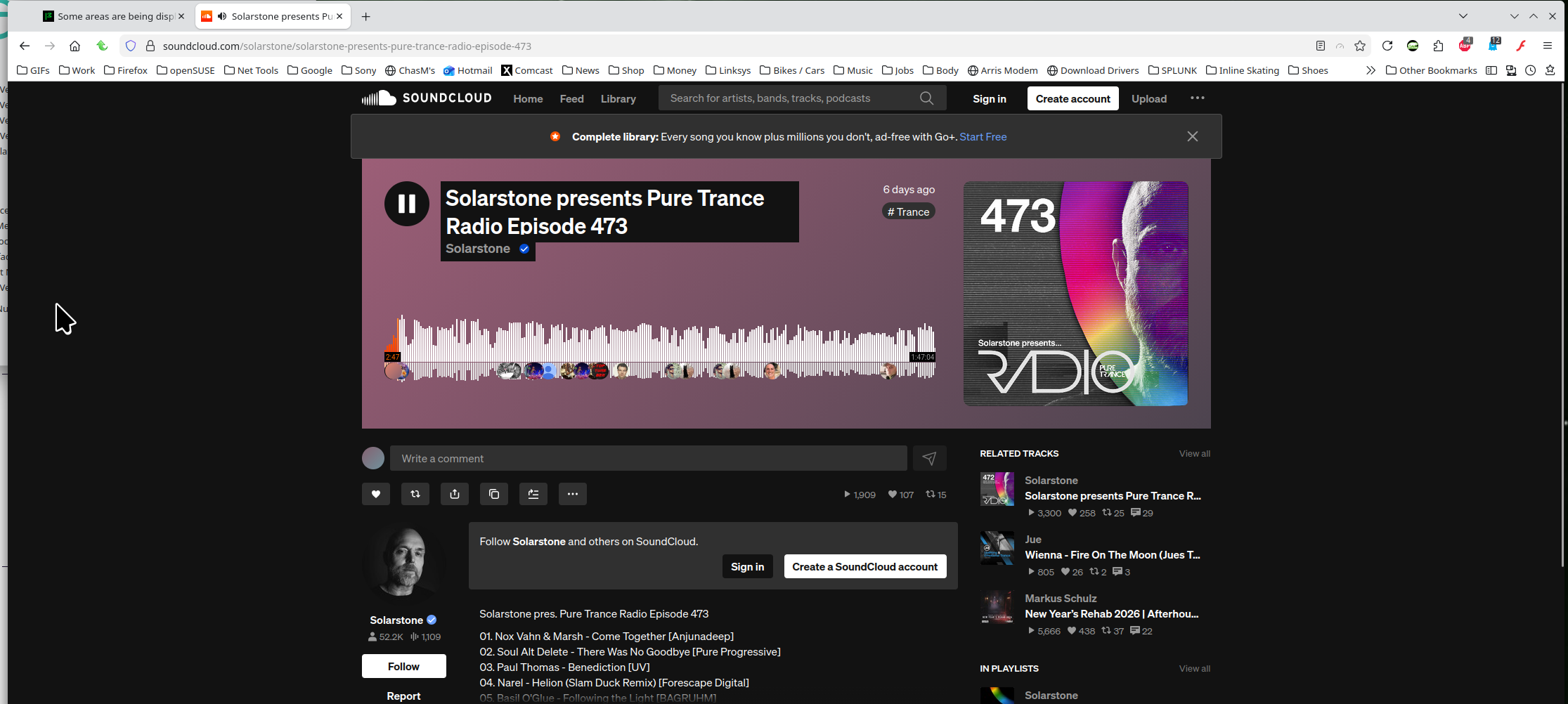
I'm not having any issues with the page. see screenshots
Operating System: openSUSE Tumbleweed 20260112
KDE Plasma Version: 6.5.4
KDE Frameworks Version: 6.22.0
Qt Version: 6.10.1
Kernel Version: 6.18.4-1-default (64-bit)
Graphics Platform: X11
Processors: 16 × AMD Ryzen 7 5825U with Radeon Graphics
Memory: 64 GiB of RAM (62.1 GiB usable)
Graphics Processor: AMD Radeon Graphics
Manufacturer: HP
Product Name: HP ProBook 455 15.6 inch G9 Notebook PC
It is on Linux, X11, using the Awesome window manager.
From what I could observe, disabling "Use hardware acceleration when available" prevents the corruption. When it is enabled, I can see corruption. It does not appear immediately on the screen, but for example, if I press Alt to show the Firefox menu, corruption appears. If I switch workspaces and come back, it also seems to get corrupted.
Although the release notes mention zero-copy for AMD GPUs, maybe some issue was introduced in this graphics path that is also affecting Intel? I am currently testing on the Intel machine, where I also observed that with hardware acceleration disabled, there is no corruption.