


Thunderbird

Dzień dobry mam konto na poczcie Thunderbird. Od jakiegoś czasu mam problem z wysyłaniem wiadomości jest informacja ze przekroczono limit wysyłania. Sprawdziłem wszystkie ustawienia poczty wychodzącej serwera, powyłączałem zapory, antywirusy usunąłem pocztę i zainstalowałem ją z powrotem i wiele innych rzeczy nie mam już pomysłu jak to rozwiązać jak zmieniam z wi-fi na router w telefonie to wyśle mi jedną wiadomość a potem znowu mnie blokuje. czy jest możliwość zdalnego połączenia się z wami żebyście sprawdzili co się dzieje z tą pocztą.
All Replies (16)
Thunderbird has no sending limit. I suggest you contact your email provider for more information on this.
Problem nie jest związany z dostawca ponieważ na innych urządzeniach poczta mi dziala
Thunderbird is not involved in quotas or limits. Maybe, if you post a screenshot of the error message, complete with English translation, someone may be able to advise from where the message originates.
Sending the message failed because the connection to the smtp.juwentus.pl outgoing mail server (SMTP) timed out. Please try again or contact your network administrator. However, the mail works on other devices. I checked the server settings, and everything is correct.
That message does not mean a sending limit was reached. Please post screenshot of your complete SMTP server settings pane and someone here may have suggestions. Thank you.
I am sending the server settings
You forgot the server settings. Those should be in a JPG or PNG file
Sorry
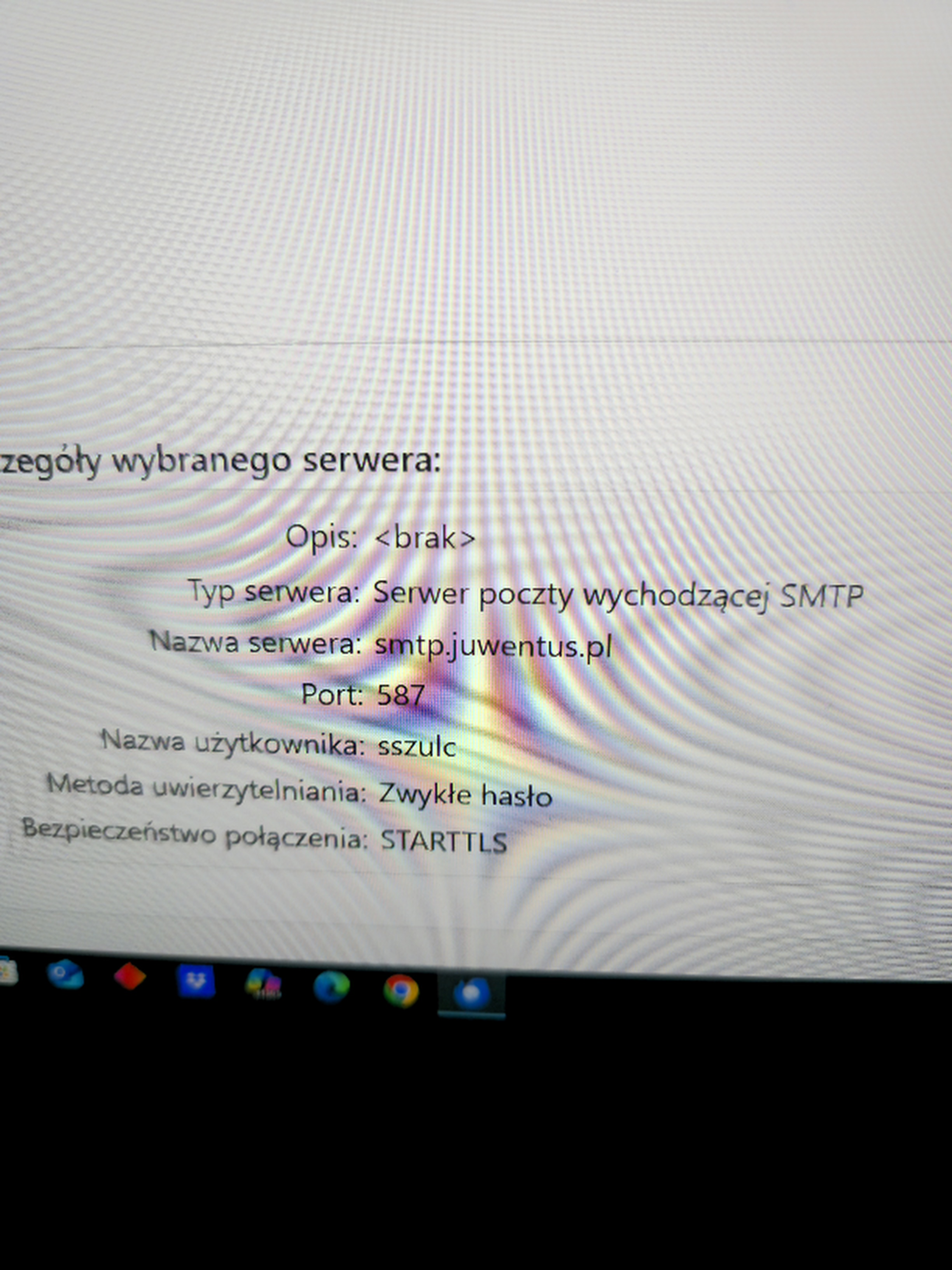
the screenshot does not appear to have come from thunderbird. However, I suggest you include full email address, including the @ and remaining part of email address.
the screenshot is from Thunderbird, my address is sszulc@juwentus.pl
the screenshot shows only part of the email address. That is often why that error appears.
Where should I change the address? Server name? Or username?
username, where you have just sszulc, change to the full email address
entering the full username did not help
There are several possibilities. You might check with email provider for explicit setup requirements. The port might be 465 an the connection might be SSL/TLS and security might be Oauth2 - I don't know, but you could try some combinations
I tried, but it doesn't work. I changed ports and encryptions.