How to delete history I don’t want.

How do I delete history I don’t want and what information is being shared over the internet? New to fire fox
How do I delete history I don’t want and what information is being shared over the internet? New to fire fox
All Replies (1)

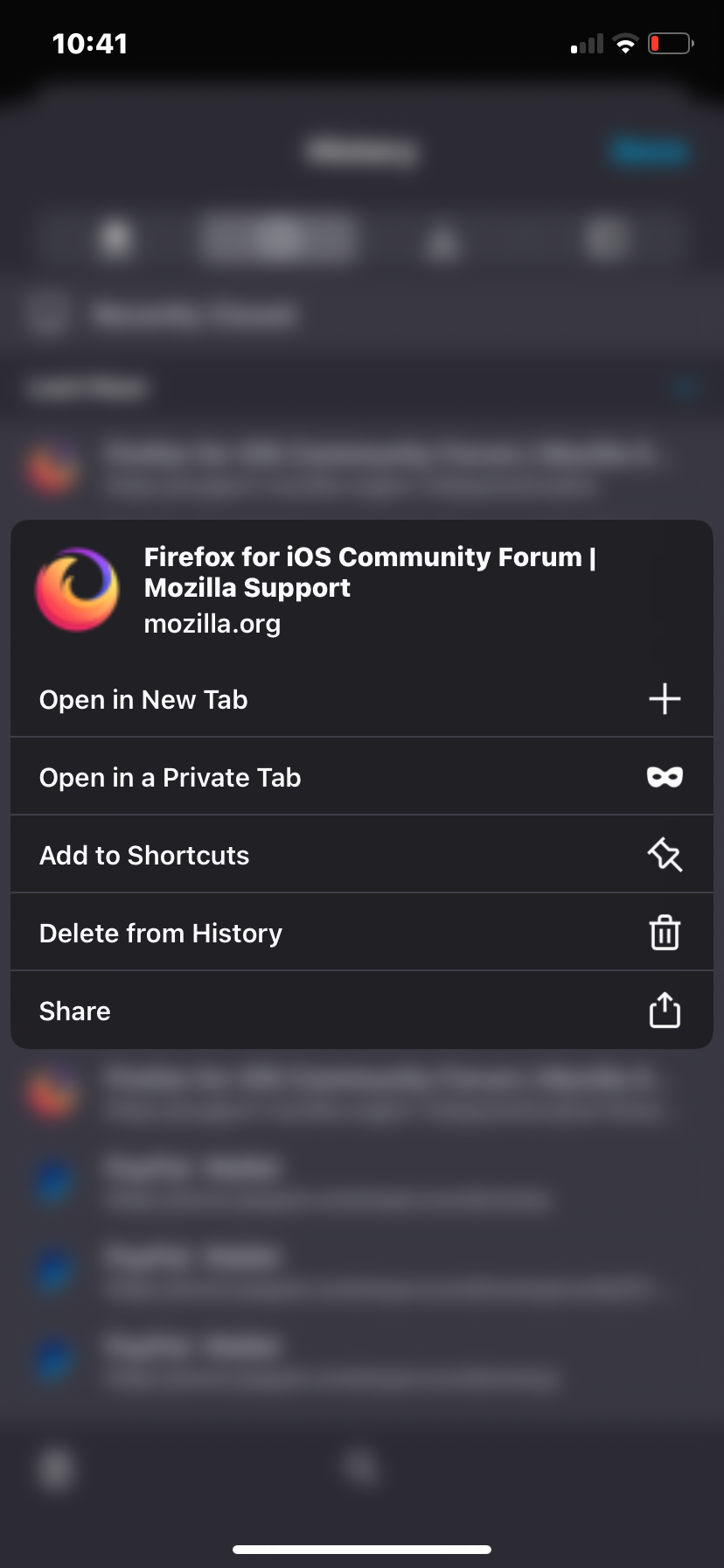
Find the menu bar in the Mozilla app. Then, hold down on the link/page in your history you want to modify and press on delete. Look at the screenshot to locate the delete from history button as well.