


Can someone please help me change my default printer?

When I installed Thunderbird, all was hunky dory. Ease of use and printing was a breeze. However, one day not too long ago, I attempted to print an email and when the printer dialog box came up, I selected the Microsoft Print to PDF printer (because I wanted to archive that in a .pdf). Ever since then, when I attempt to print an email (which I do almost daily), it defaults to the Microsoft Print to PDF printer. I want to change to print to of my other printers that I have set up. Any ideas?
Izabrano rješenje
open the config editor Reset the entry print_printer. (right click reset from the menu.)
You might want to restart Thunderbird to ensure the update is written to file.
Pročitajte ovaj odgovor sa objašnjenjem 👍 1All Replies (3)
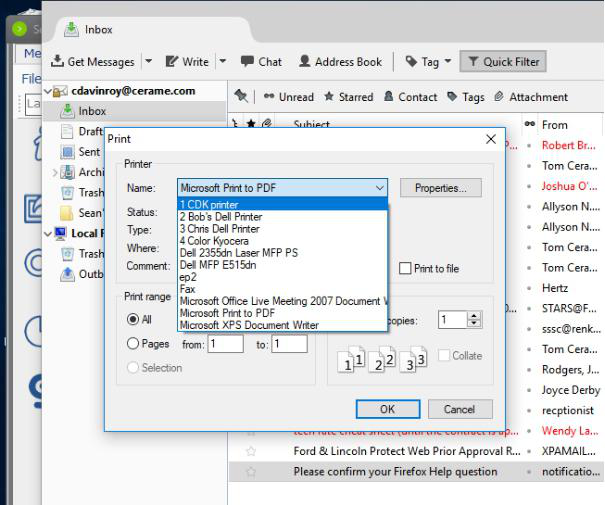
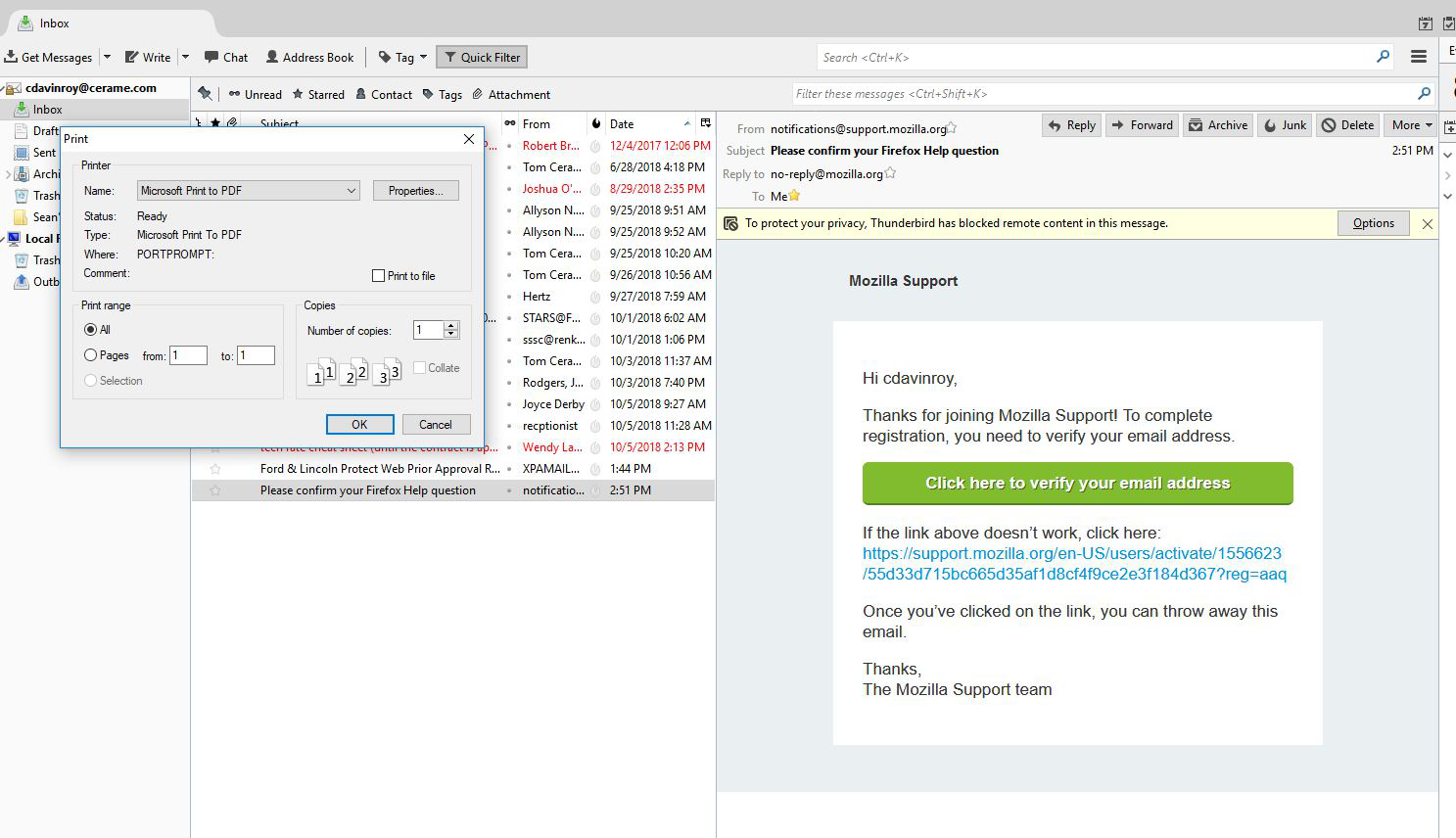
Here are screenshots of the printers I have available and what Thunderbird "thinks" is my default. All other programs print to my "1. CDK Printer" as a default. any help is appreciated.
Odabrano rješenje
open the config editor Reset the entry print_printer. (right click reset from the menu.)
You might want to restart Thunderbird to ensure the update is written to file.
Matt, thank you for your help. I really appreciate those that go out of the way to help others. Your link to the article fixed my concern on the first try. Thank you very much.