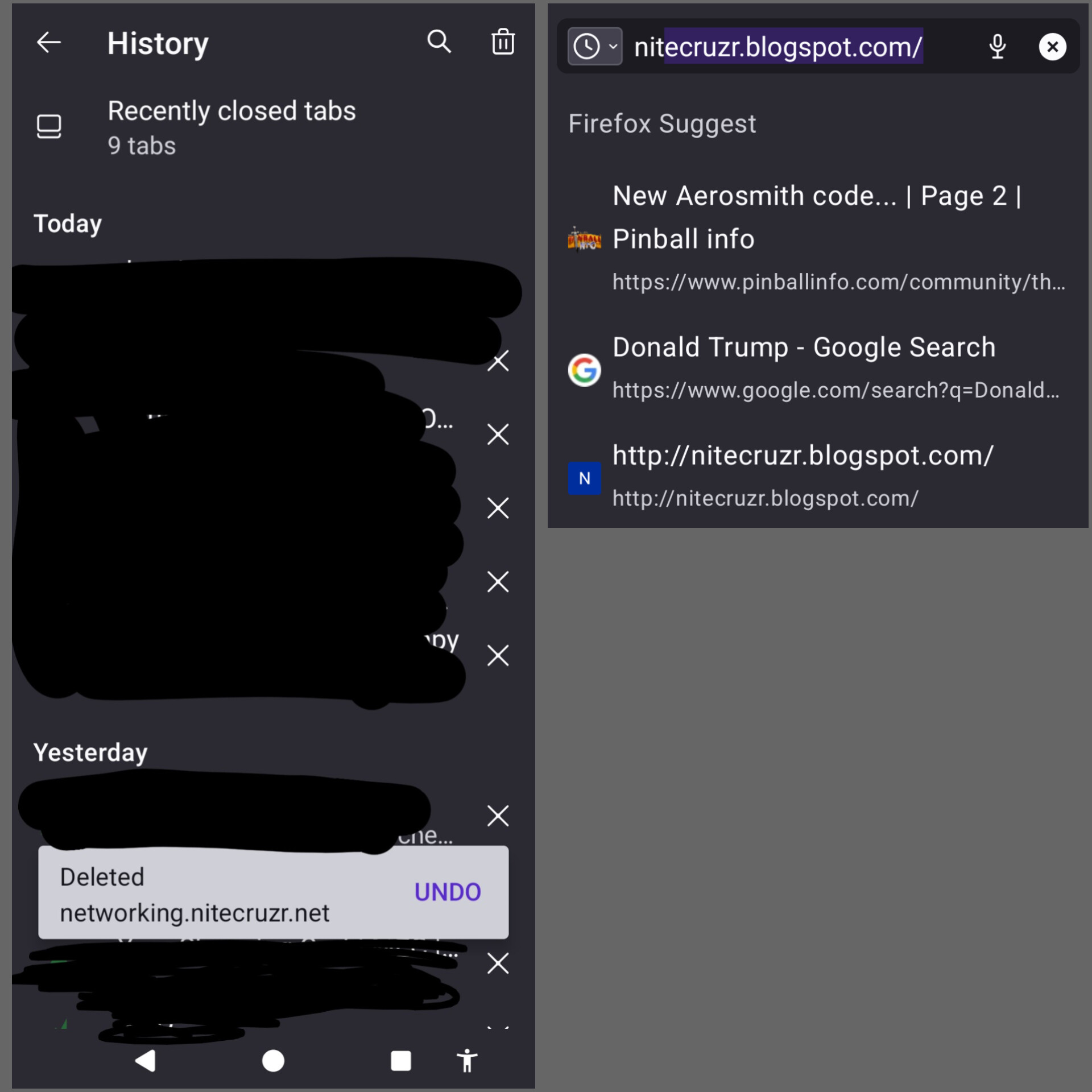
Deleting page from history doesn't remove it from address bar autofill

I regularly visit a site whose URL begins with "ni". When I type "ni", the full URL appears an an autofill suggestion. This is the desired behaviour.
Unfortunately, after visiting the site "nitecruzr.blogspot.com", this site is autofilled when I type "ni".
Firefox's documentation sais that if I delete the page from my history, it won't autofill again. Unfortunately, after deleting the page, this site still autofills when I type "ni".
How can I actually remove this site from address-bar autofill?
I regularly visit a site whose URL begins with "ni". When I type "ni", the full URL appears an an autofill suggestion. This is the desired behaviour.
Unfortunately, after visiting the site "nitecruzr.blogspot.com", this site is autofilled when I type "ni".
Firefox's [https://support.mozilla.org/en-US/kb/clear-your-browsing-history-firefox-android#w_delete-a-specific-webpage-from-your-browsing-history documentation] sais that if I delete the page from my history, it won't autofill again. Unfortunately, after deleting the page, this site still autofills when I type "ni".
How can I actually remove this site from address-bar autofill?