Solved
How to switch off any translations (and translation offers) forever for all sites?

My browser constantly tries to guess the language of web pages and offers me translations. These functions get in my way, I don't need them. How to switch off any translations (and translation offers) forever for all sites?
My browser constantly tries to guess the language of web pages and offers me translations. These functions get in my way, I don't need them. How to switch off any translations (and translation offers) forever for all sites?
Всички отговори (2)
Избрано решение
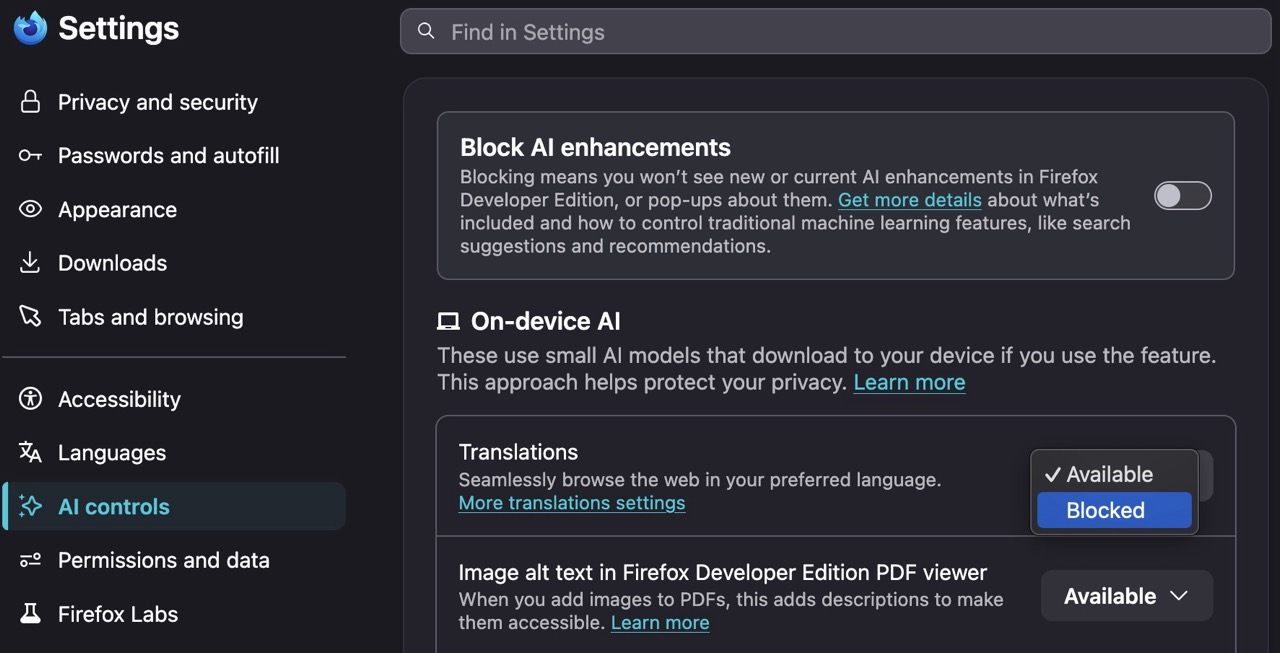
Settings › AI controls › Translations › Blocked
Bonjour
Firefox Translations https://support.mozilla.org/en-US/kb/website-translation
browser translations automatically Popup
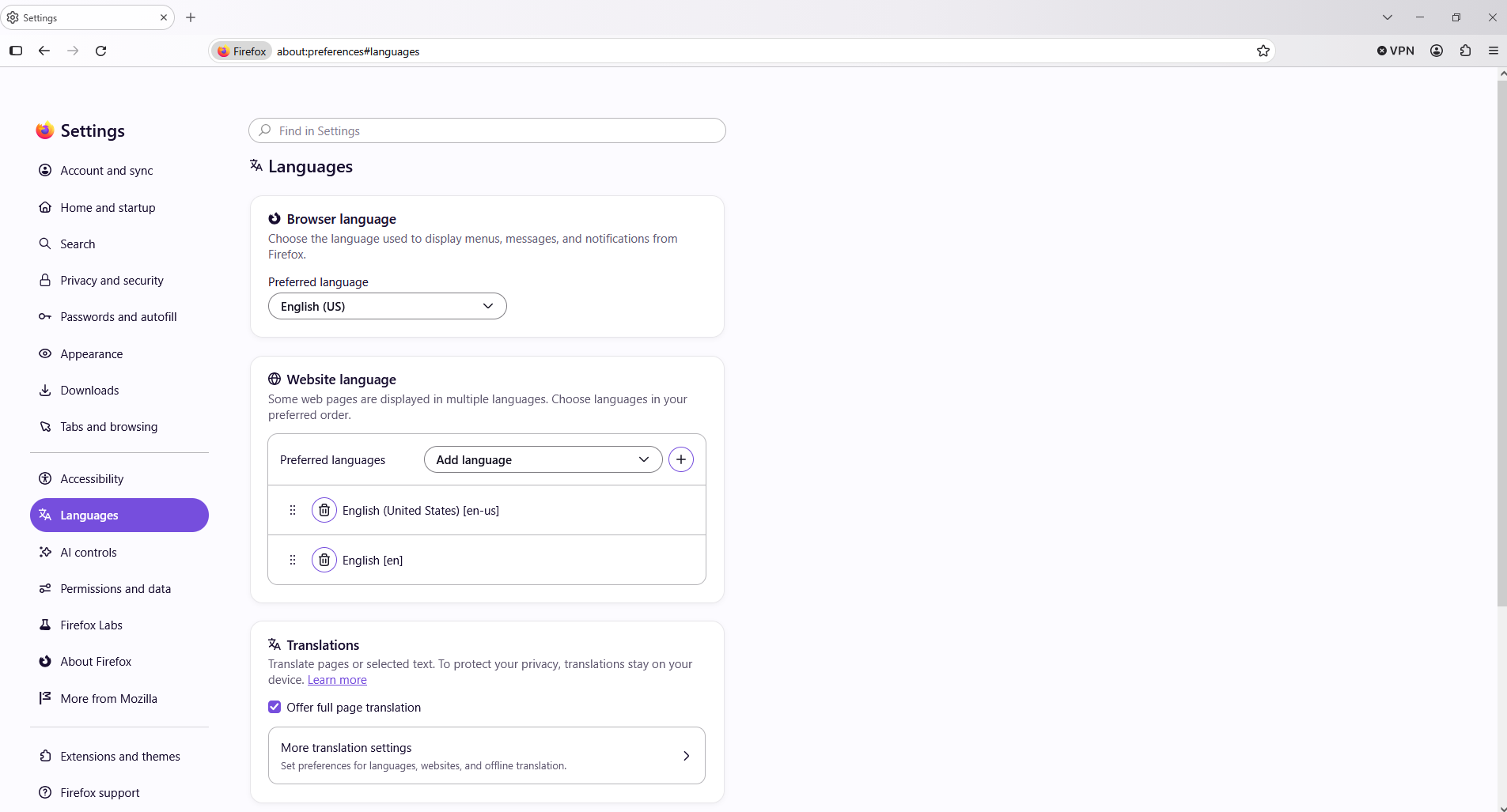
Have you tried, remove the check mark next to Offer full page translation.