

Тази тема беше архивирана.
Моля, задайте нов въпрос ако имате нужда от помощ.

Solved
Архивирани
No address books even after restoring abook.mab and history.mab to ROAMING profile folder

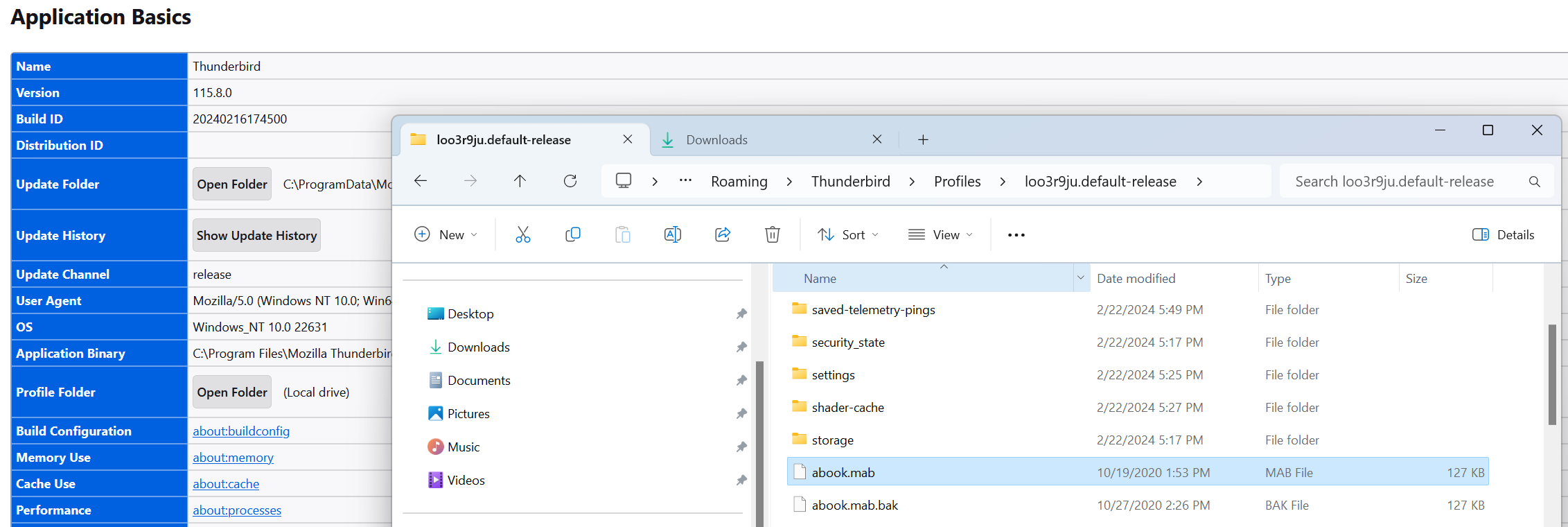
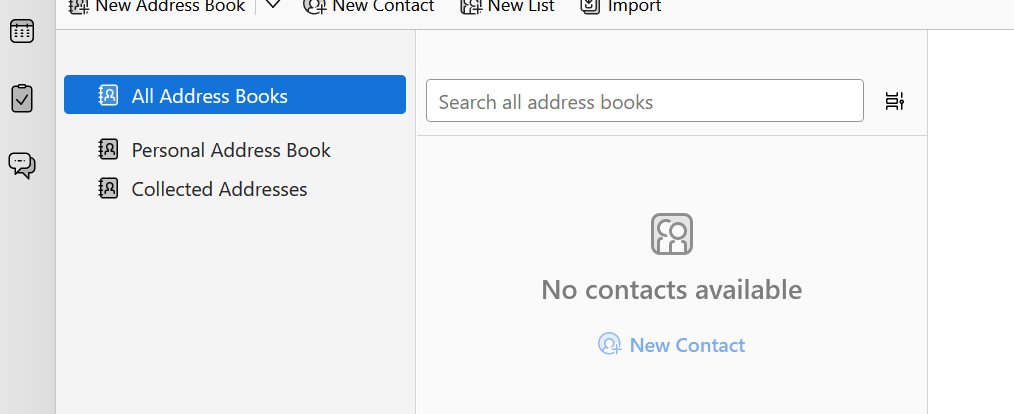
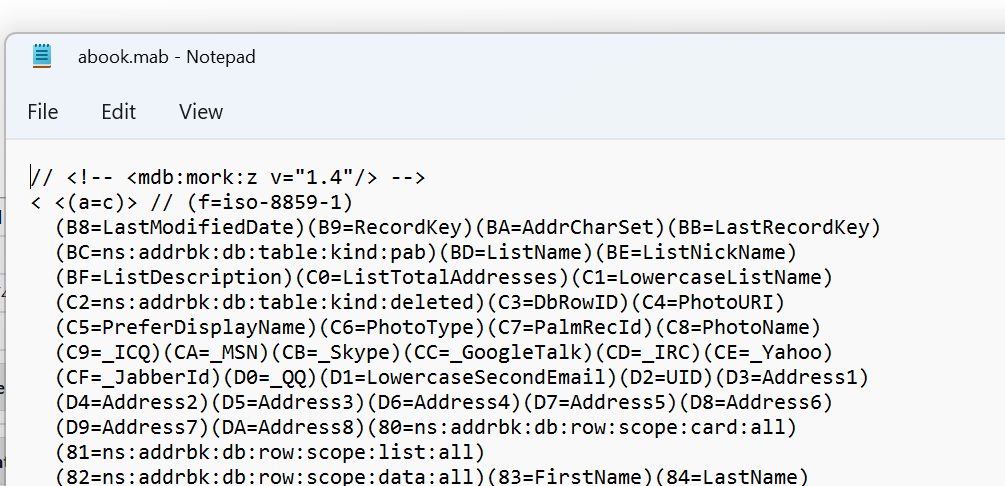
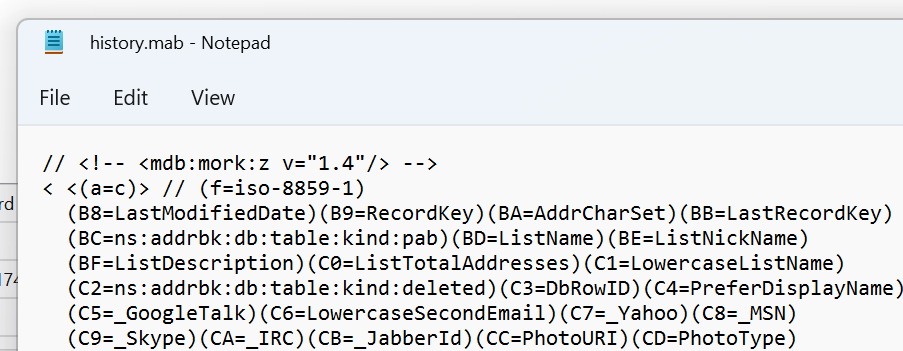
I recently had to do a clean install of Win11 - I kept a copy of all my appdata and restored abook.mab and history.mab to the profile folder designated by TB but still not seeing any address books. I looked at the mab files and they look OK. Any suggestions on what I might have missed are appreciated. Thanks! Screen shots attached
I recently had to do a clean install of Win11 - I kept a copy of all my appdata and restored abook.mab and history.mab to the profile folder designated by TB but still not seeing any address books. I looked at the mab files and they look OK.
Any suggestions on what I might have missed are appreciated.
Thanks!
Screen shots attached
Всички отговори (2)
Избрано решение
Copying the mab files into the profile worked in previous version, but not in 115, where the format is sqlite. But you can import the mab files from Tools/Import, Import from a file...
Thanks! I remember now - it's been too long but that worked.