


Firefox Screenshots had dissapeared from my menu
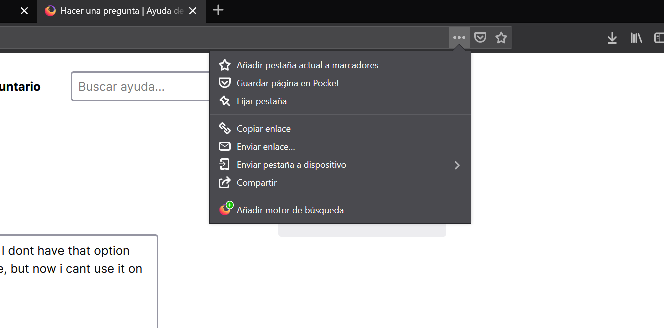
Firefox screenshots https://screenshots.firefox.com/ has dissapeared from my menu. I dont have that option there anymore. I have to right click on an empty space of a website and select it there, but now i cant use it on live presentations.
How can I return it to the usual location menu?
Всички отговори (2)
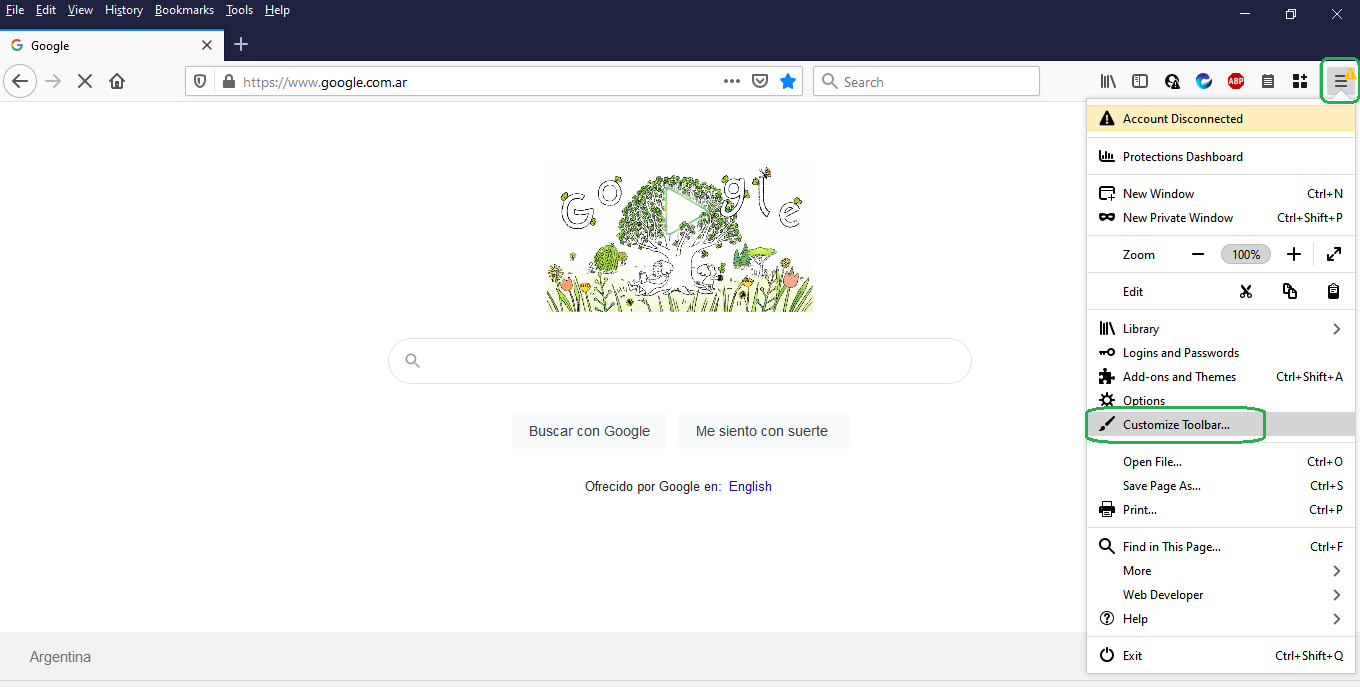
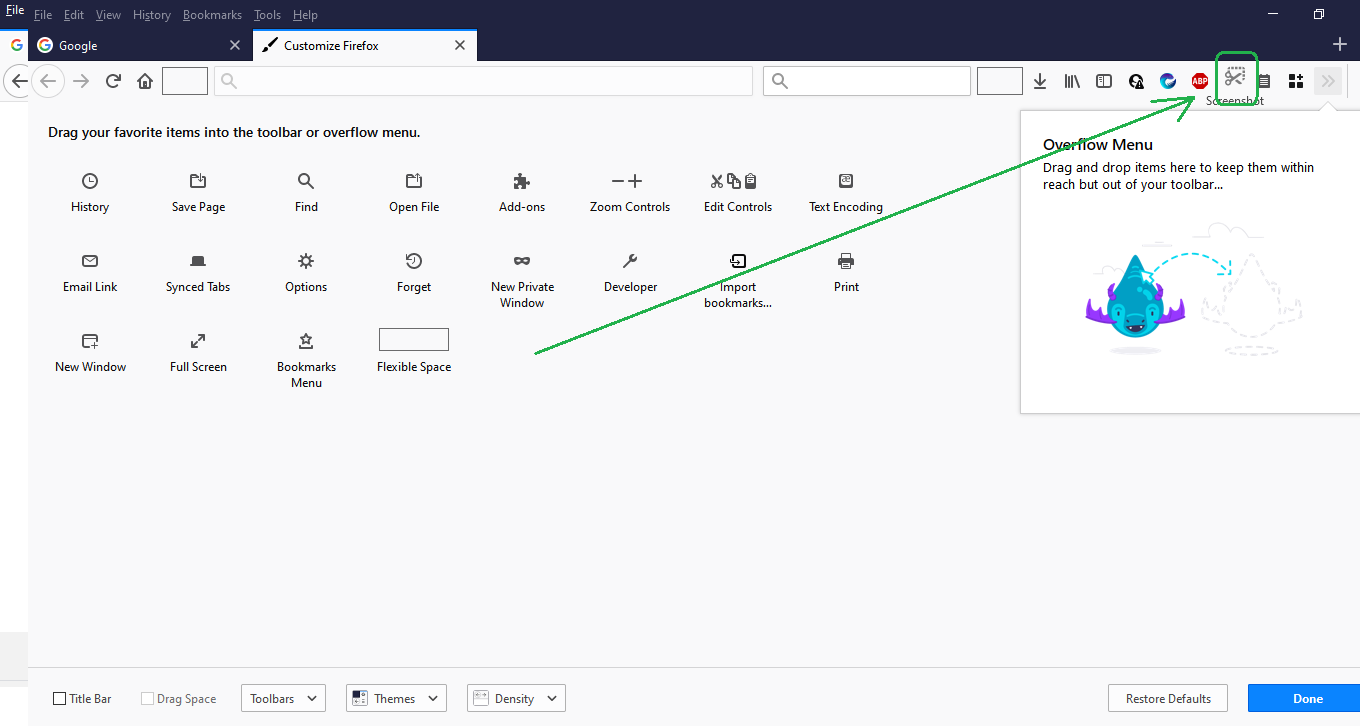
Hola La función se ha movido al menú de Personalización: puede agregarse en la barra de herramientas presionando sobre el Botón de las 3 rayitas (al margen derecho), seleccionar el menú Personalización y mover el icono a la barra de Herramientas, ver imágenes adjuntas. Otra forma de ir a la Personalización es haciendo clic derecho sobre la barra de Herramientas.
Dinos si se ha solucionado la consulta, para que sirva a otros usuarios. ¡Gracias!

Con la última actualización los tres puntos que aparecian en la barra desaparecieron, al igual que la opción de Screenshots. Ruego una solución