


Screenshot dissapeared

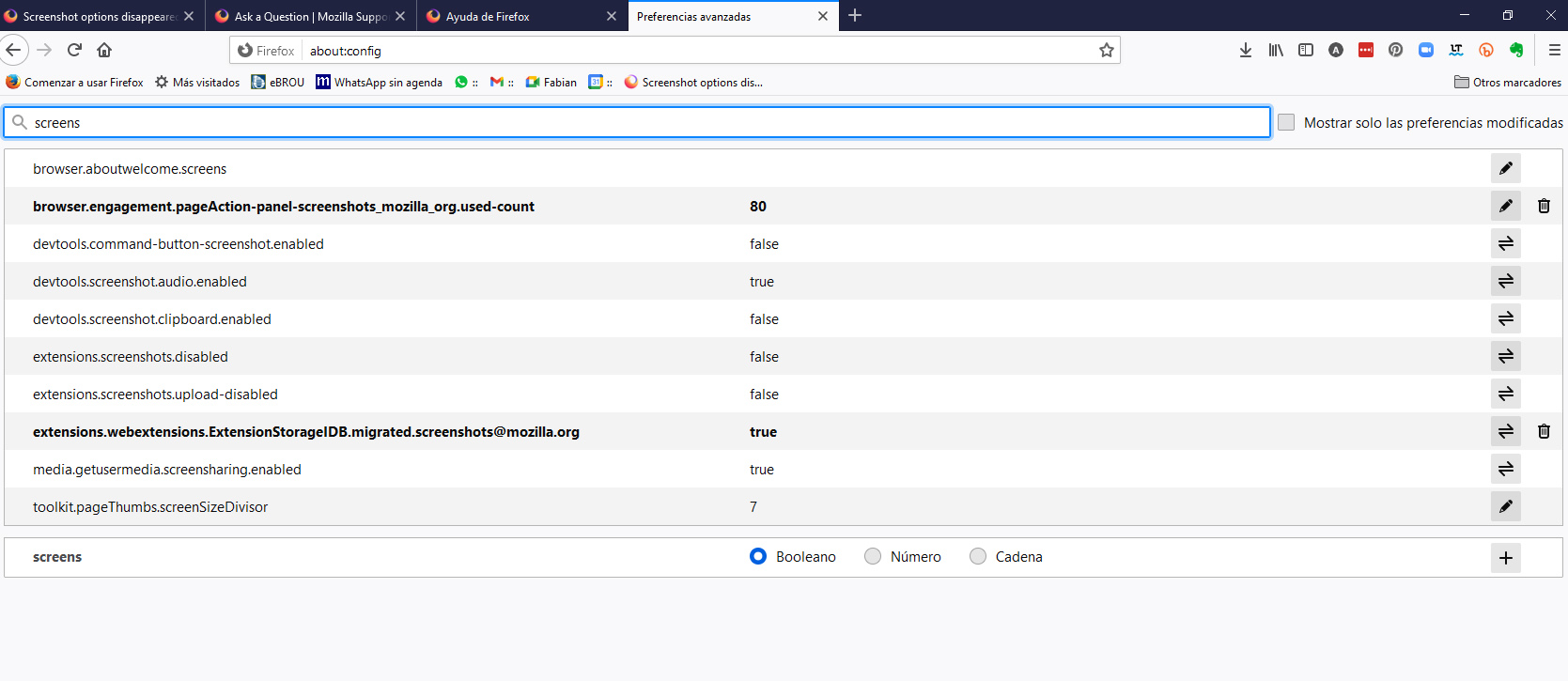
In the last uptdate of Firefox I've lost the option to take screenshots. I've tryed what is epxlained in this thread but I could't get it back. https://support.mozilla.org/en-US/questions/1275120
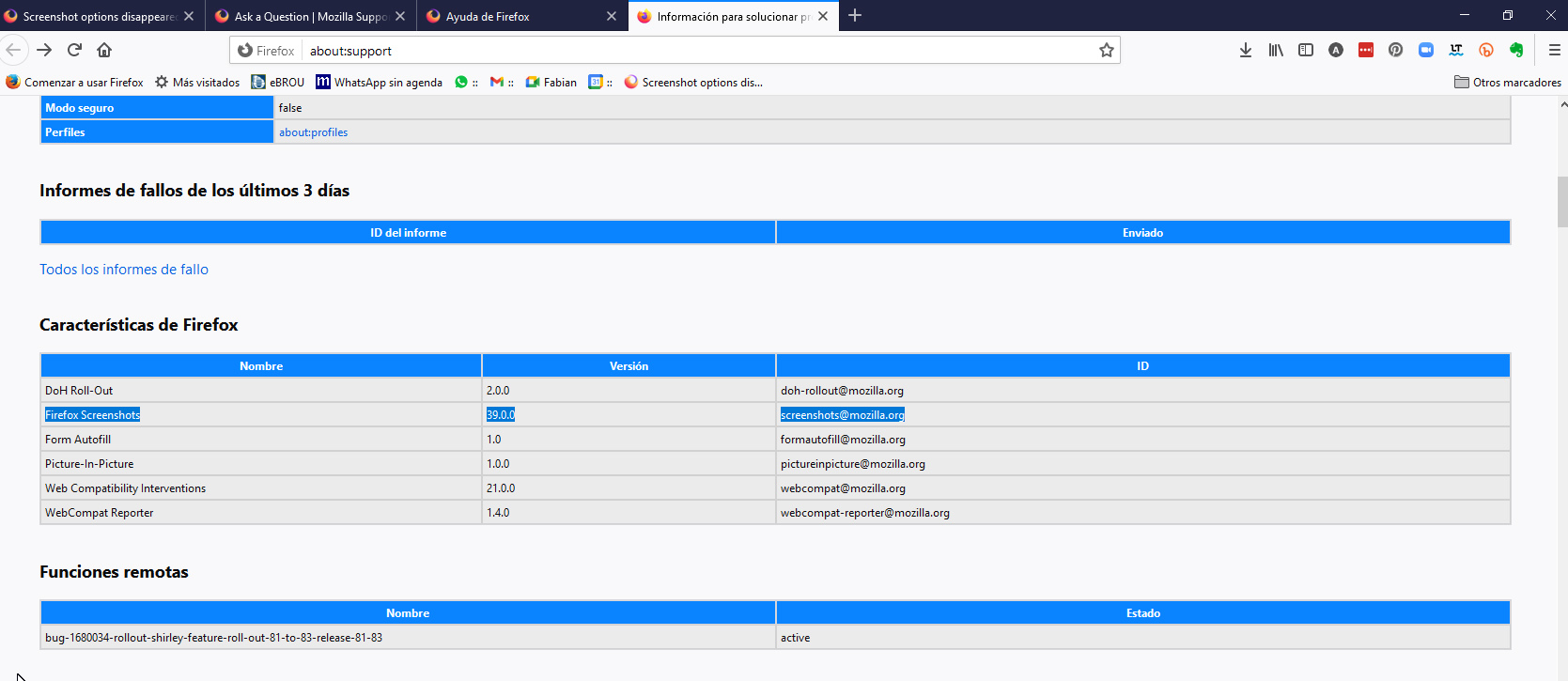
I went to Application basics and it's listed
Firefox Screenshots 39.0.0 screenshots@mozilla.org
Any idea on how to fix it?
Thanks!! I use this feature a lot in this videoconferencing times!
Chosen solution
Hi alvaro8, sorry -- the old thread needs to be updated for Firefox 88!
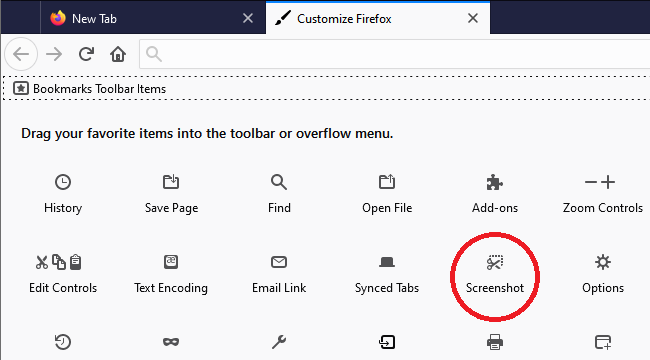
So the button moved from the address bar's Page Actions menu (•••) to being a button available for the main toolbar. You can add it using the Customize feature: Customize Firefox controls, buttons and toolbars

Also, you can use either of these methods:
- right-click a blank area of the page > Take Screenshot
- press Ctrl+Shift+s (if you prefer, you can change the shortcut through the Add-ons page: Manage extension shortcuts in Firefox)
All Replies (2)
Seçilmiş Həll
Hi alvaro8, sorry -- the old thread needs to be updated for Firefox 88!
So the button moved from the address bar's Page Actions menu (•••) to being a button available for the main toolbar. You can add it using the Customize feature: Customize Firefox controls, buttons and toolbars
Also, you can use either of these methods:
- right-click a blank area of the page > Take Screenshot
- press Ctrl+Shift+s (if you prefer, you can change the shortcut through the Add-ons page: Manage extension shortcuts in Firefox)
Thank you!!!