


Poor performance of Fire Fox browser
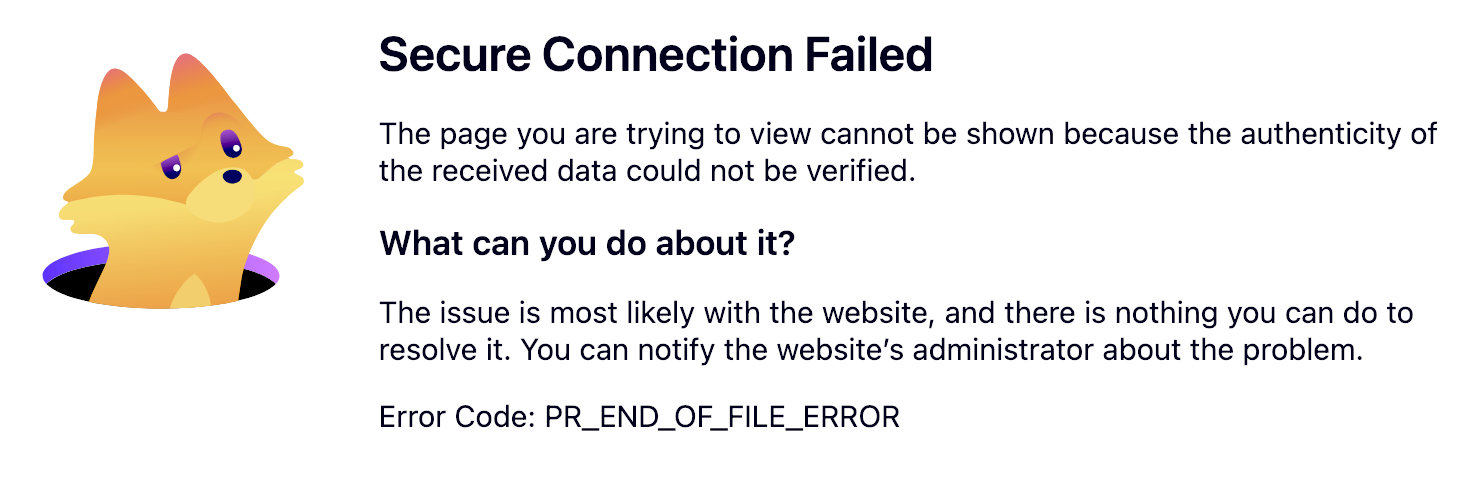
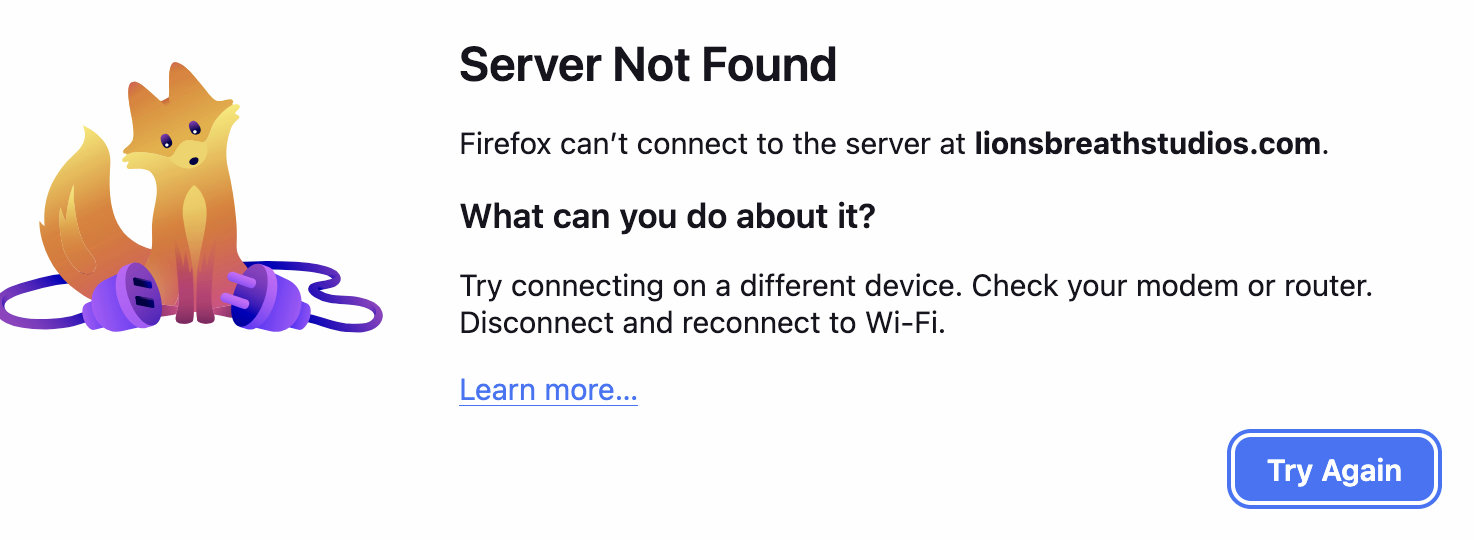
I been using FireFox for at least a decade I am really disappointed in it's current state. It is very slow OIS is Version 26.6.2 (25G83). Constantly telling me it can't find server when I hit an website link? Also frequently says secure connection? I want my FireFox back.
All Replies (5)

I’d start by checking whether Firefox itself is up to date, then try Troubleshoot Mode to see if an extension or setting is causing the slowdown. The “Server Not Found” and “Secure Connection” messages can also come from DNS, VPN/proxy settings, security software, or an incorrect system clock. Mozilla has troubleshooting steps for both issues.
Since Chrome is working normally, I’d especially check Firefox’s DNS and connection settings. Hope you can get your old Firefox back!
Do you use any security solution (from companies as Malwarebytes, Sophos, Symantec, SentinelOne, Fleet and similar)?
If there is setting on the upgrade of FireFox which seems like every other day can someone guide me to where I would find that.Right now it is pretty useless with searching can't seem to find anything with secure sever, ect. I've worked with Macs since 1985. Steve
PS, I do not use Chrome.

I am having similar problems with Win10, system just stops when doing searches !. This appears to have happened when M/S done the "Secure Boot" upgrade thing it stopped MY server dead Win7 New Hardware, Old Software which was setup as "Secure Boot" already via BIOS. Win7 x64, Vista x64 are supposed to be supported under "Secure Boot" ! BUT in looking into this item ,checked laptops ( Win 10 ) had "secure boot" but not enabled so, BIOS reset with "Secure Boot" enabled AND this caused problems !!!. M/S wont reply to complaint about "BRICKING" PC's !. They want everyone to change to Win11 and BUY new M/C's they have admitted such already. What do users do ?.