


Windows 10 reached EOS (end of support) on October 14, 2025. If you are on Windows 10, see this article.

ابحث في الدعم

Avoid support scams. We will never ask you to call or text a phone number or share personal information. Please report suspicious activity using the “Report Abuse” option.

Learn More
Solved

UI errors after updates- PDFs, Google Sheets and other graphic elements showing up as just black

kay27

I'm encountering some UI errors with the last couple updates. With an update from a couple weeks ago, I noticed when viewing PDFs in the browser, random characters would be invisible, and in Google Sheets I'd notice some cells appeared blank, though selecting them showed that there was text inside. I also noticed disappearing text in a Google Doc I was working on. Now with the update that was just released today (154.0) all PDFs, and entire screens in Sheets and Docs, and other random graphic elements, are showing up as just flat black (see attached screenshot). My job involves working with spreadsheets and PDFs a lot so this is severely impacting my workflow, and I am reluctantly working in a different browser today.

I did a browser refresh, and then I uninstalled and re-installed, and that didn't help anything. What should I try next?

I should note I am using Firefox on Windows 11. I am not experiencing any issues with Firefox on iOS or Mac OS.

Edit: I was able to troubleshoot and fix this by disabling hardware acceleration under performance settings. Problem solved!
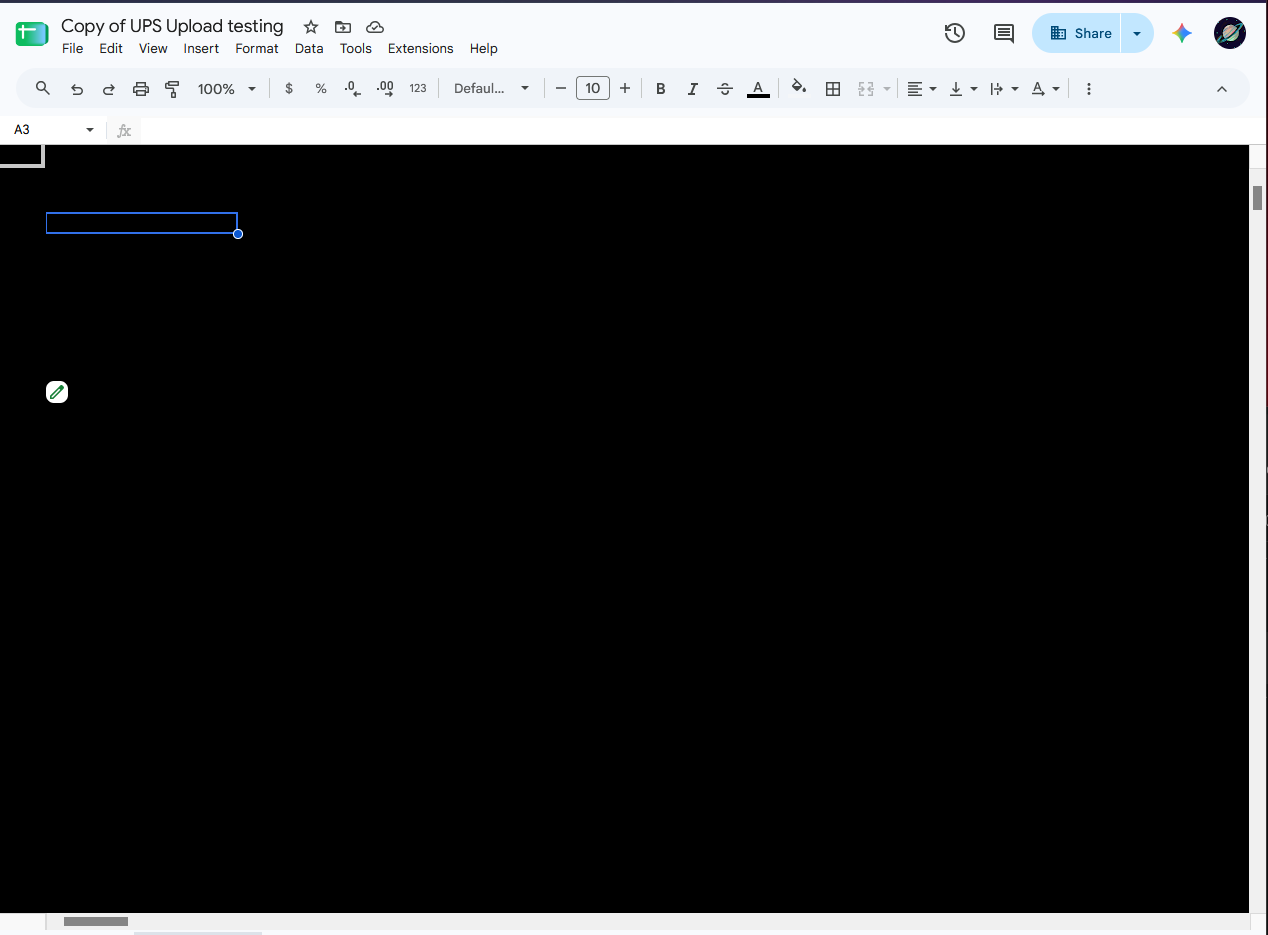
I'm encountering some UI errors with the last couple updates. With an update from a couple weeks ago, I noticed when viewing PDFs in the browser, random characters would be invisible, and in Google Sheets I'd notice some cells appeared blank, though selecting them showed that there was text inside. I also noticed disappearing text in a Google Doc I was working on. Now with the update that was just released today (154.0) all PDFs, and entire screens in Sheets and Docs, and other random graphic elements, are showing up as just flat black (see attached screenshot). My job involves working with spreadsheets and PDFs a lot so this is severely impacting my workflow, and I am reluctantly working in a different browser today. I did a browser refresh, and then I uninstalled and re-installed, and that didn't help anything. What should I try next? I should note I am using Firefox on Windows 11. I am not experiencing any issues with Firefox on iOS or Mac OS. Edit: I was able to troubleshoot and fix this by disabling hardware acceleration under performance settings. Problem solved!
Attached screenshots

Modified by kay27

All Replies (1)

الحل المُختار

Solved the problem myself by disabling hardware acceleration under performance settings.

اطرح سؤالا

You must log in to your account to reply to posts. Please start a new question, if you do not have an account yet.