Open
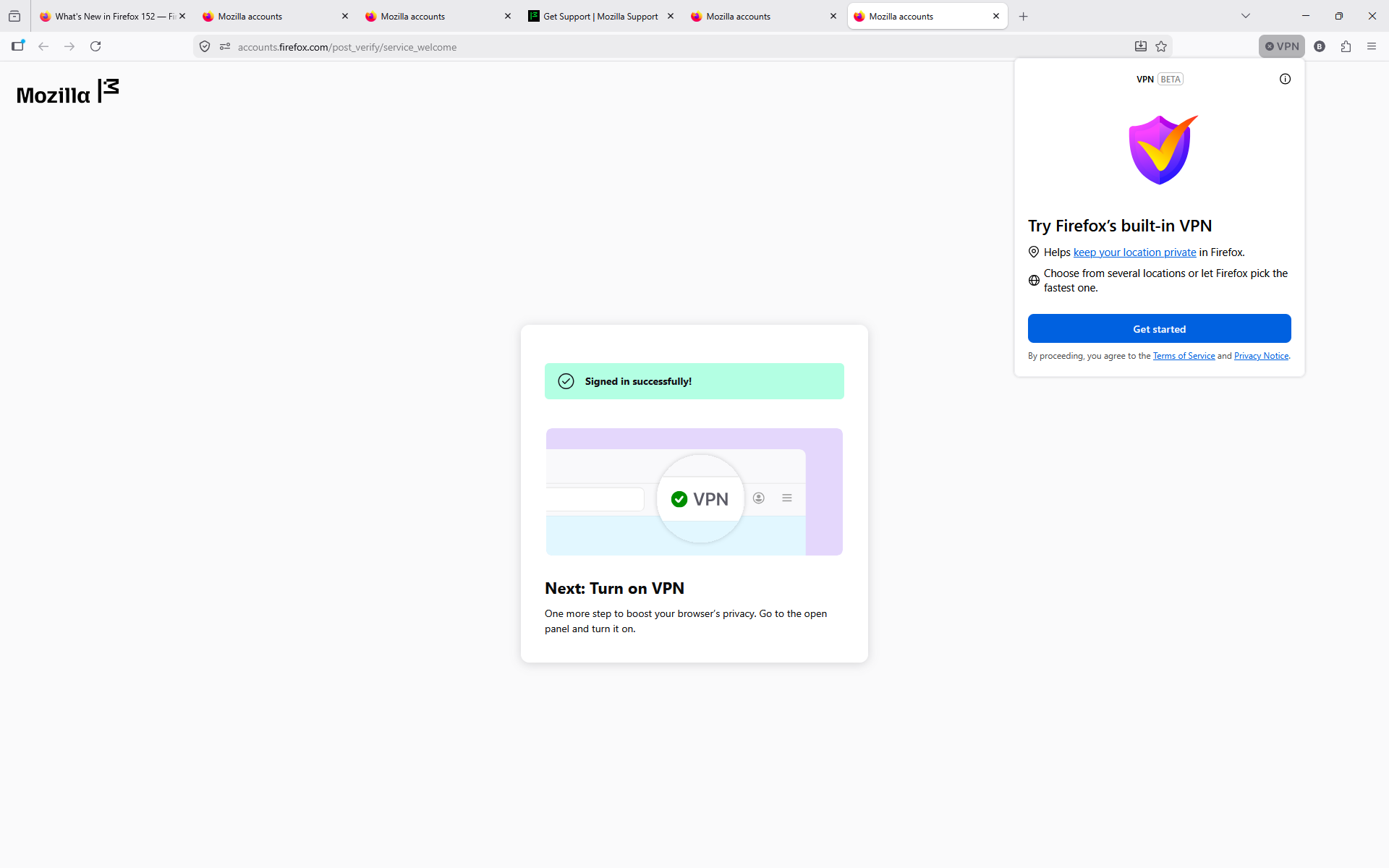
Firefox VPN stopped working and now just gives me an infinite Get Started Sign in Loop.

The built in VPN worked great for me for a couple of months, but now whenever I try to turn it on, it starts with the "Get Started" screen, which takes me to a page to confirm my account. When I press continue the VPN button just goes back to the "Get Started" screen & the loop repeats. I've tried signing out & refreshing my Firefox installation but I keep getting the same result. Before it started doing this the button to turn on the VPN was appearing but would not react to clicks.
The built in VPN worked great for me for a couple of months, but now whenever I try to turn it on, it starts with the "Get Started" screen, which takes me to a page to confirm my account. When I press continue the VPN button just goes back to the "Get Started" screen & the loop repeats. I've tried signing out & refreshing my Firefox installation but I keep getting the same result. Before it started doing this the button to turn on the VPN was appearing but would not react to clicks.