


Warning notifications always there

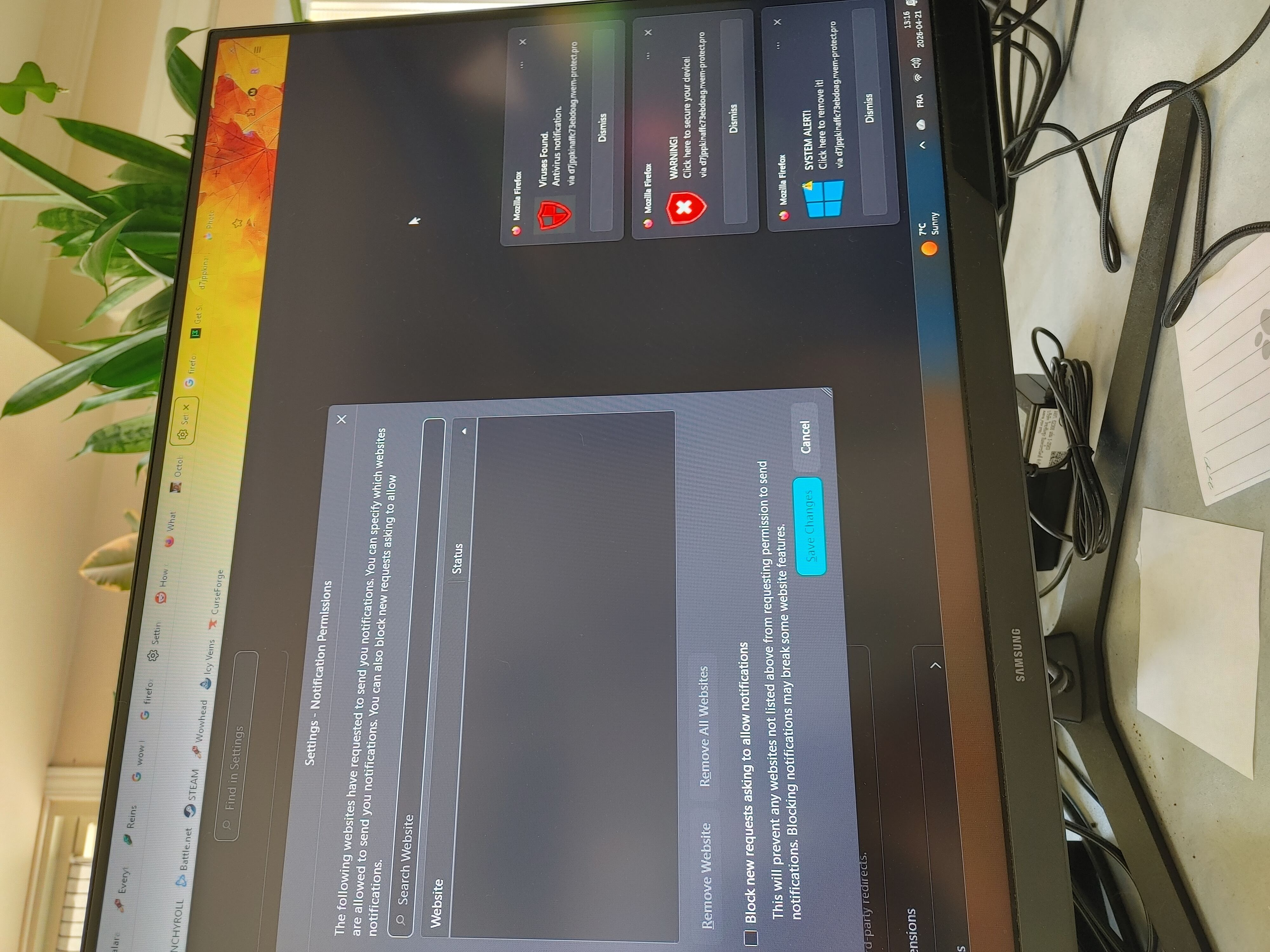
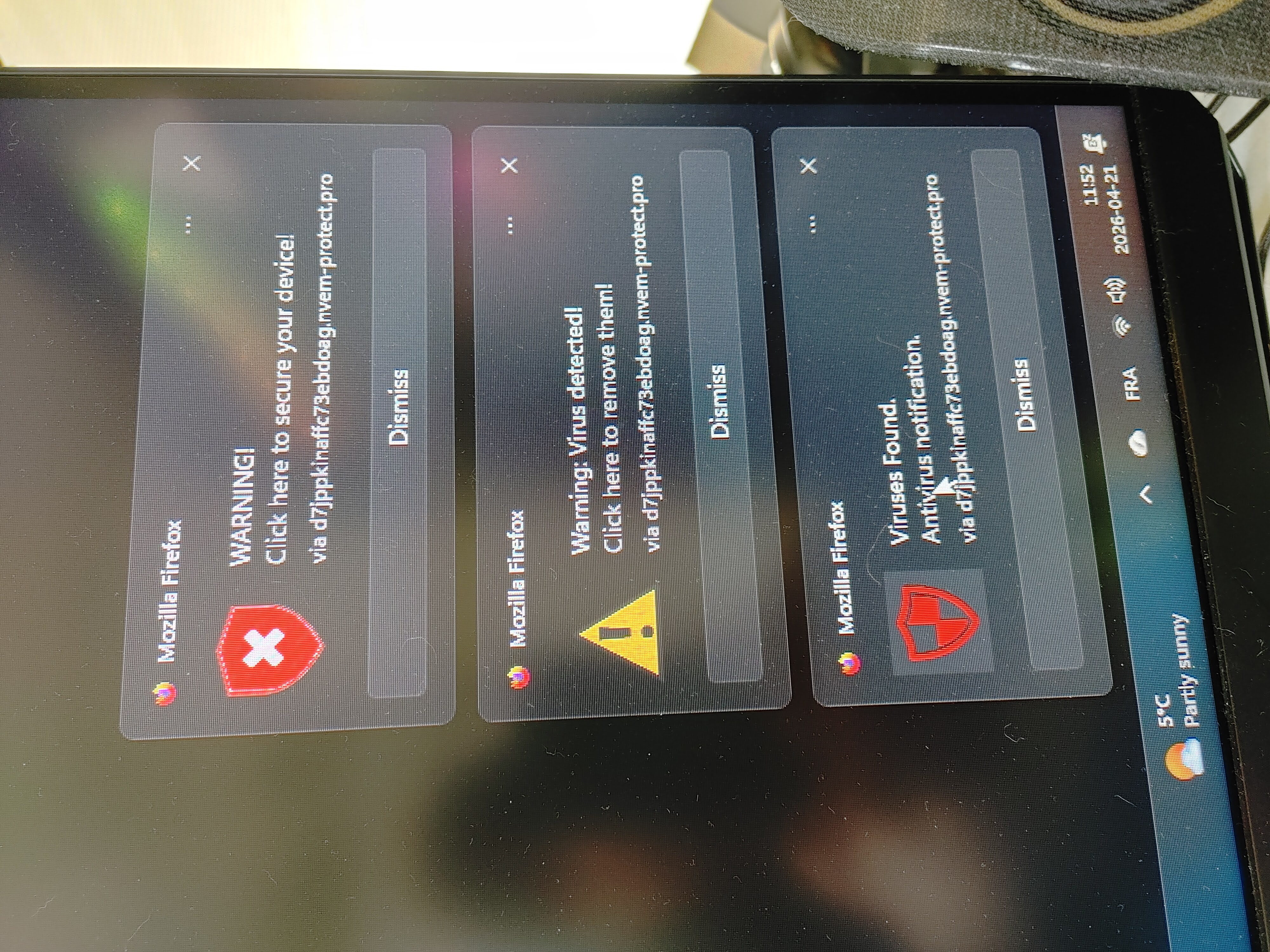
Hello, My brother clicked on "I am not a robot" popup after he clicked on an image to enlarge it on a website and then click on "allow" permission to send notification. So now there are always 3 notifications (like warning, viruses found, system alert, etc.) on the screen that will pop back on right after I close one. This is pretty annoying. I went to the firefox settings, in "privacy & security", scrolled down to "permissions" and "notifications" section, changed the status of that website from "allow" to "block", and then (and it may be my fault here, but how could I know ?) clicked on "remove website" just below. Well, now the website is not there anymore, but I am still getting annoying warnings notification that can't be close. We can see the adress (don't know if I can write it up here, but you can see in the photos attached) on the notifications, so I opened up a new tab and wrote it down manually to be able to click on "block" directly, but I am just getting a white page (no window to click "I am not a robot" and no window to ask to allow notifications). I clicked on the little shield icon that is at the left to the address bar and then clicked on "clear cookies and site data", but it did not change anything. I am at loss here. I went back to the website with the image on it that my brother clicked to enlarge, and I clicked this image too. The same thing happened (robot, allowing notification popups), but the address is different (you know when it's a long non sense address... always almost the same but with some different letters/numbers) . So I can block this one, but not the one that is still allowed somehow to send me notifications. I closed firefox then restarted it, no change. Any ideas ? (Sorry the photos are not straight, don't know why because I can see them just fine upon opening)
All Replies (1)
Hi,
That sounds like a bug, and there's definitely 0% of your fault. Clicking "Remove website" (and saving changes) should revoke the permission immediately.
A couple of thoughts about what might be going on:
Do you have other Firefox profiles? I'm pretty sure website permissions are profile-specific, and if the website has a permission to send notifications in another profile, you'll still see them. If you do have other profiles, make sure that the website is removed/blocked there as well. Places to check for profiles:
- Firefox menu > Profiles
- The about:profiles page (just type about:profiles in the address bar and press Enter).
If the above is not the case / doesn't help, I'd try the following (advanced, but should give precise info about the state of things):
1. Enable the Browser Console command line as described here.
2. Once that's enabled, follow the instructions on how to open the Browser Console, then run the following command, substituting <URL> with the website URL (don't keep <>):
let uri = Services.io.newURI("<URL>");
let principal = Services.scriptSecurityManager.createContentPrincipal(uri, {});
let perms = Services.perms.getAllForPrincipal(principal);
for (let perm of perms) {console.log(perm.type, perm.capability);}
3. What output do you get? If the website still has the notifications permission (which hasn't been removed for some reason), you should see "desktop-notification 1". If you see this, try running the following command and see if the issue goes away:
Services.perms.removeFromPrincipal(principal, "desktop-notification");
Looking forward to your update!