


ACCESS DENIED

Why does FIREFOX give a message Access Denied to major websites like Royal Caribbean Cruises? I switched to FIREFOX because Microsoft Edge does the same thing.
All Replies (4)
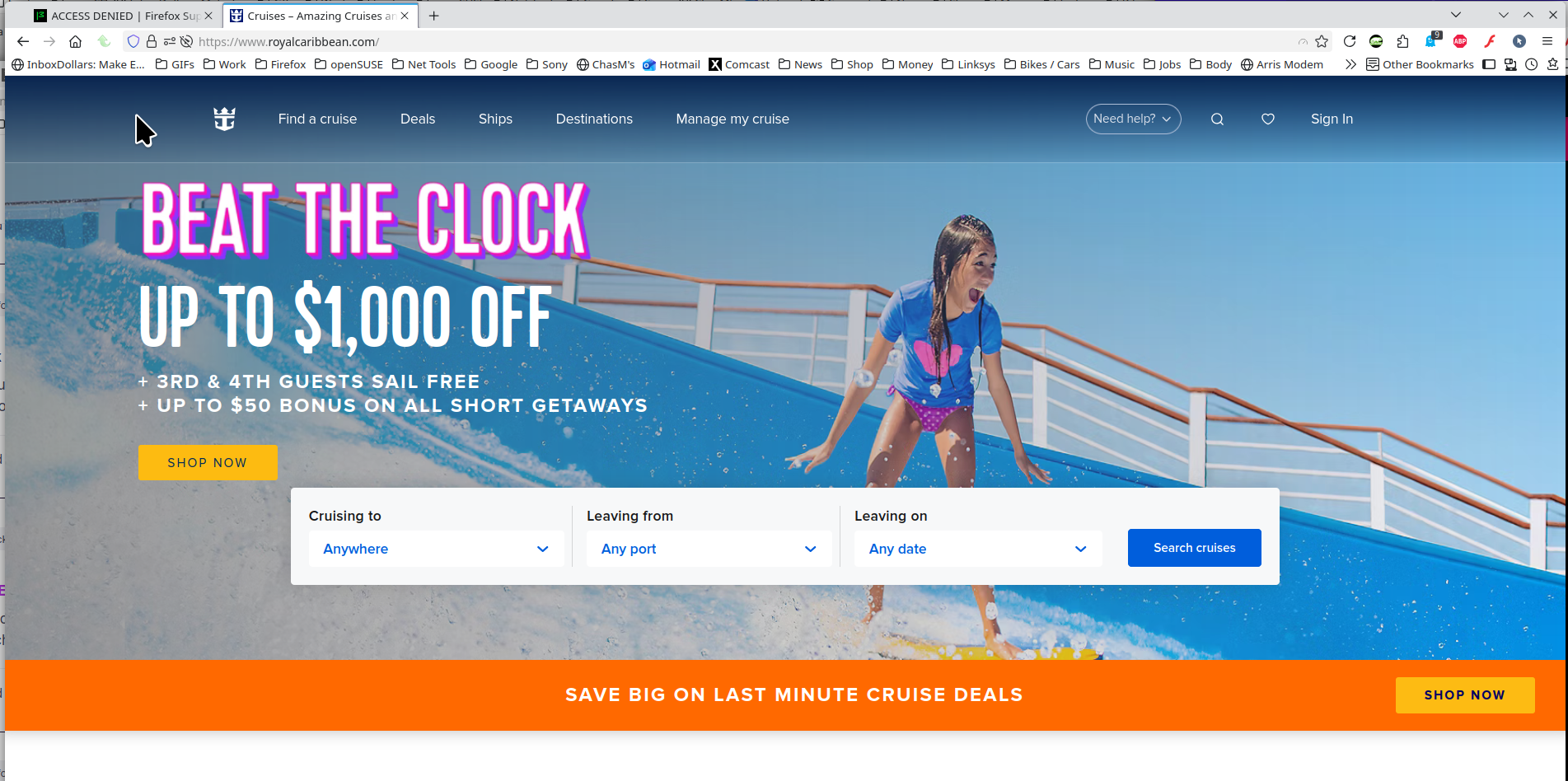
What security software besides MS Defender are you running? What version of Firefox? Site works for me. see screenshot
Does it happen with Firefox in Troubleshoot Mode? https://support.mozilla.org/en-US/kb/diagnose-firefox-issues-using-troubleshoot-mode#search
Did you clear your browser cache? https://support.mozilla.org/en-US/kb/clear-cookies-and-site-data-firefox
I've cleared the browser before and all that did was erase all the login information to a number of sites and nothing helped. I don't see any place where there are 3 bars to click on and when I hold down the shift key to open Firefox in a troubleshoot mode it won't work because it says Firefox is already running as has to be shut down. Then Firefox opens with the usual access denied when I click on the Royal Caribbean website.
Why do you think it's our fault when Microsoft Edge does the same thing?
As a frustrated user and not an IT professional, all I can go by is I used to be able to access websites that now show ACCESS DENIED when using certain browsers and have yet to find someone that truly has a fix for the problem. If it used to work fine, then what changed? I didn't change anything so it must have been changed by the IT professionals behind the browsers who should be able to offer a definite solution to the problem. It appears to be thousands of users with the same issue and still no solution because the solutions being offered all say the same thing and none of them get the job done. So what changed that apparently can't be fixed? I've never used Firefox but one user recommended it and thought it might work so I'm giving it a try to no avail. I see it thinks I'm running Windows 10 which is wrong. I'm running 11 so I guess Firefox didn't recognize that when I signed up. And not being an IT professional, I was stunned with the first response from Mozilla questioning if I had tried opening it under the troubleshooter. How or why as a user would I even know about that? And as I said before, it didn't change anything when I finally opened Firefox as far as I could tell so I continued to get the ACCESS DENIED answer. So again, my question is why can't I access certain websites that I used to be able to?