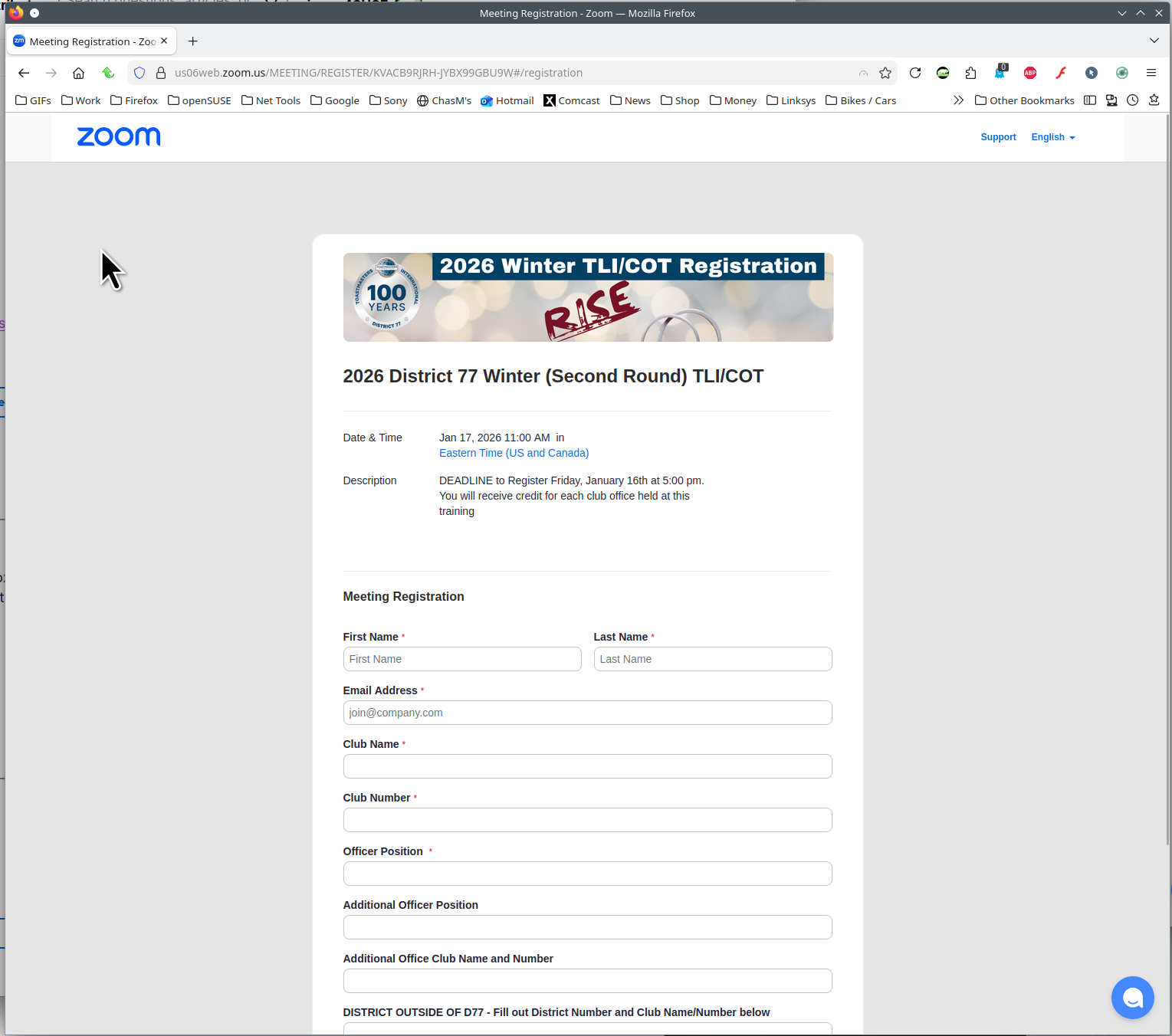
A link that works on Chrome or Edge does not work on FireFox.

Gets this message at Zoom: Uh oh! You seem to have lost your way. Let us help you find what you were looking for:
It should go here:
https://us06web.zoom.us/MEETING/REGISTER/KVACB9RJRH-JYBX99GBU9W#/registration
This link: https://toastmasters77.us12.list-manage.com/track/click?u=2b525001abf480c4c4488cf7e&id=0879b3ba85&e=9eb585249c
Gets this message at Zoom:
Uh oh!
You seem to have lost your way. Let us help you find what you were looking for:
It should go here:
https://us06web.zoom.us/MEETING/REGISTER/KVACB9RJRH-JYBX99GBU9W#/registration
All Replies (1)
It works for me. see screenshot
Windows home or pro and what security software are you running besides MS Defender? If pro, you should have Windows Sandbox enabled for testing. https://www.howtogeek.com/399290/how-to-use-windows-10s-new-sandbox-to-safely-test-apps/
Do you have the same issue with Firefox in Troubleshoot Mode? https://support.mozilla.org/en-US/kb/diagnose-firefox-issues-using-troubleshoot-mode#w_how-to-start-firefox-in-4troubleshoot-modesf5safe-modesf