

This thread was archived.
Please ask a new question if you need help.

المُؤرشفة
"Do Nothing" option for Open With Applications missing from FF 142

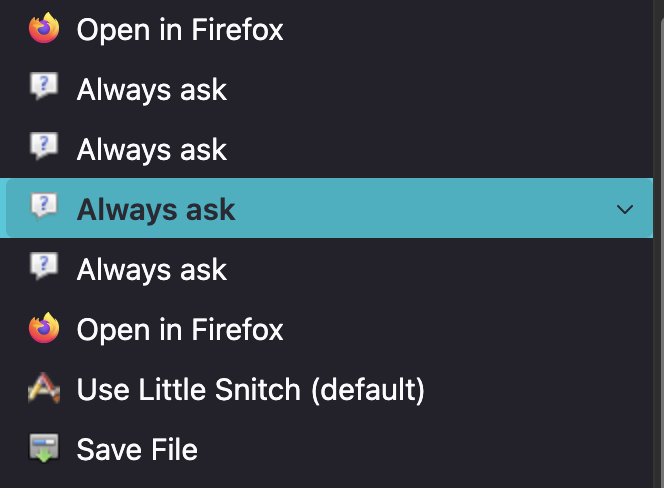
in Settings under "Applications" i had the "Do Nothing" options chosen for several file types, to prevent automatically getting kick to a different app every time i opened certain webpages (ie Telegram links). the "Always Ask" option is available but that also disrupts workflow with the popup box and no quick keyboard shortcut to dismiss it. i am about to downgrade i am so frustrated about this. i have several hundred pages to go through, and it should be as easy asopening the pasge and selecting text, but now each time the page opens, i'm forced to either switch apps or manually dismiss a popup.
in Settings under "Applications" i had the "Do Nothing" options chosen for several file types, to prevent automatically getting kick to a different app every time i opened certain webpages (ie Telegram links). the "Always Ask" option is available but that also disrupts workflow with the popup box and no quick keyboard shortcut to dismiss it. i am about to downgrade i am so frustrated about this. i have several hundred pages to go through, and it should be as easy asopening the pasge and selecting text, but now each time the page opens, i'm forced to either switch apps or manually dismiss a popup.
Modified by marlboro1342
All Replies (1)
version 142, sorry